 Monestra
Your money
Accounts
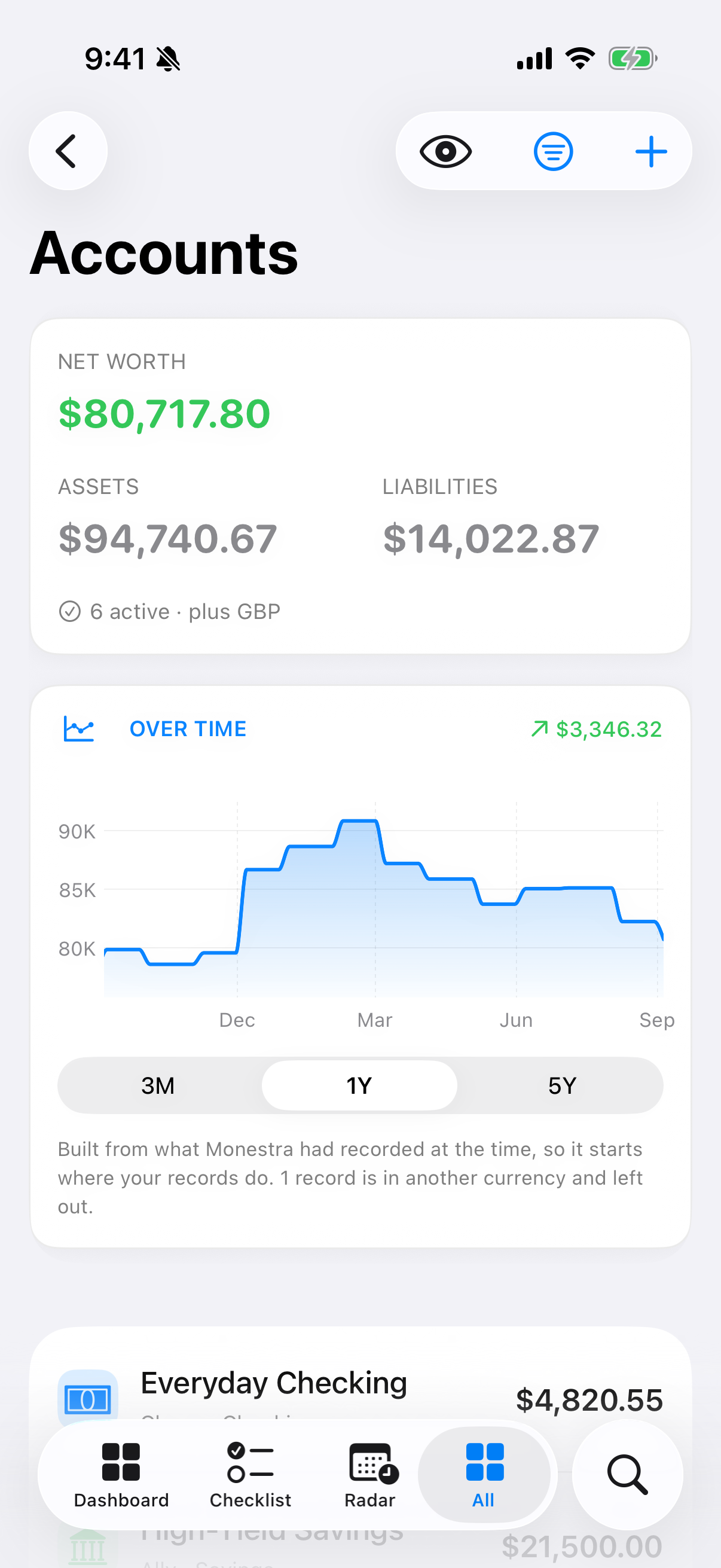
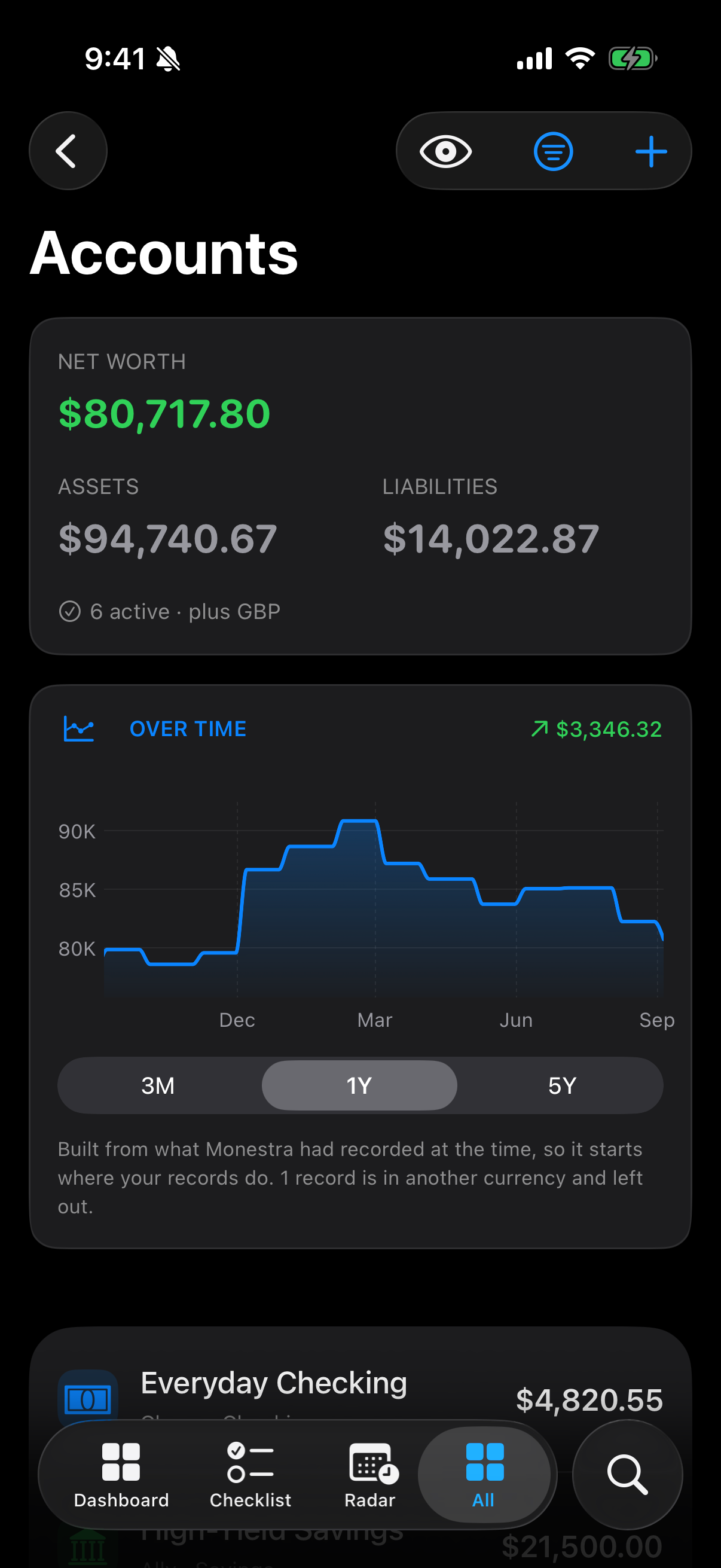
Bank, cash, investment, credit card and loan balances — the foundation everything else in Monestra is measured against.
Accounts is where money you hold, and money you owe, is recorded. It is the first module to fill in and the one net worth leans on hardest.
What it holds#
Six account types, split by which side of net worth they land on:
| Type | Counts as |
|---|---|
| Checking, Savings, Cash, Investment | Asset |
| Credit Card, Loan | Liability |
The summary shows assets, liabilities and the net of the two. Set the type correctly and the arithmetic takes care of itself — a credit card entered as a savings account is the single most common reason a new Dashboard looks wrong.
Currency#
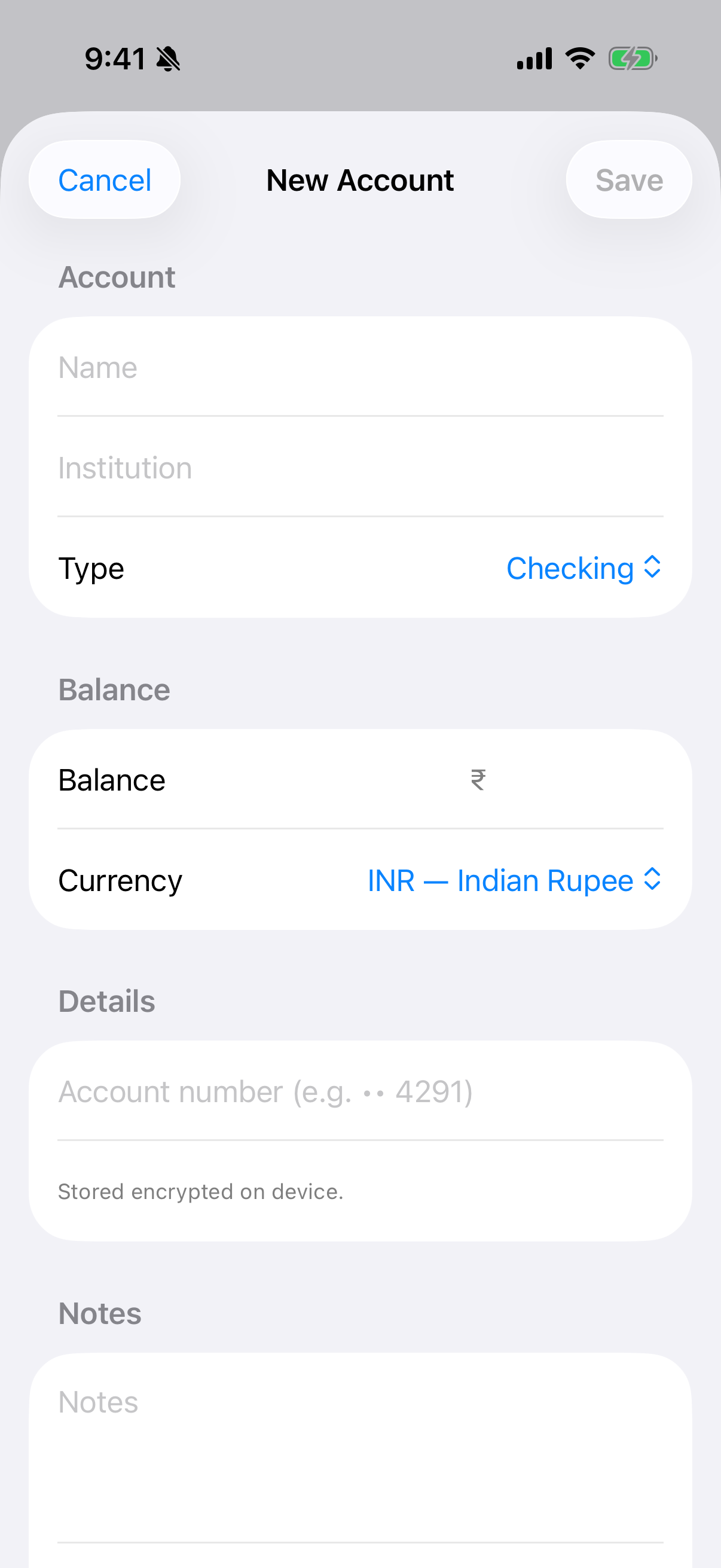
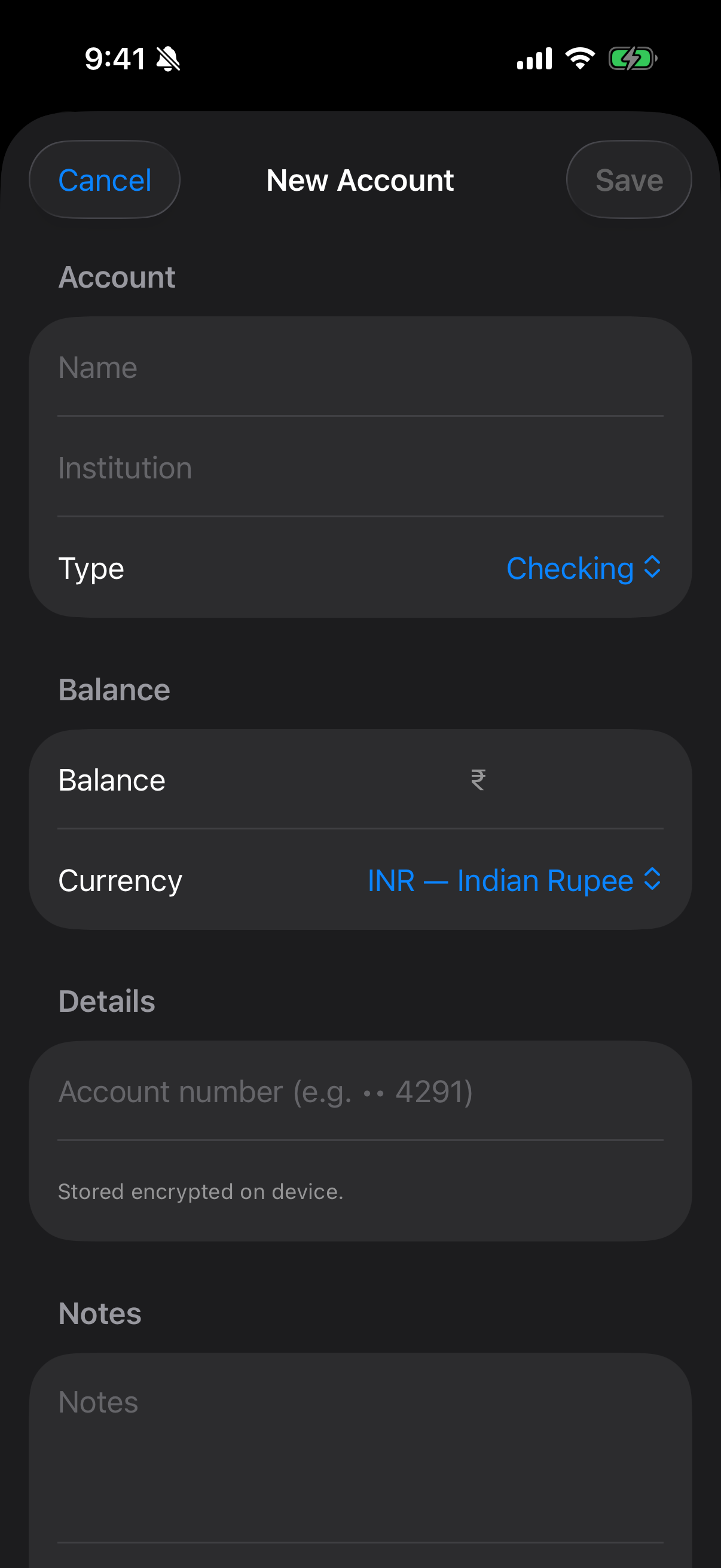
Each account carries its own currency. A USD brokerage account and an INR savings account sit side by side untouched; Monestra converts only for summary figures, and only when Market data is on. Until then, the summary lists the currencies it could not combine rather than silently dropping them.
The account number#
The account-number field is encrypted at rest with a key held in your device Keychain. It is never indexed by Find, never included in a report, and never sent anywhere. It exists so you can identify which account a row refers to, not as a place to store credentials.
Keeping balances current#
Nothing updates a balance except you. Monestra records when you last touched each one and, after 30 days, raises it in the Checklist under Out of date.
The Checklist's Update balance action opens the editor directly, which is the fastest route: work down the Out of date band once a month and every balance in the app is current.
Value history#
Every account carries a history of what its balance used to be. Right-click a row (or long-press on iPhone) and choose Value history… to see the line, correct a past figure, or import a series from CSV. See Value history.
Links from other modules#
Goals can point at an account to record where the money is kept. It is a reference only: the account's balance is shown beside the goal, never read into it, because one account often backs several goals and adding them up would be wrong.