 Monestra
Getting started
Your first record
A ten-minute setup that gets the Dashboard telling the truth — in the order that makes the fewest figures wrong along the way.
Monestra starts empty — genuinely empty, with no demo account and no sample data to clear out first.
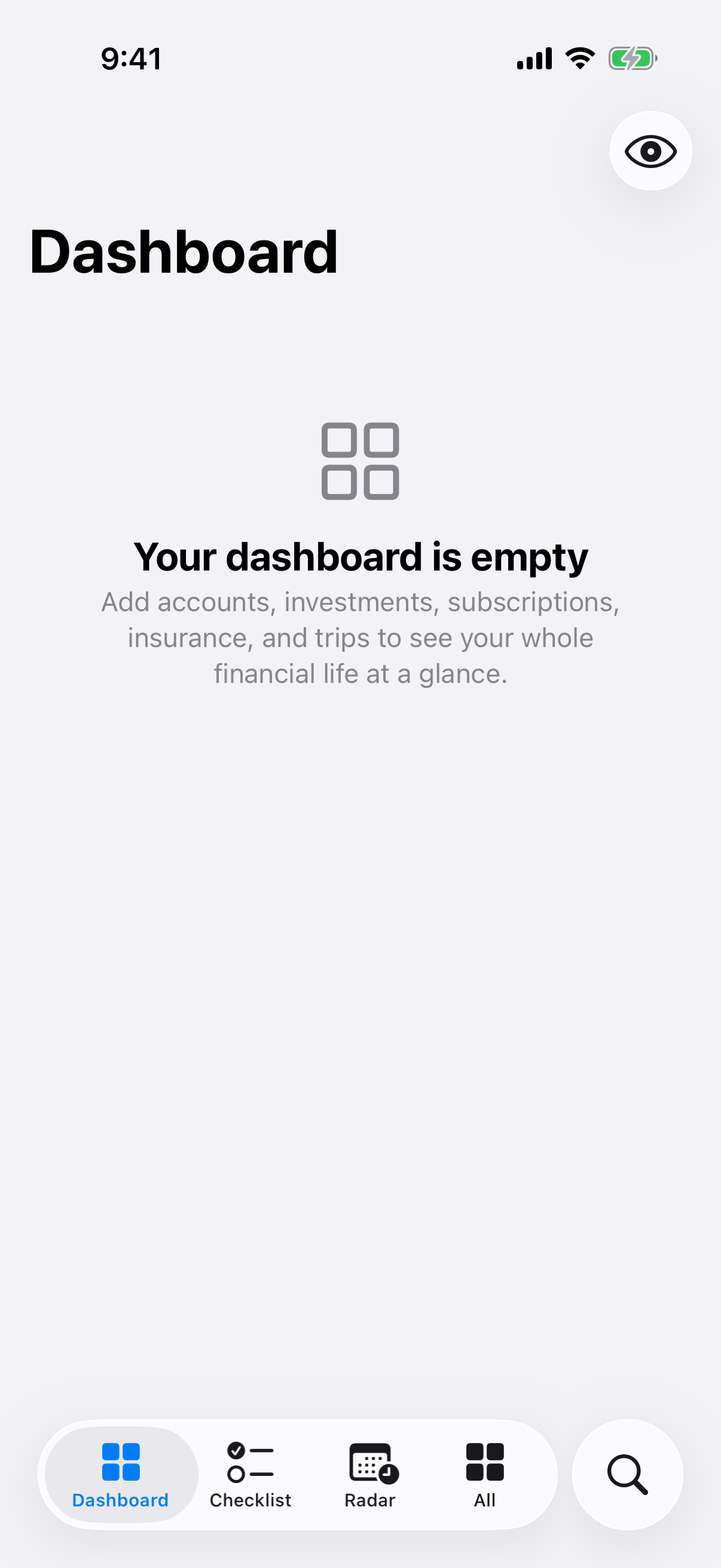
This chapter fills it in an order chosen so that every screen is correct at each step, rather than approximately correct until the last one.
The order that works#
- Accounts first. Everything else is easier to place once the cash is in. Add each bank account, cash you hold, credit cards and any loans.
- Then Investments. Holdings you own for return — shares, funds, deposits, bonds, crypto, bullion, property bought to let.
- Then Assets. Things you own and use — the home you live in, vehicles, jewellery you wear, electronics.
- Then the outgoings. Subscriptions, Staff, Insurance — the money that leaves on a schedule.
- Everything else, whenever. Goals, Compensation and Travel are useful but nothing depends on them.
Steps 1–3 settle your net worth. Step 4 makes the Checklist and Radar meaningful, because both are built entirely out of dated commitments.
Adding a record#
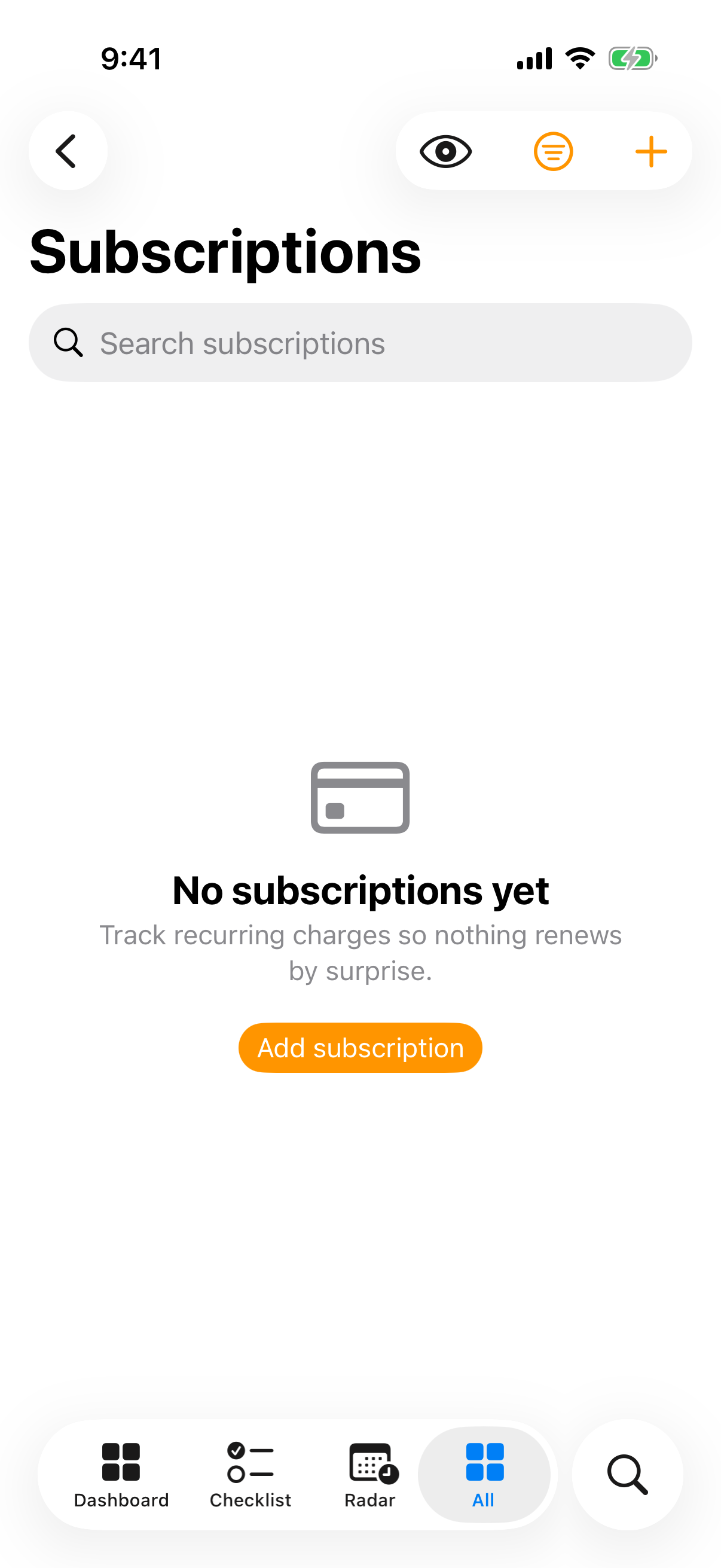
Every module works the same way. Open it, tap Add … in the toolbar, fill the form, save.
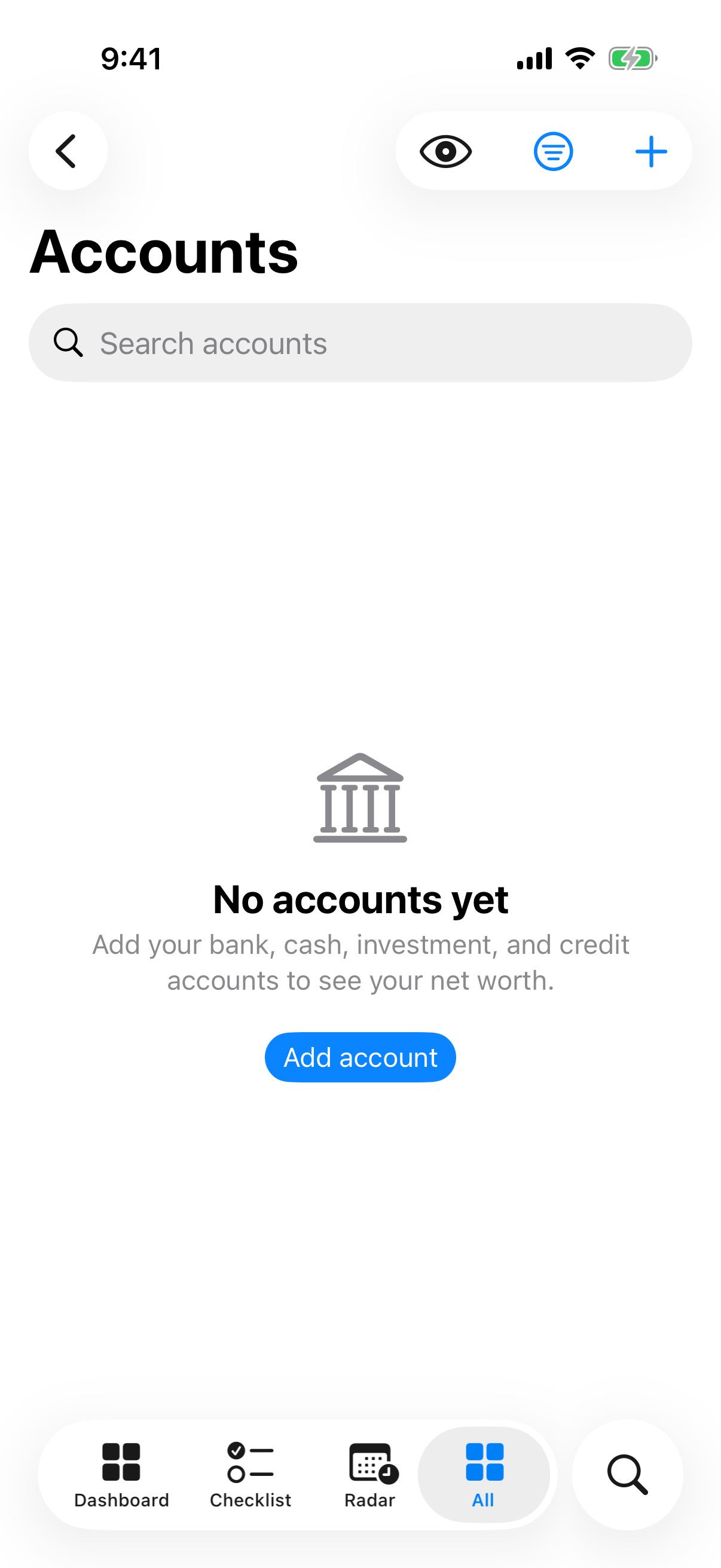
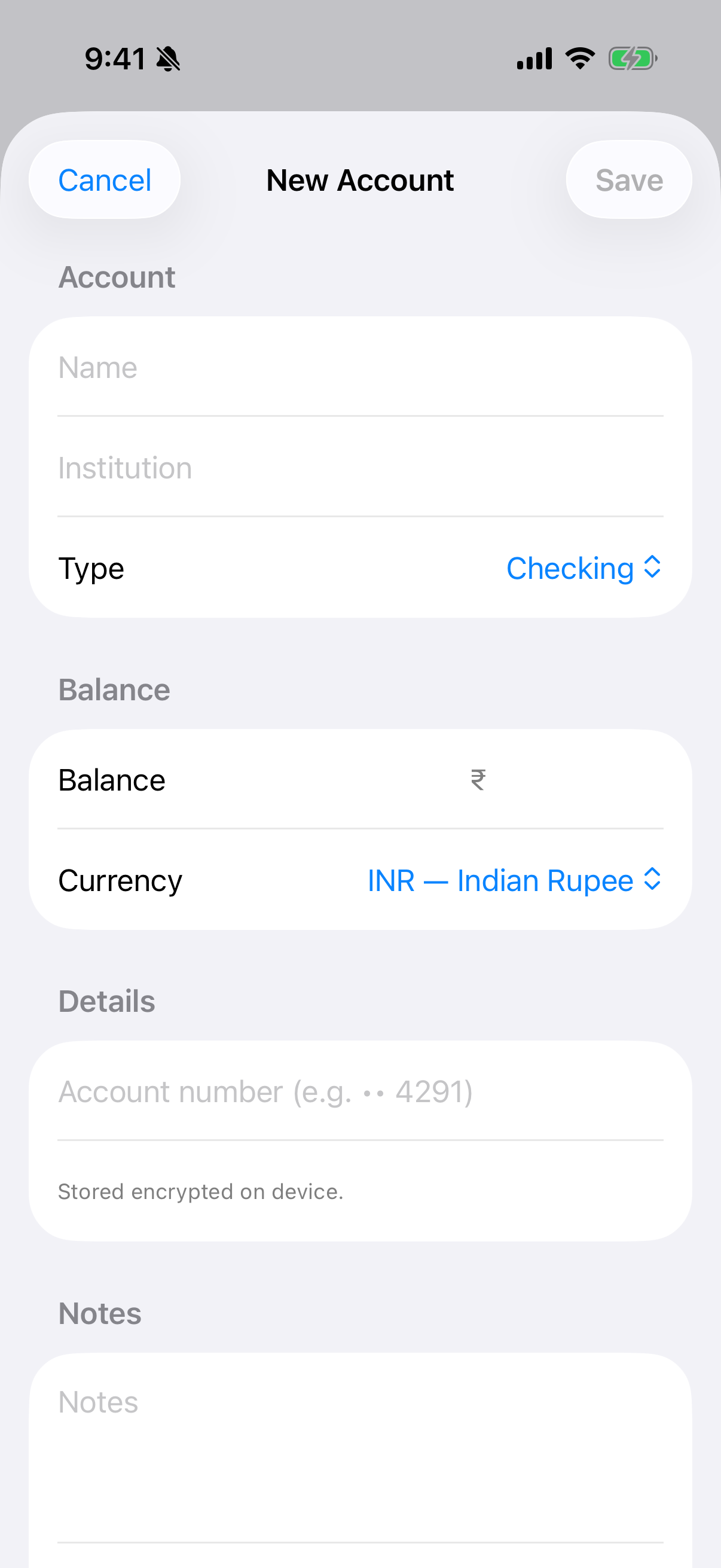
Each module's empty state says what belongs in it and offers the one button that matters:
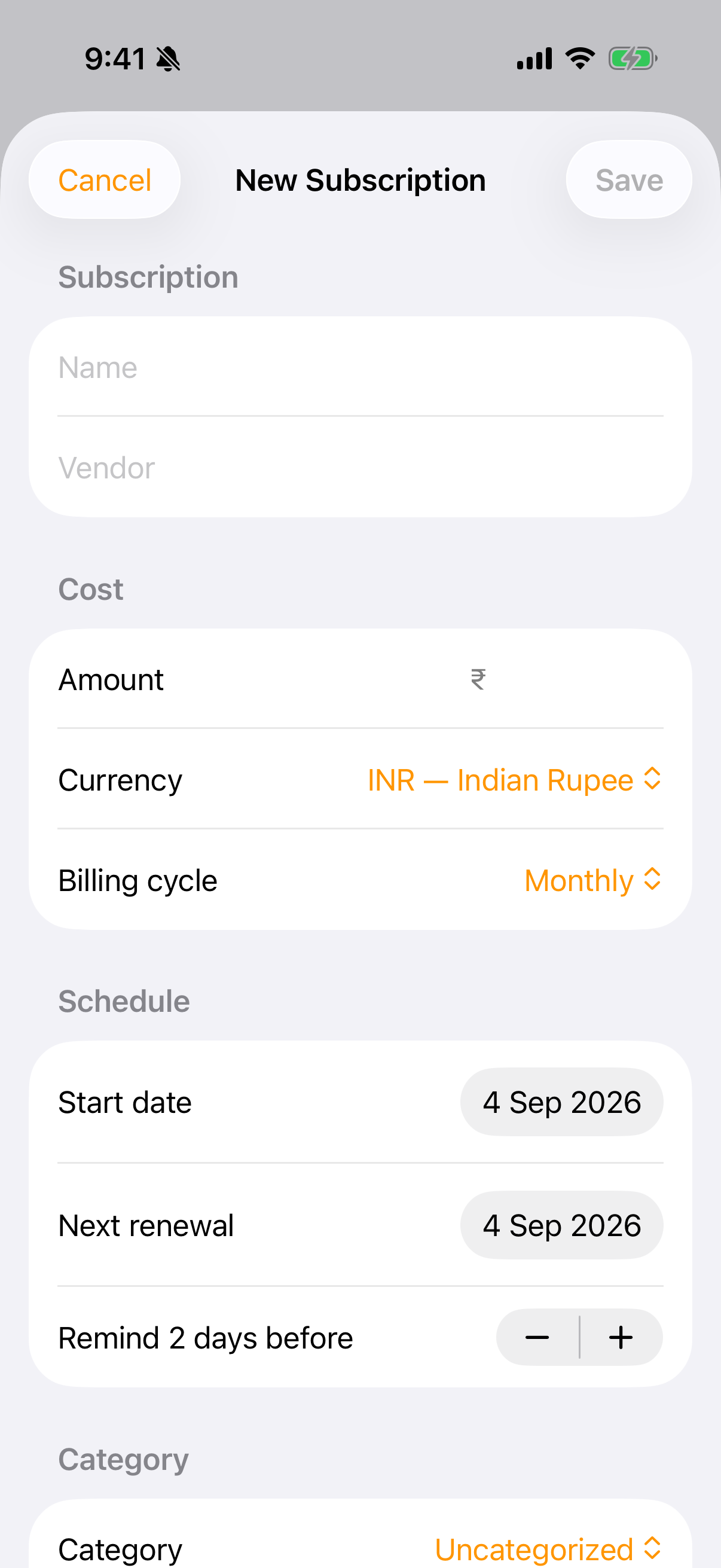
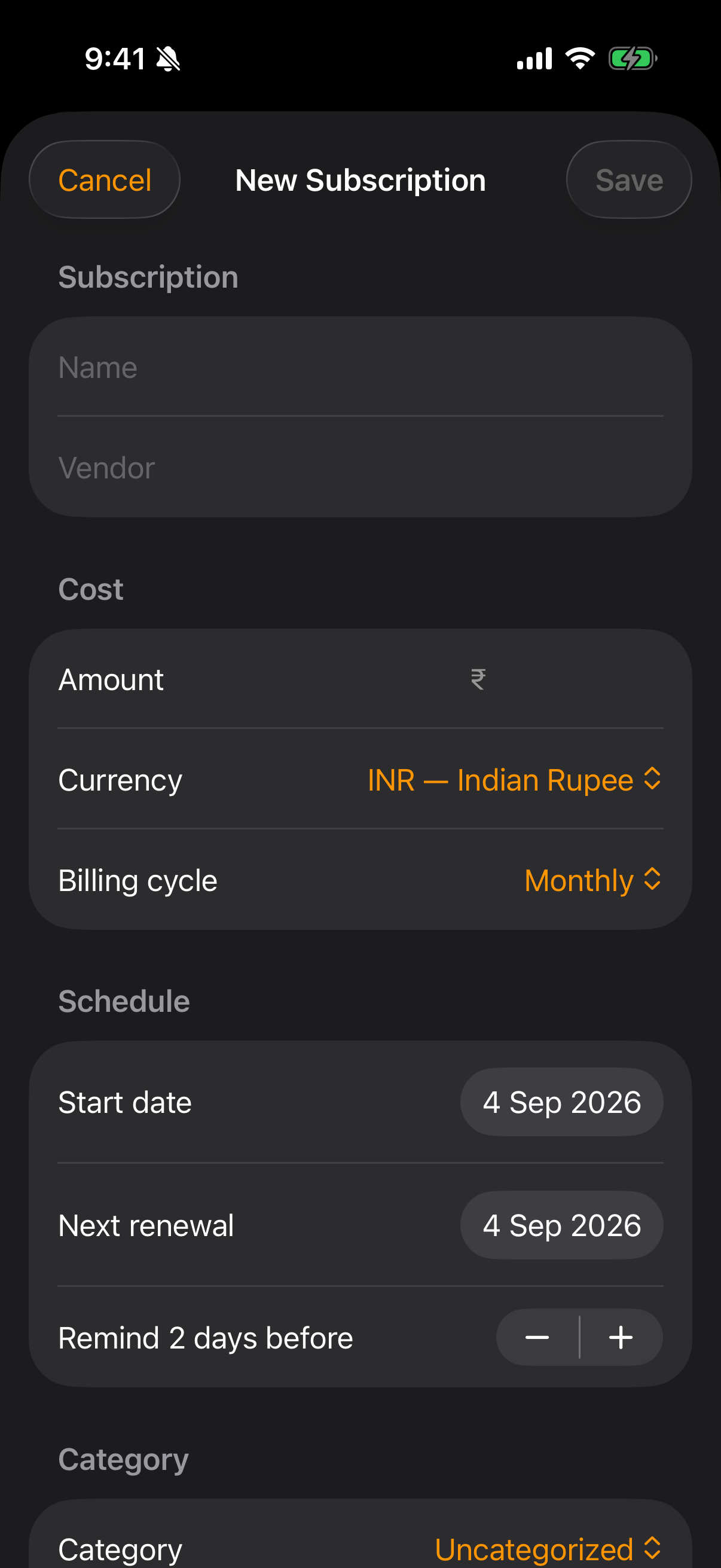
A few fields behave in ways worth knowing about:
- Currency is per record. Enter a US brokerage account in USD and a savings account in INR; Monestra keeps each in its own currency and only converts for summary figures — and only if you have turned on Market data.
- Account, policy and folio numbers are encrypted in place. They are sealed with a key held in your device Keychain, they never appear in search, and they are never included in a report.
- Dates are commitments. A renewal date, a premium date, a pay day — these are what the Checklist and Radar read. A record with no dates still counts toward net worth, but it will never remind you of anything.
The boundary that trips people up#
Investments and Assets both hold valuable things, and the split is by intent, not by object.
| Same object | Investments | Assets |
|---|---|---|
| Gold | Bullion, coins, sovereign gold bonds | Jewellery you wear |
| Property | A flat you rent out | The home you live in |
| A vehicle | — | Your car |
Both contribute to net worth and the Dashboard adds them together, so nothing is lost either way. Putting each thing on the correct side is what stops the same value being counted twice, and it makes Investments' return figures mean something — a portfolio that includes your wedding jewellery does not have a meaningful return.
Checking your work#
Open the Dashboard. Net worth should now be recognisable. If it is not, the usual causes are:
- A liability entered as a positive balance. Credit cards and loans are account types; set the type and Monestra subtracts them.
- A currency you did not mean. The Dashboard says which currencies it could not combine, right under the total.
- Something recorded twice — once in Investments and once in Assets.