 Monestra
Privacy and data
Market data and currency
The only feature in Monestra that touches the network. It ships off, it sends symbols and never amounts, and everything it does is written to a ledger you can read.
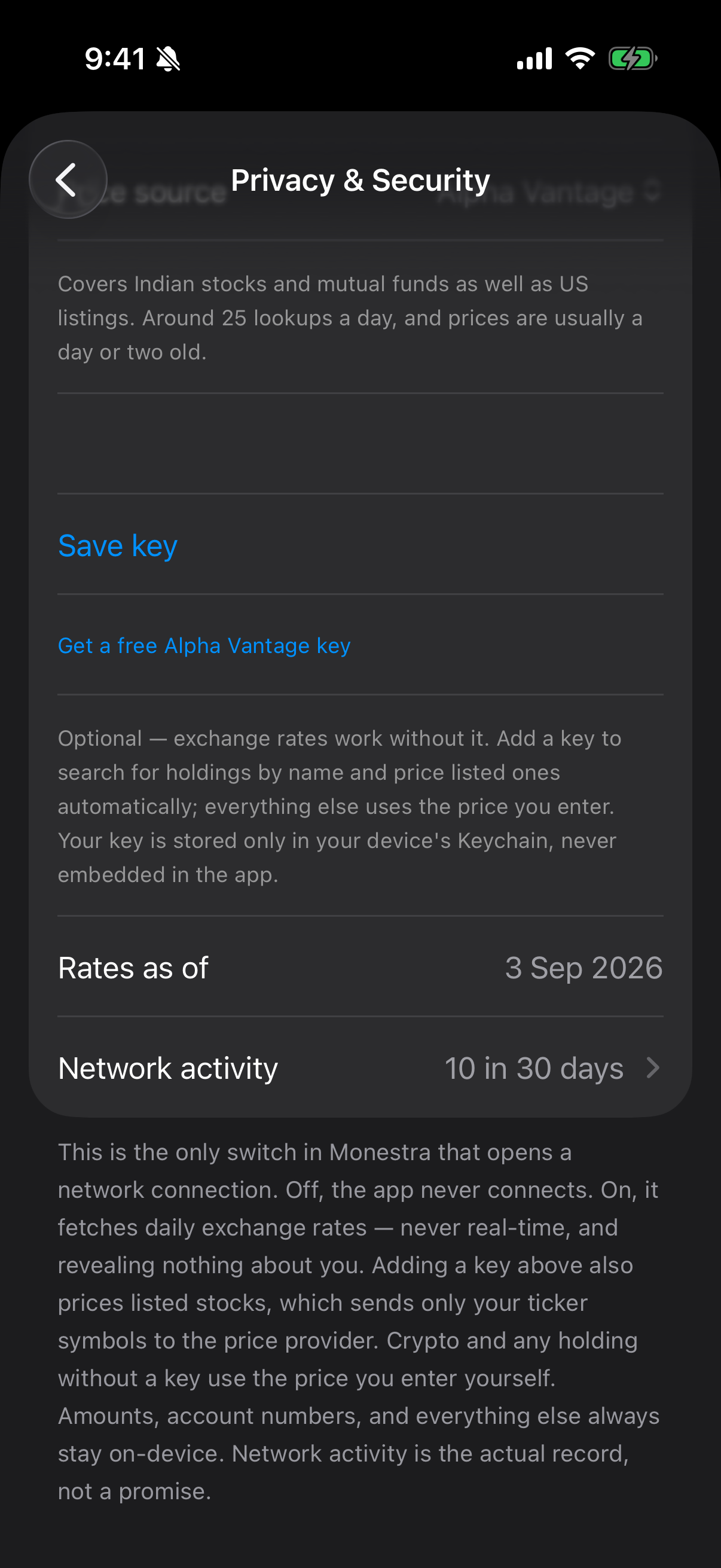
Monestra makes no network connections at all until you turn this on. The switch is Fetch latest prices & rates, under Settings ▸ Privacy & Security ▸ Leaving this device — the only network switch in the app, kept in the same section as the ledger recording what it does.
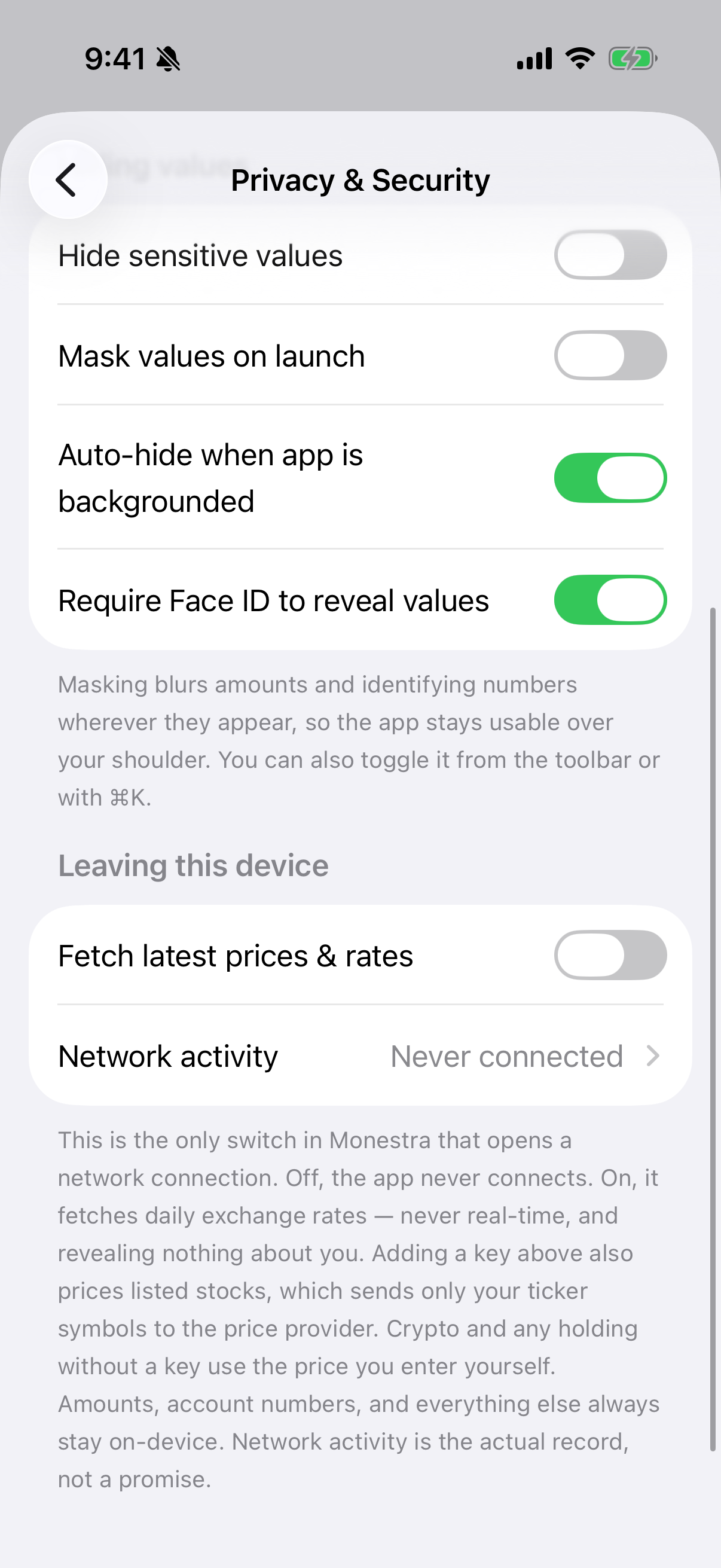
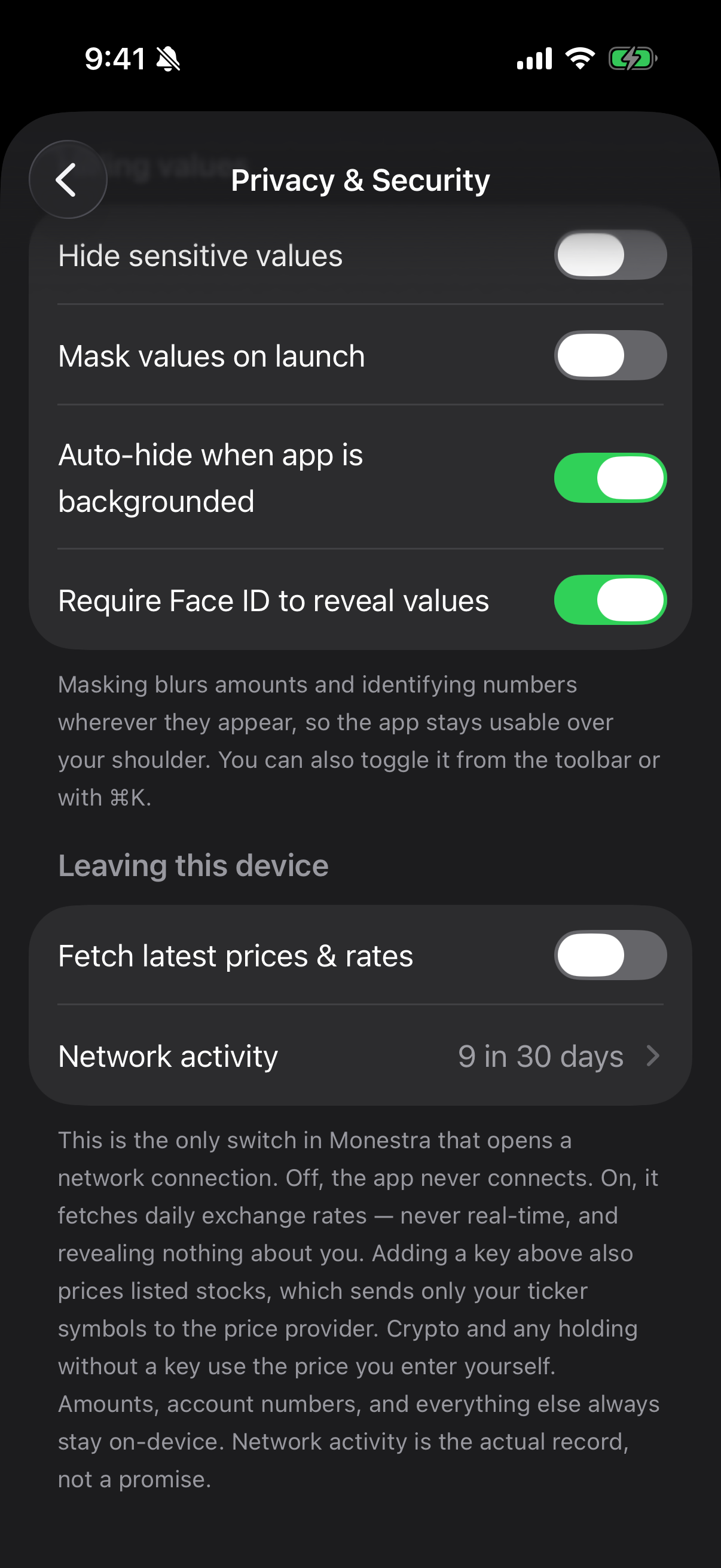
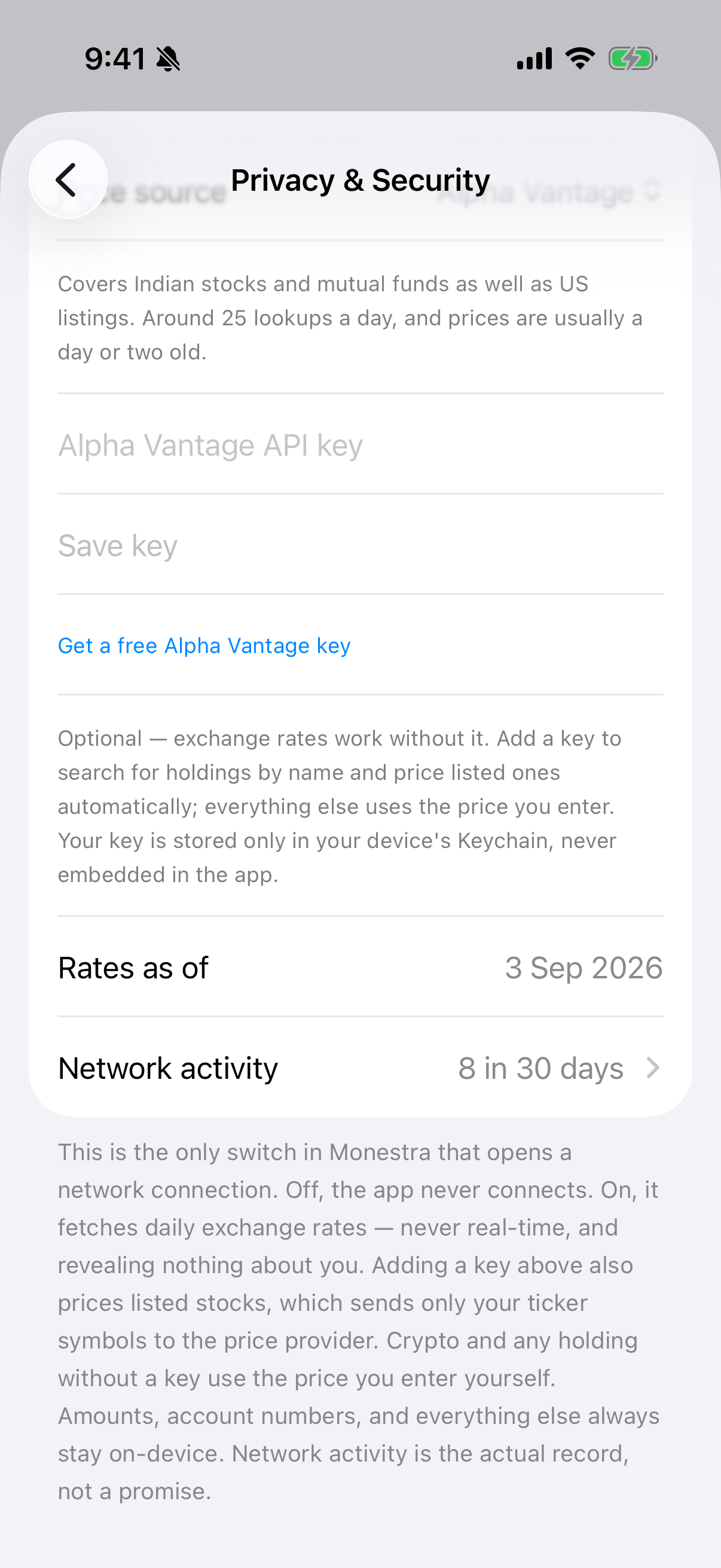
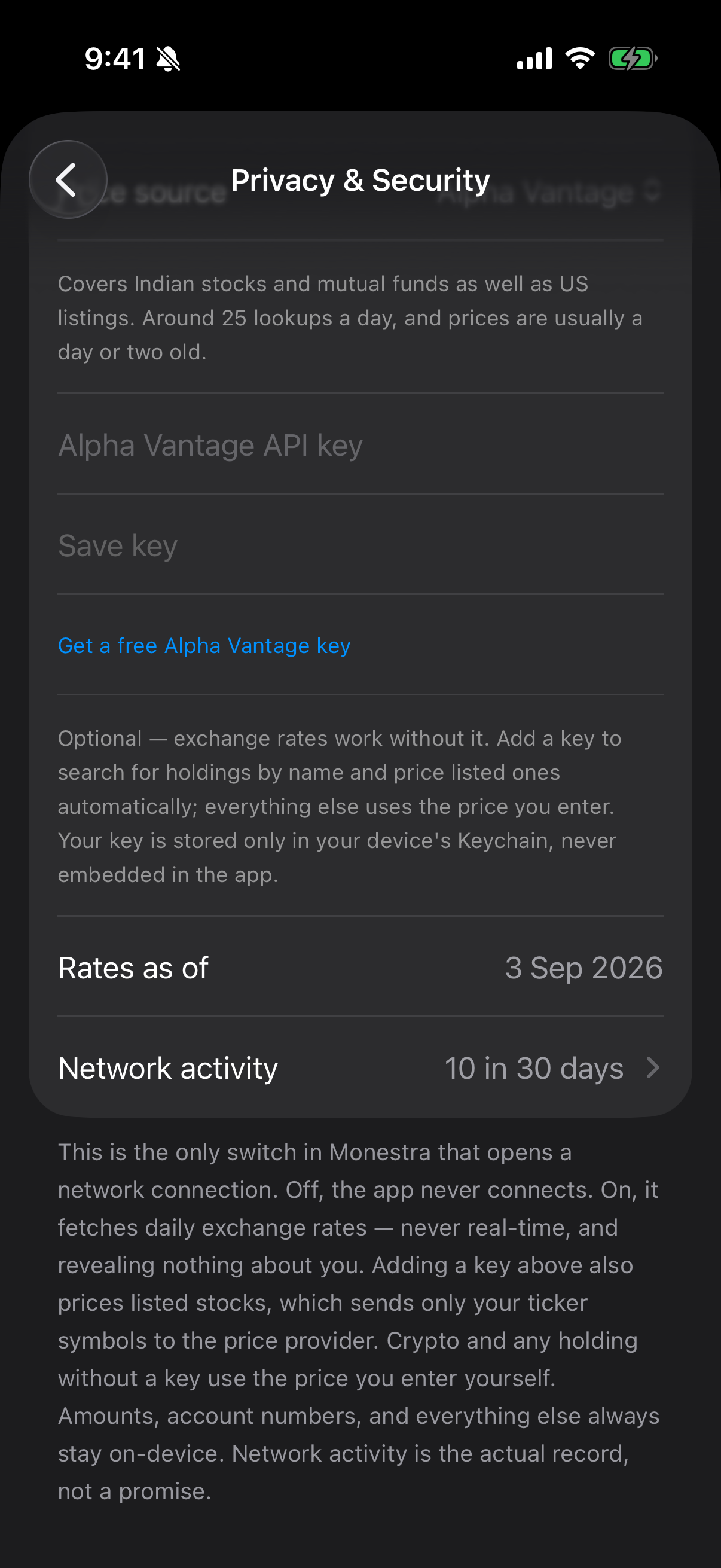
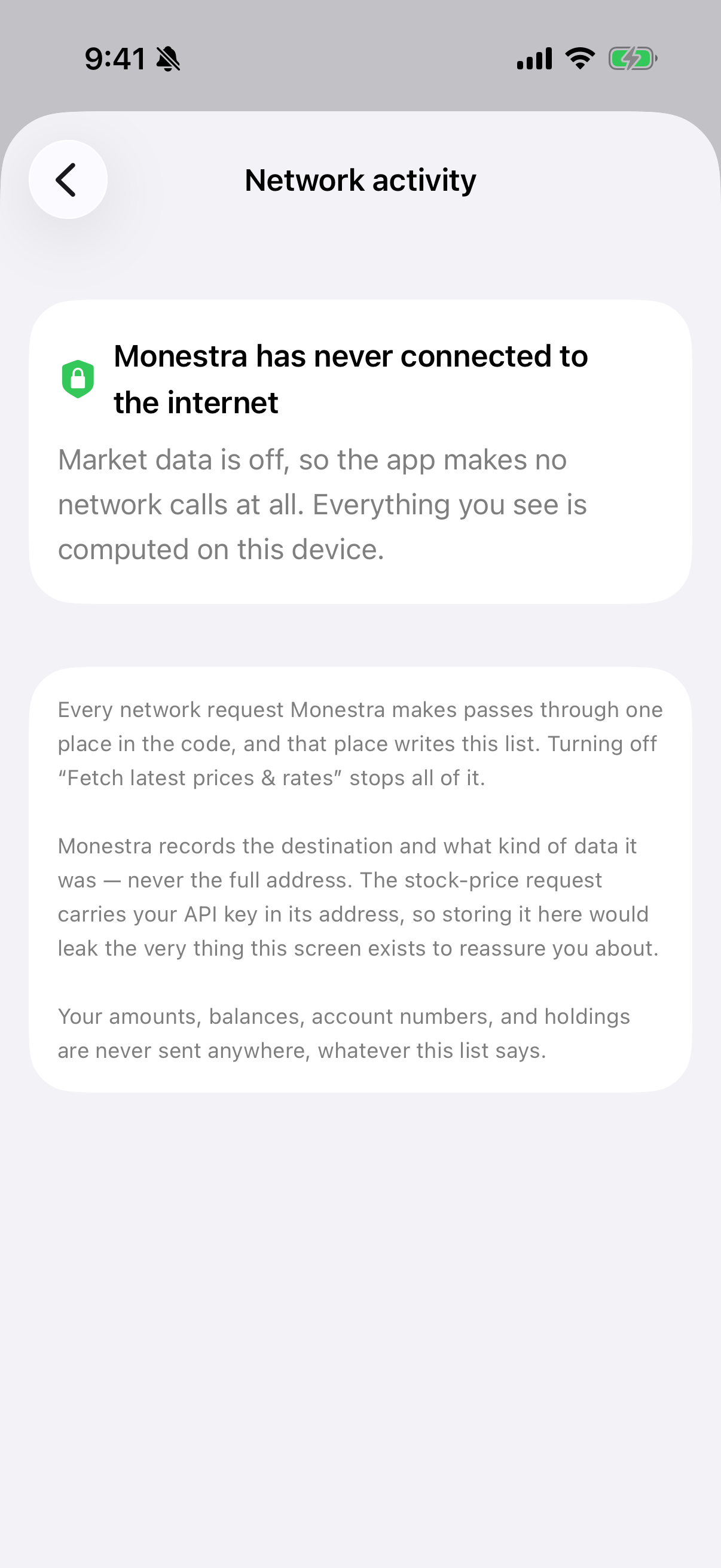
Before you turn it on, the ledger states the position plainly:
Two separate things#
Exchange rates — no key, no account#
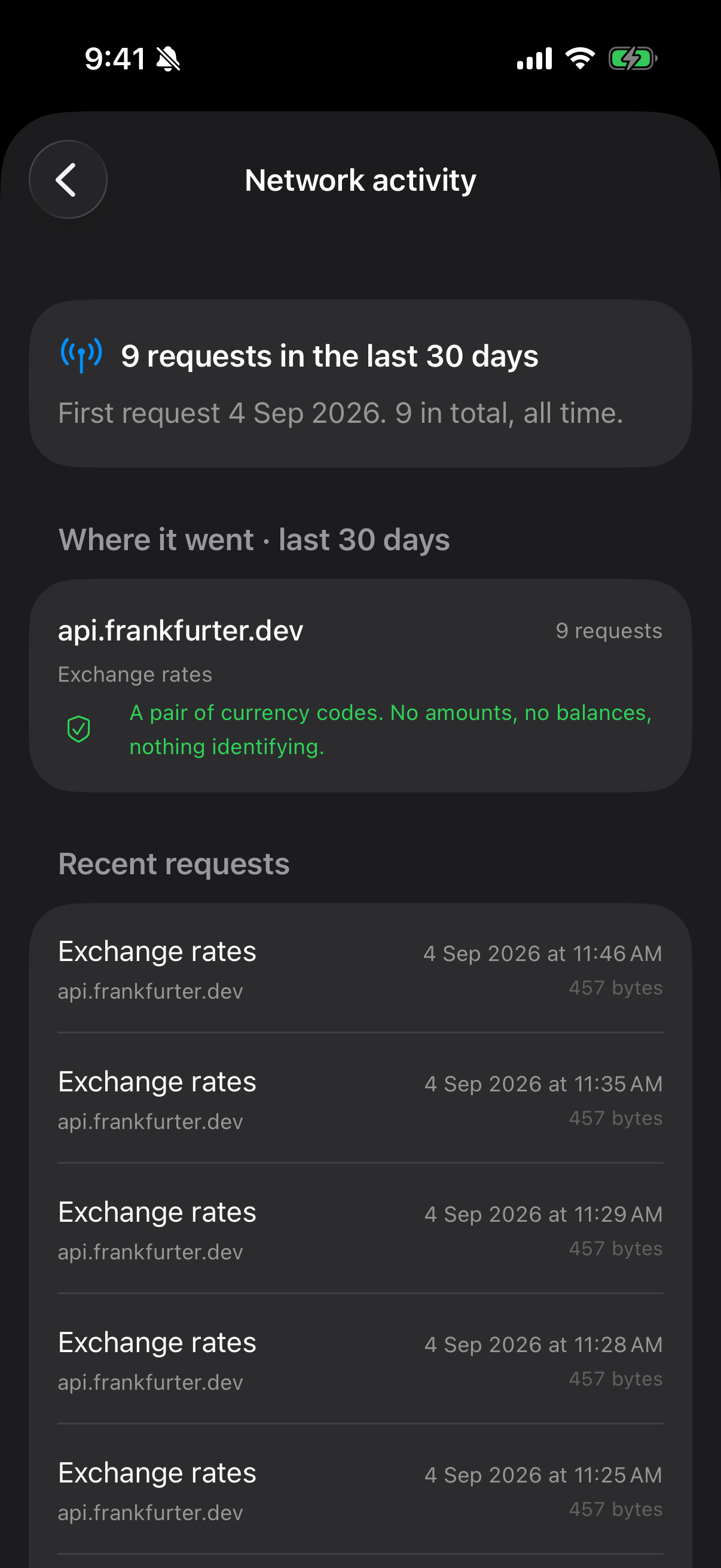
Rates come from Frankfurter, a keyless public service backed by European Central Bank data. A rate request reveals nothing about you: it asks what one currency is worth in another, which is the same question everyone else asking is asking.
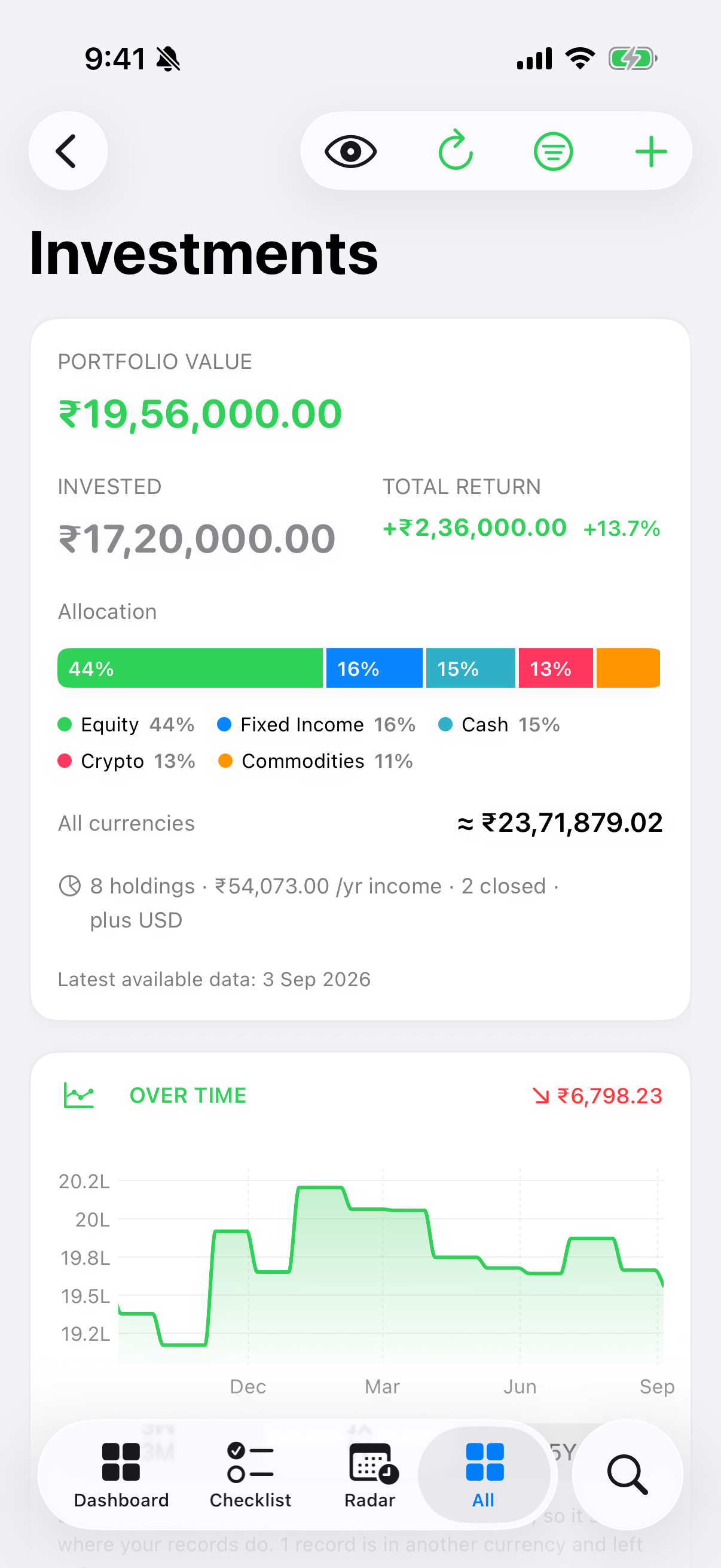
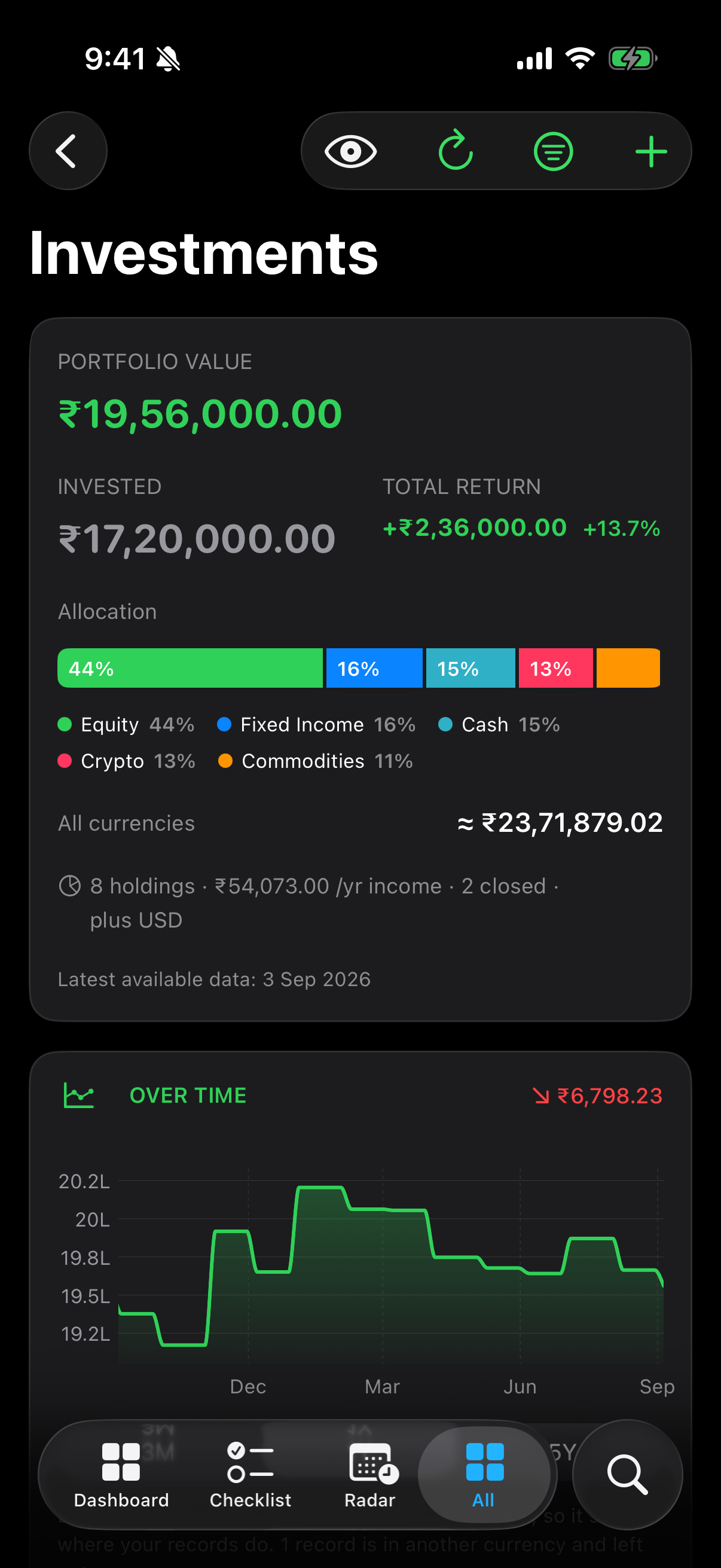
This is what lets the Dashboard combine a USD account and an INR account into one net-worth figure. Until it is on, Monestra lists the currencies it could not combine rather than silently dropping them from the total.
Share prices — your own key#
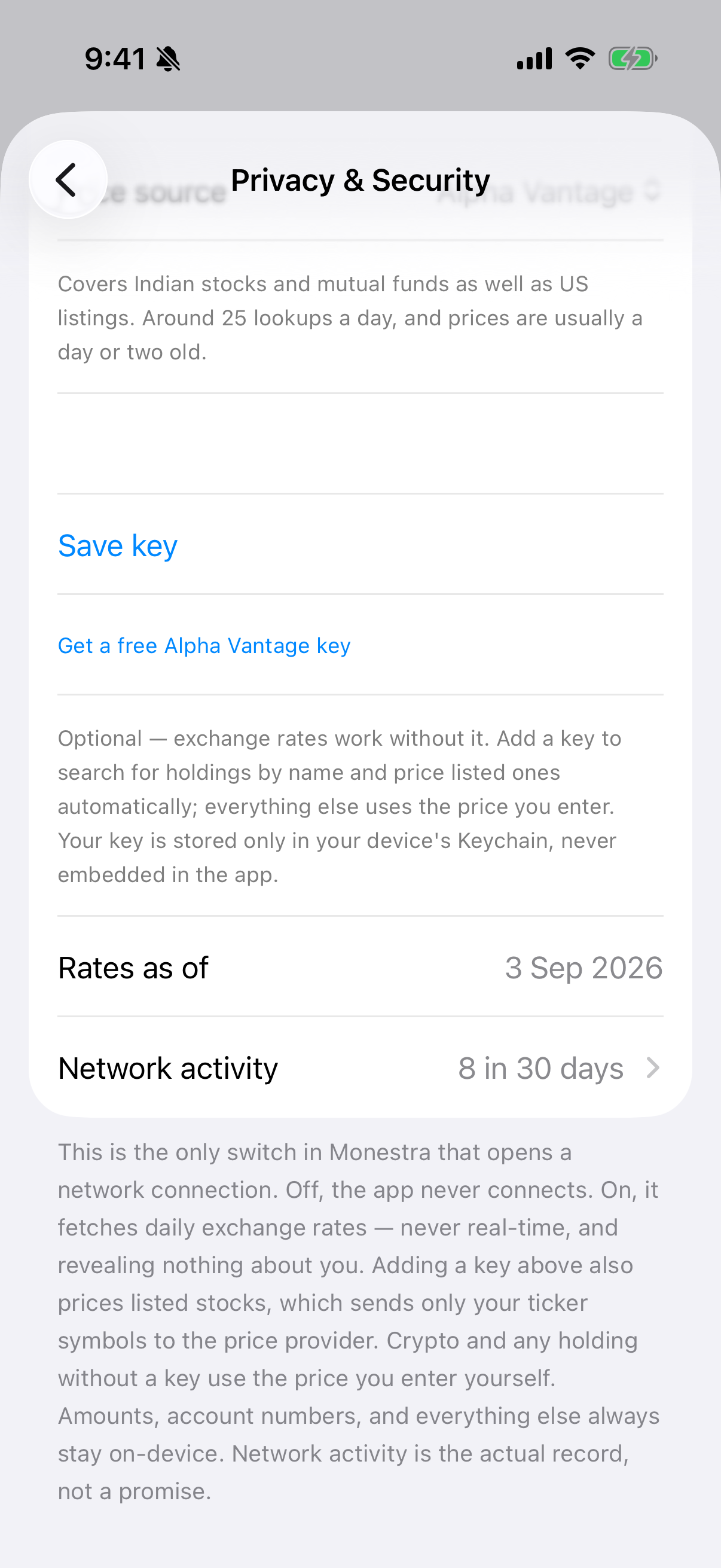
Prices require an API key you obtain and enter. Monestra ships with no key of its own, and this is deliberate: bringing your own key is what satisfies the providers' non-commercial terms, and it means the request is yours rather than made on your behalf by a service that could aggregate it with everyone else's.
One provider is active at a time, chosen with Price source:
| Provider | Covers | Notes |
|---|---|---|
| Alpha Vantage (default) | Indian equities and mutual fund NAVs, plus international | 25 lookups a day, one at a time, roughly 1–2 days behind |
| Twelve Data | US markets on the free tier | Batched and fresher, but not Indian coverage |
Keys are stored in your device Keychain, one per provider, and the field is a secure one — the key is never displayed back to you, and never leaves the device except inside the price request itself.
Daily, never real-time#
Everything here is end-of-day data. Monestra does not poll, does not stream, and never claims to show you a live price. A price carries the provider's trading day — the editor calls it Price as of, because that is what the date means.
What actually leaves your device#
| Request | Carries |
|---|---|
| An exchange rate | A currency pair |
| A price lookup | The ticker symbols you hold |
| A symbol search | What you typed into the search box |
Never an amount. Never a balance. Never a holding size, an account name, or anything identifying you.
The egress ledger#
Settings ▸ Privacy & Security ▸ Network activity lists every request the app has made: which host, when, and how many bytes came back.
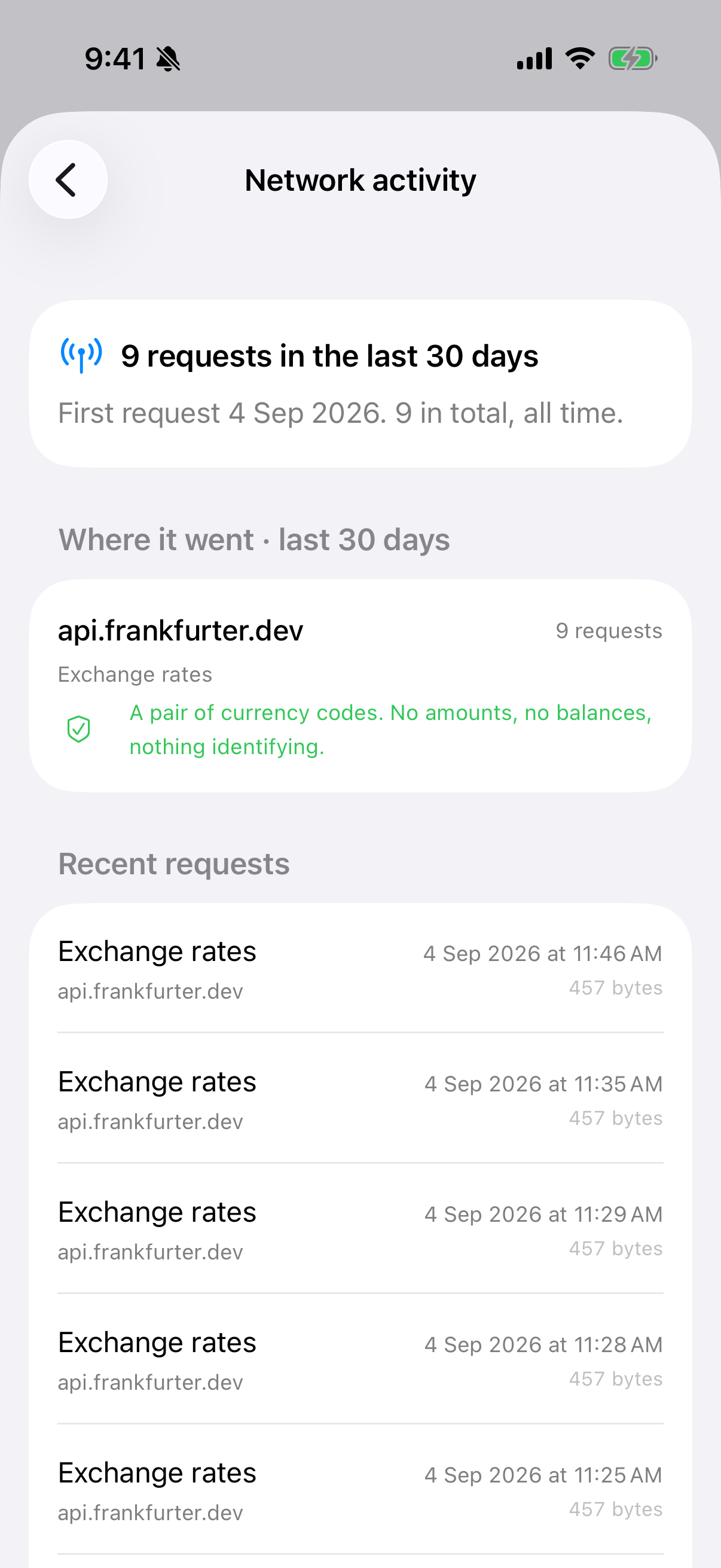
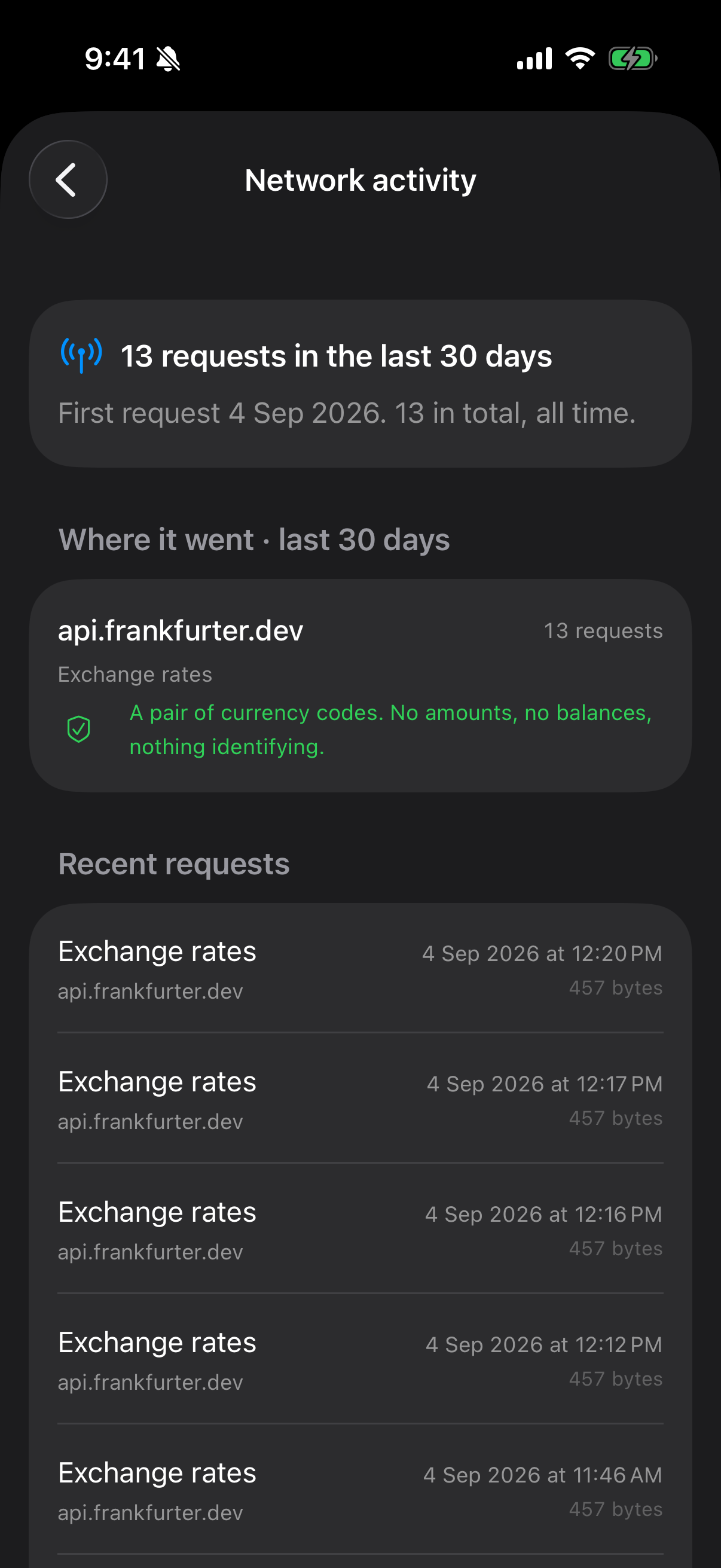
It records the host and never the full URL, because a price-lookup URL contains your API key and your holdings — and that log is included in backups. A transparency feature that leaked your key would be worse than no transparency feature.
Rules that keep prices honest#
A price is only written if its currency reconciles. Alpha Vantage returns quotes with no currency attached, so Monestra will only write one against a holding whose currency it captured at symbol-search time and which still matches. A ticker you typed by hand carries no such evidence and stays manual.
Minor units are normalised. London quotes in pence (GBp), not pounds (GBP) — and those two strings are identical if you compare them case-insensitively. Getting this wrong is a silent hundred-fold error, so Monestra normalises explicitly.
What has no source#
Crypto is manual-price only. Mutual funds auto-price only where your provider supports them.
CoinGecko and the NSE Bhavcopy were both removed before release for licensing reasons, and cannot return without a licence. The build enforces this: a test fails if either host reappears anywhere in the source.
Turning it off#
Switch it off and Monestra stops making requests immediately. Prices already fetched stay where they are — they are records like any other — and go stale in the Checklist after 30 days, like any hand-entered price.