 Monestra
Reference
Settings reference
Six panes, every control in them, and what each one actually changes.
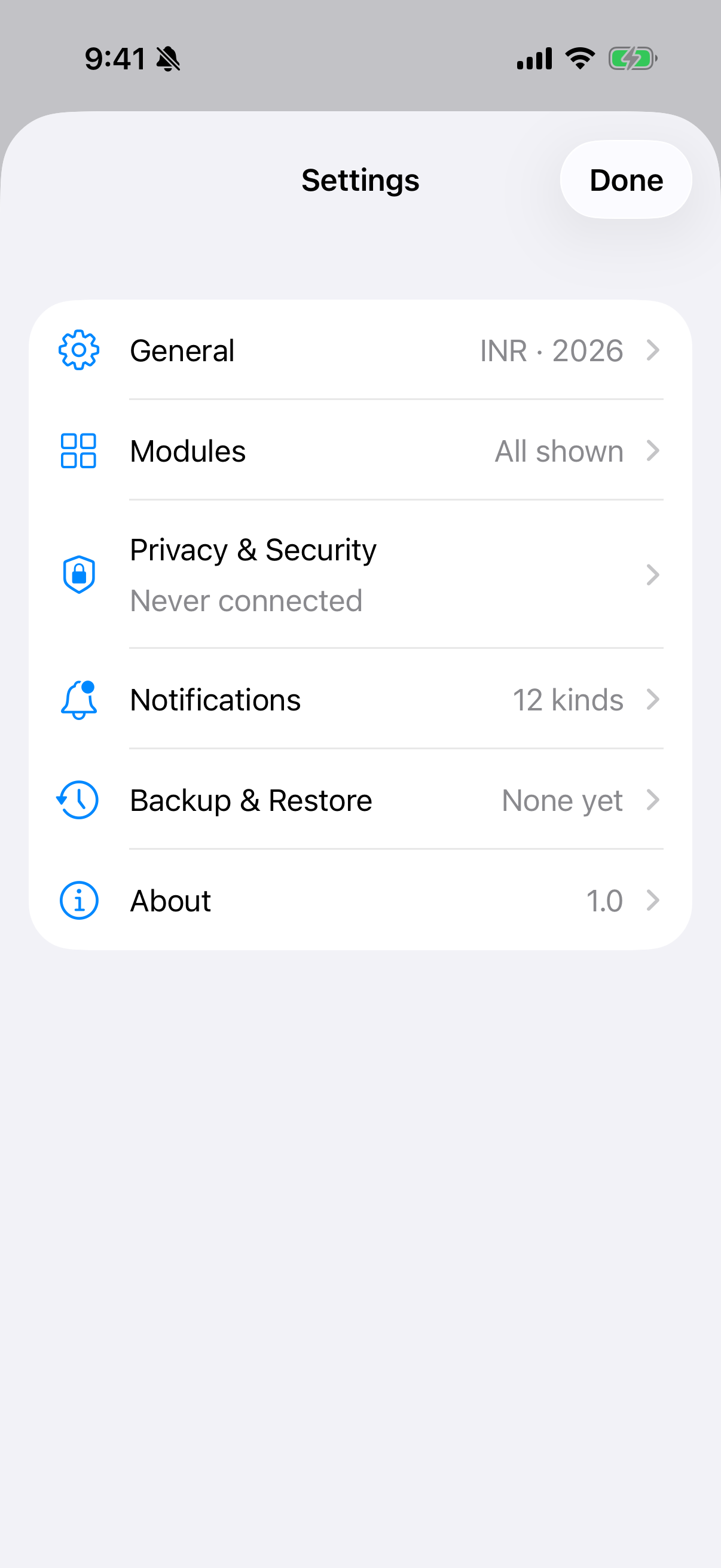
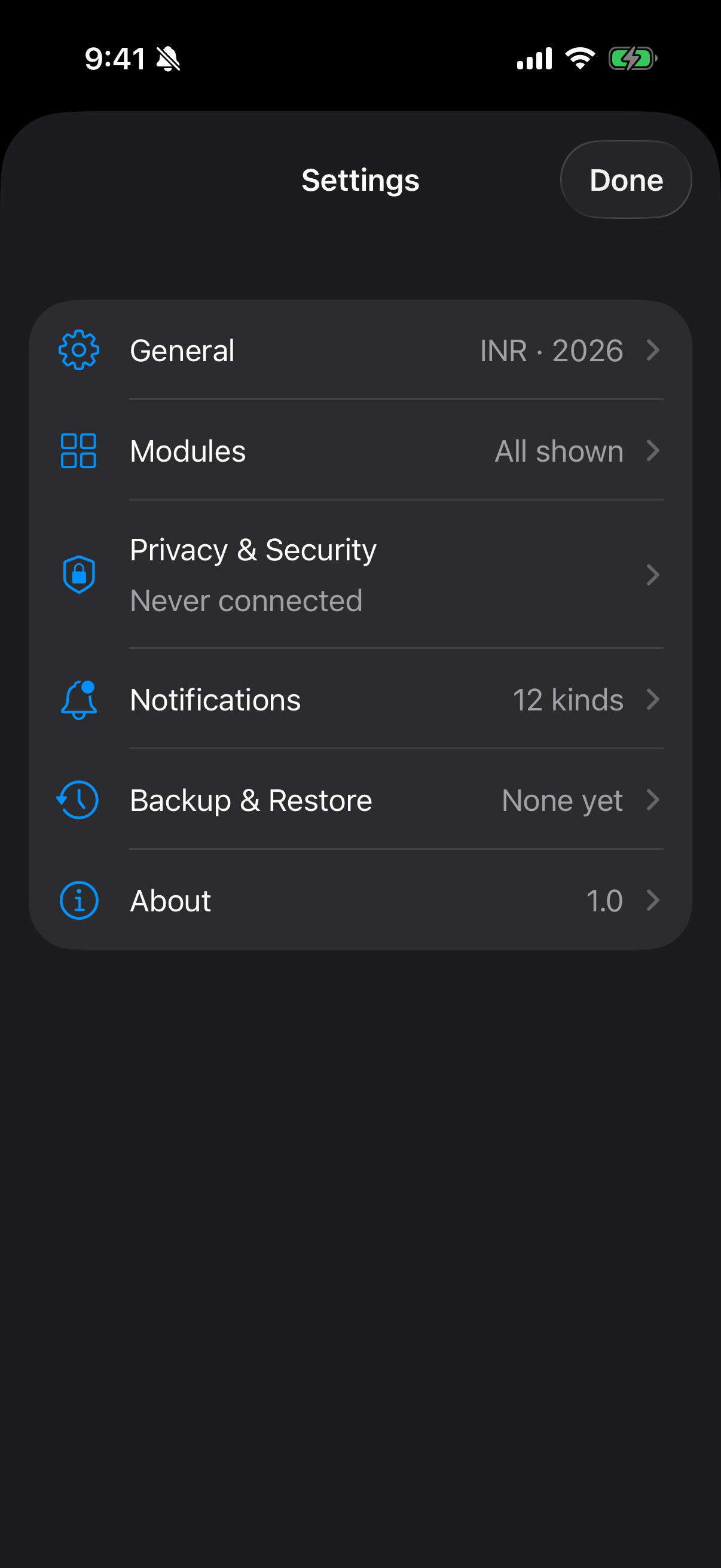
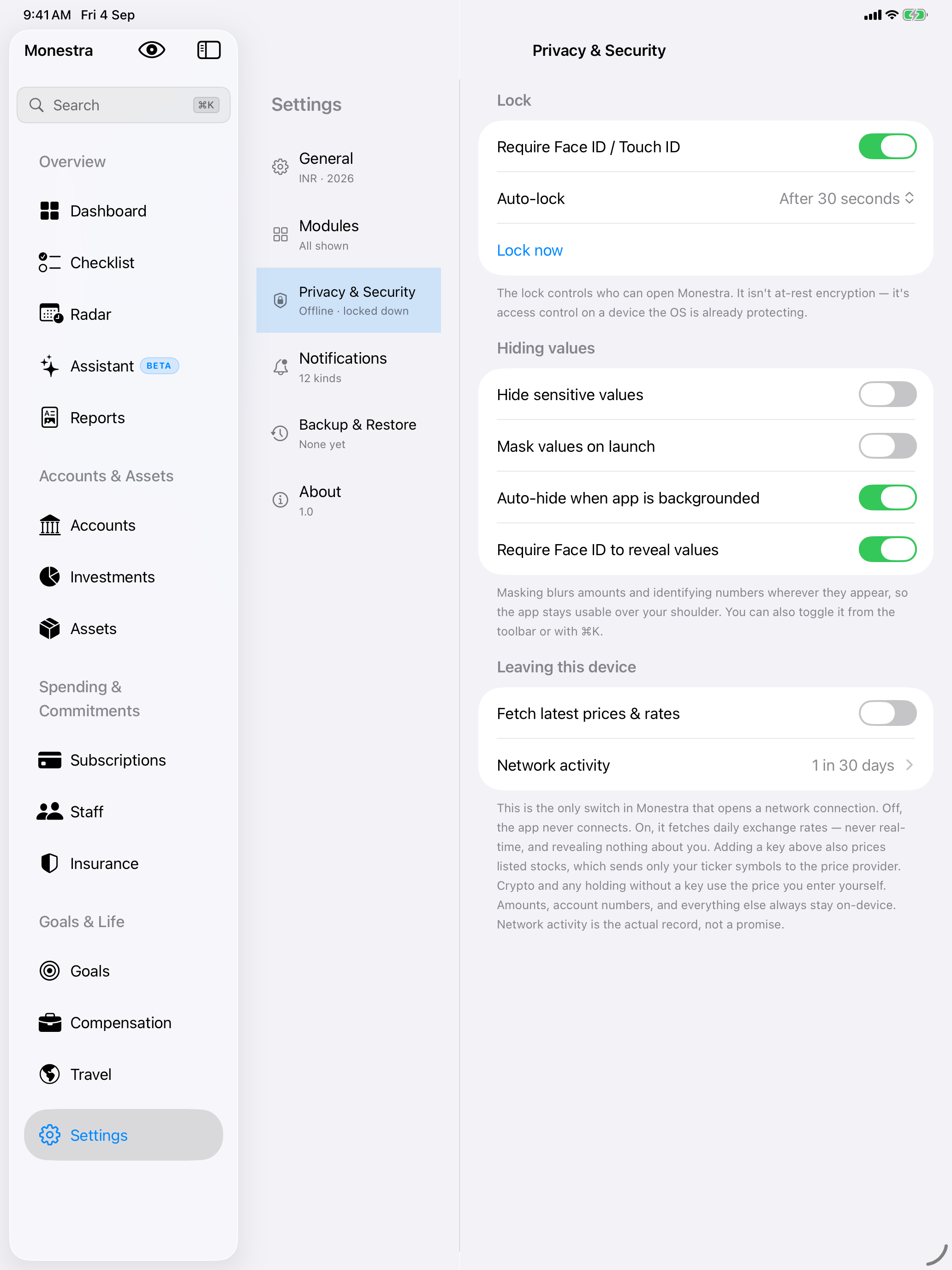
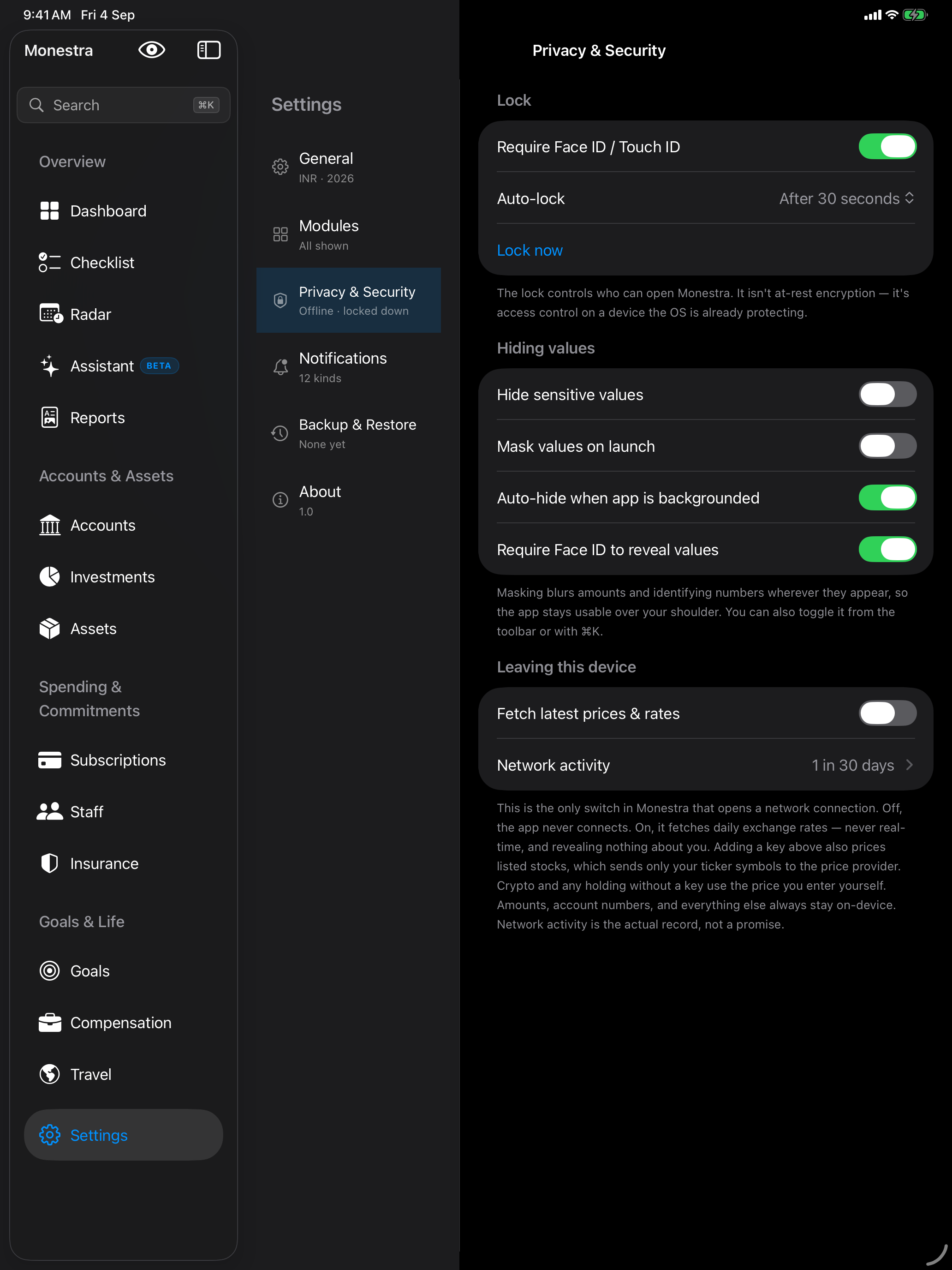
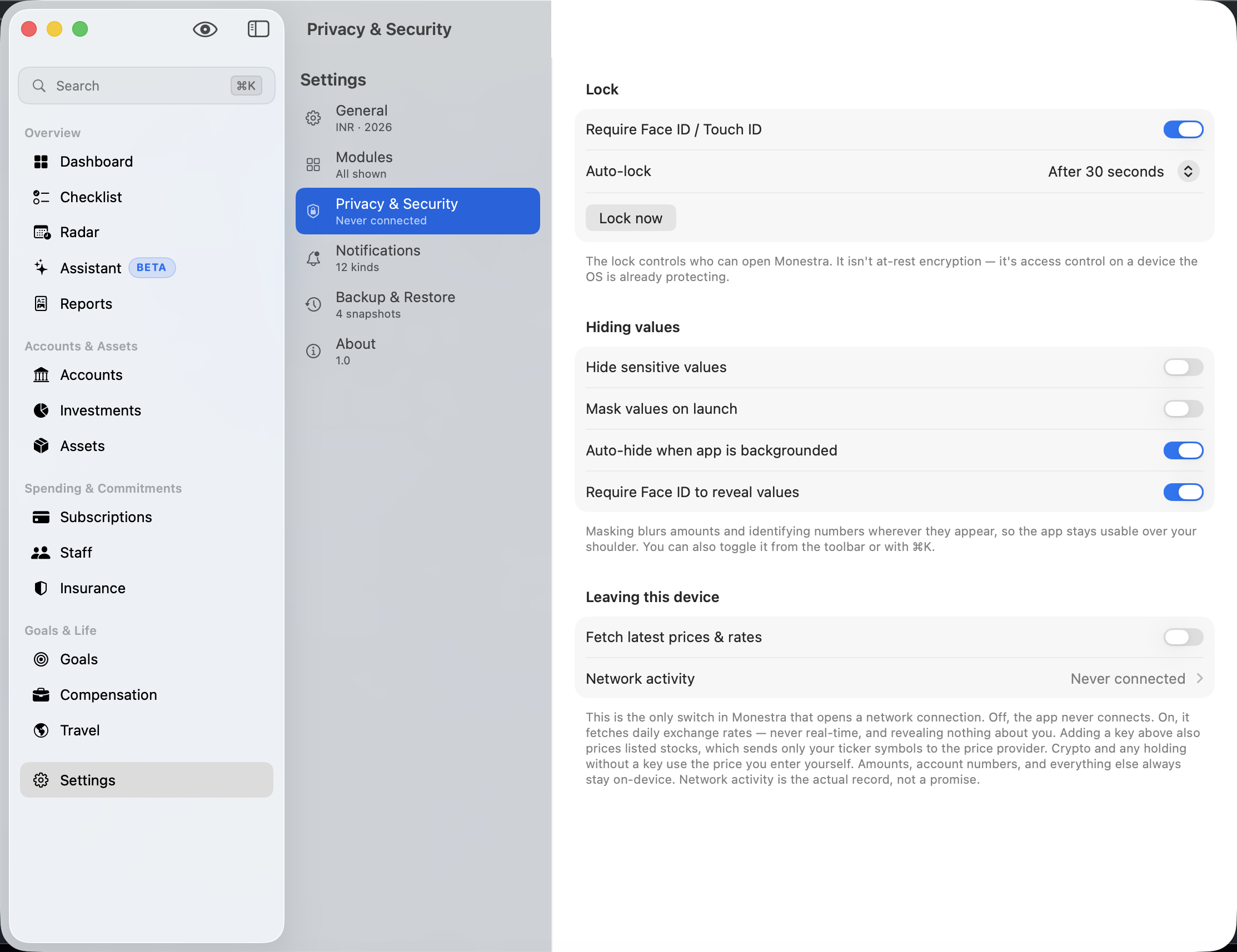
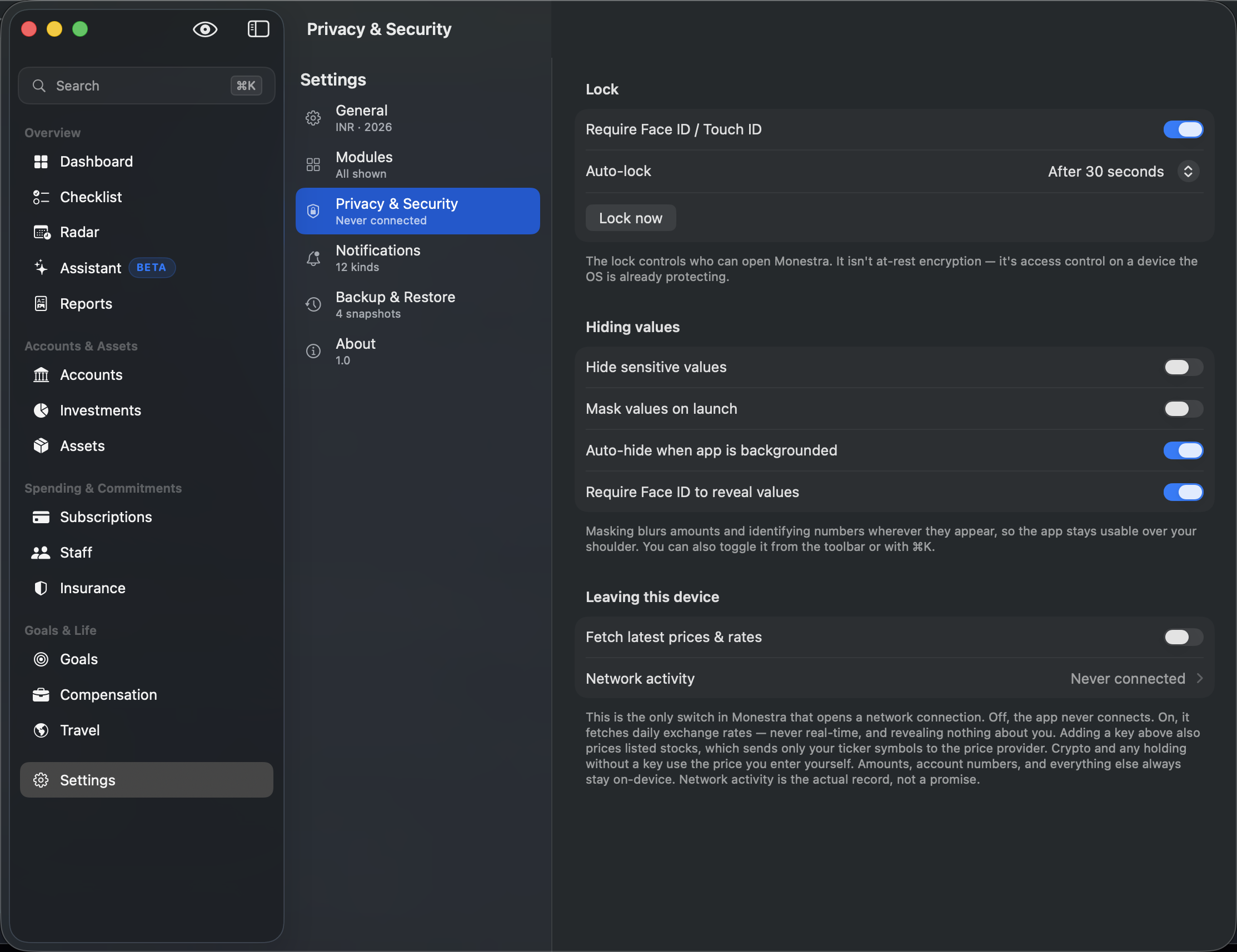
Given room, the index and the pane sit side by side — on a Mac, beside the module sidebar as well, so all three levels are visible at once:
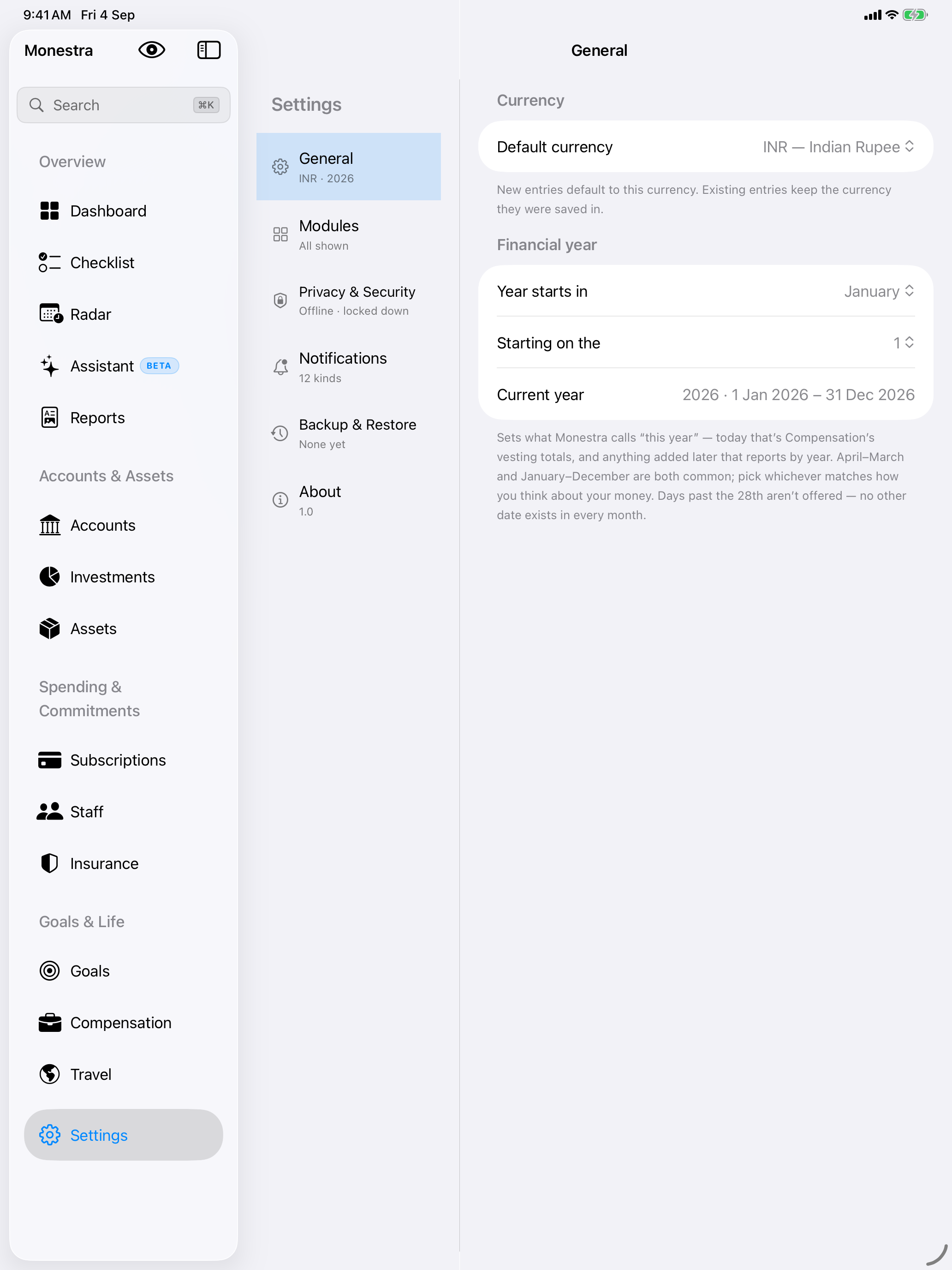
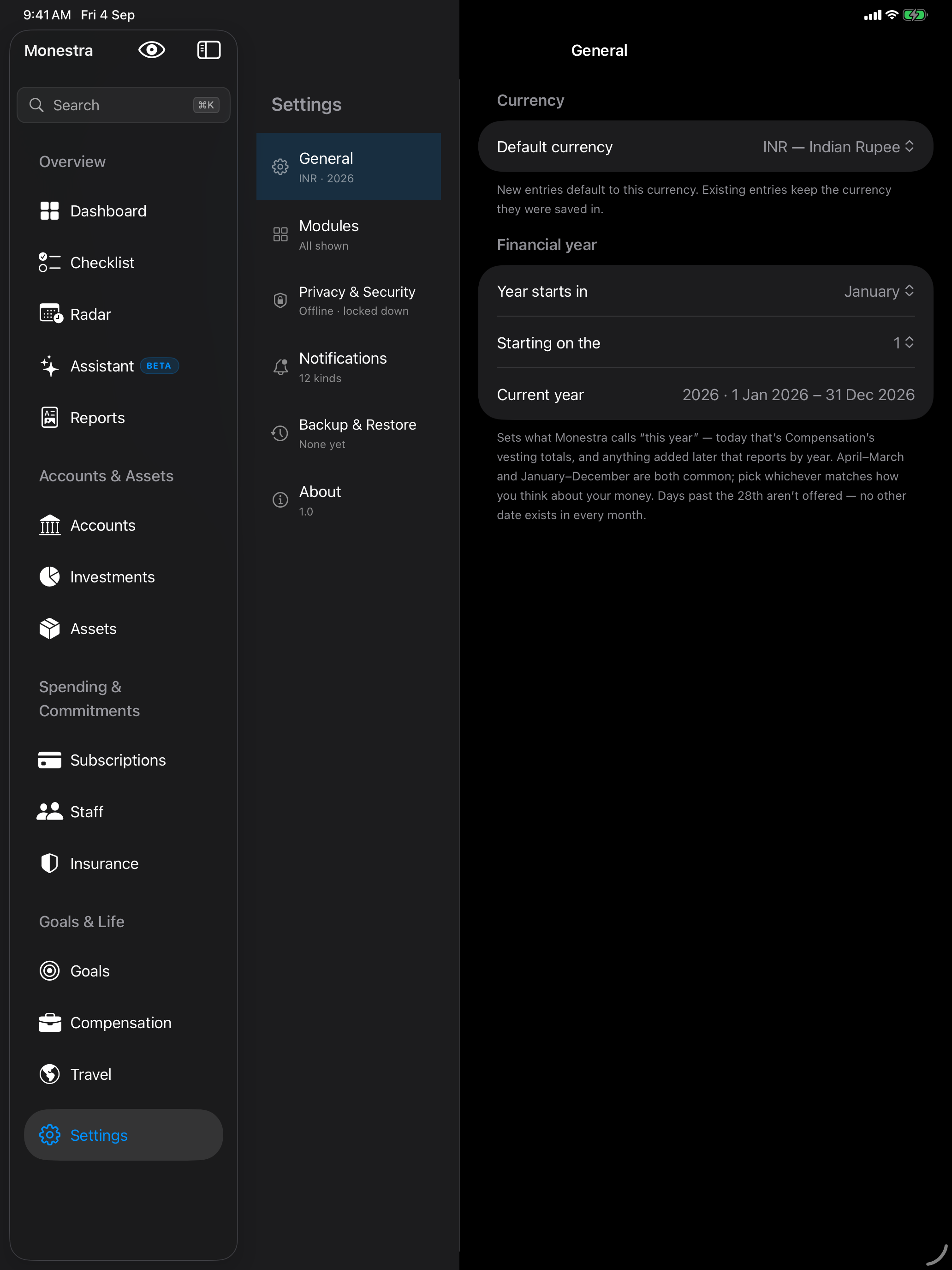
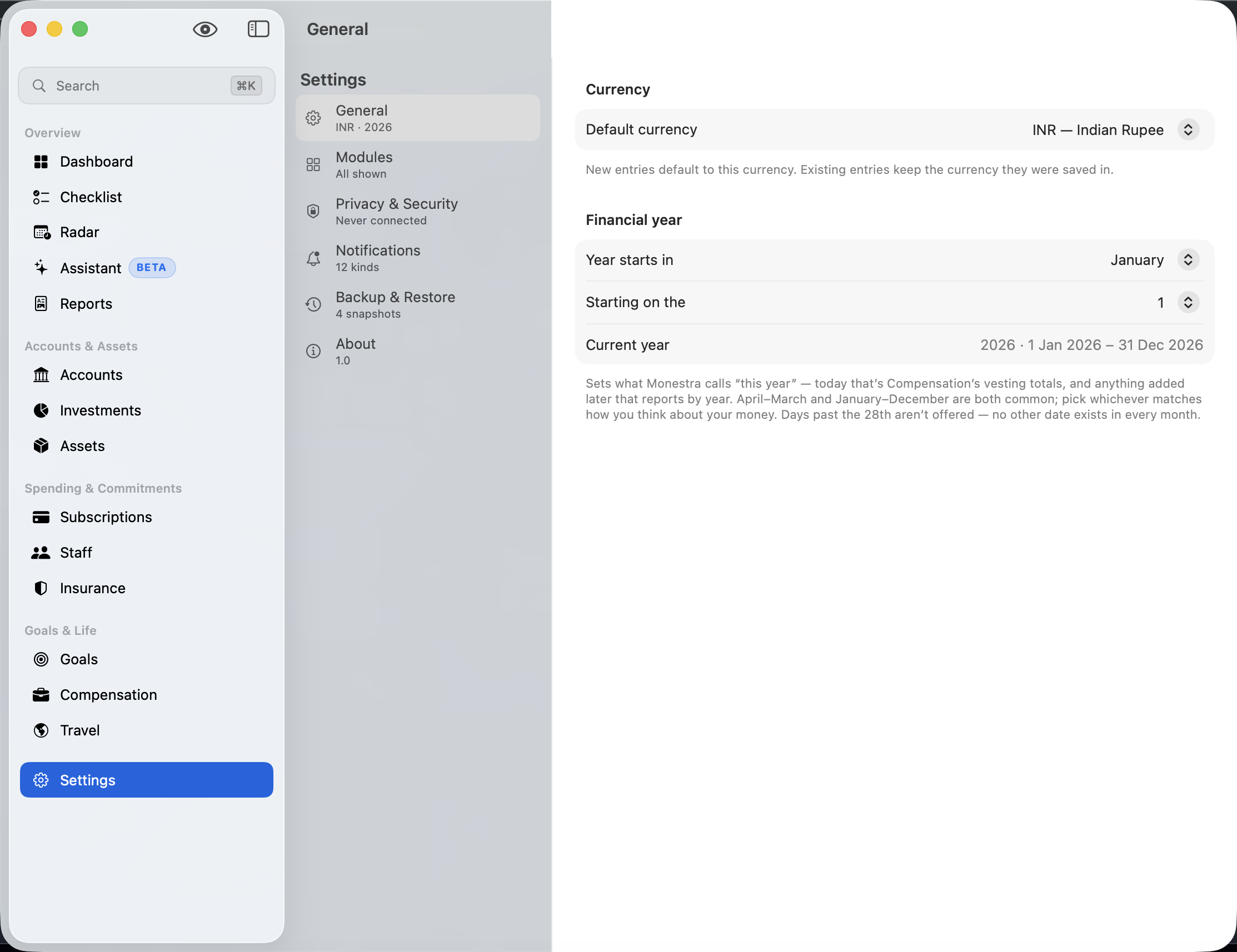
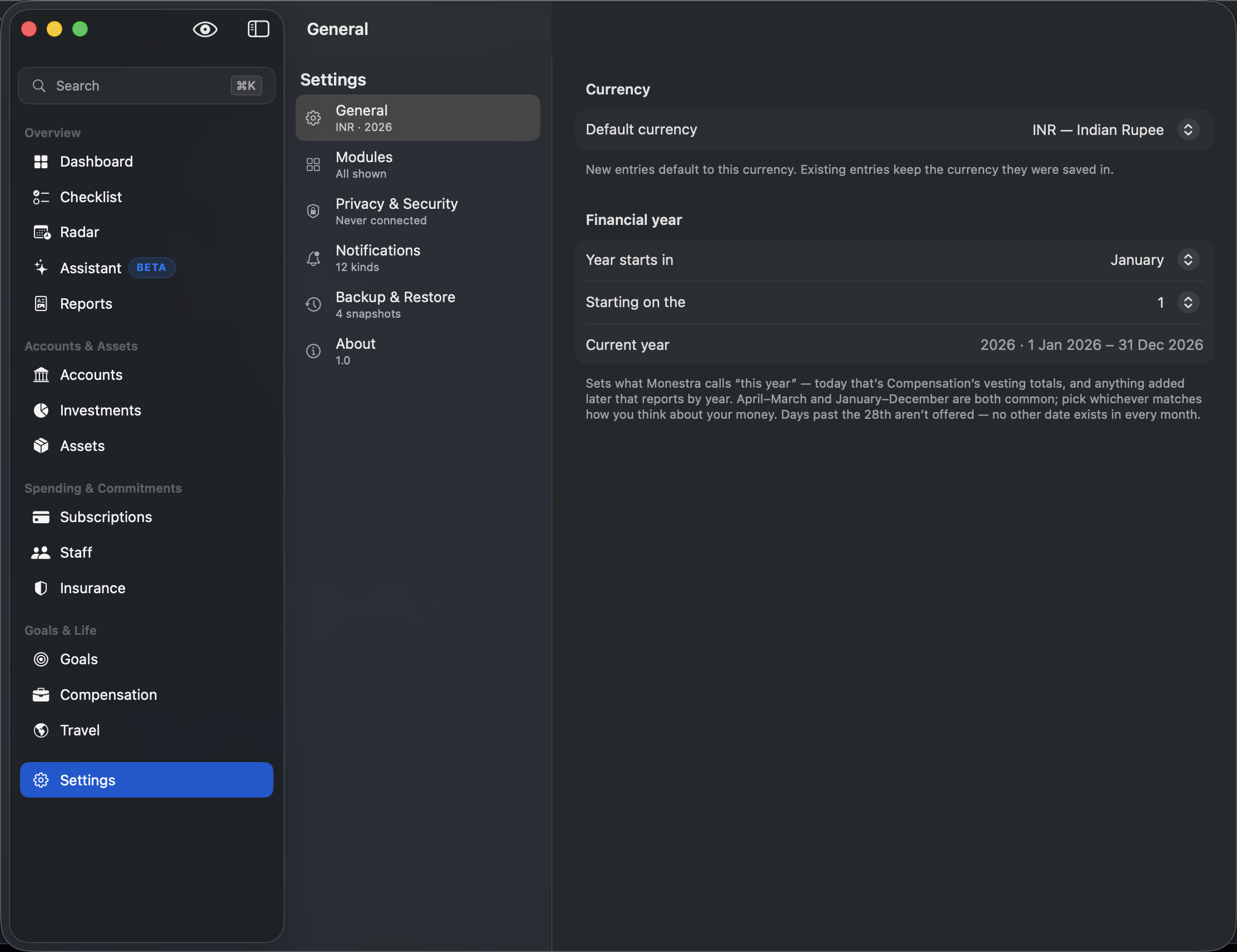
Settings opens from the sidebar on Mac and iPad, and from the All tab's navigation bar on iPhone.
General#
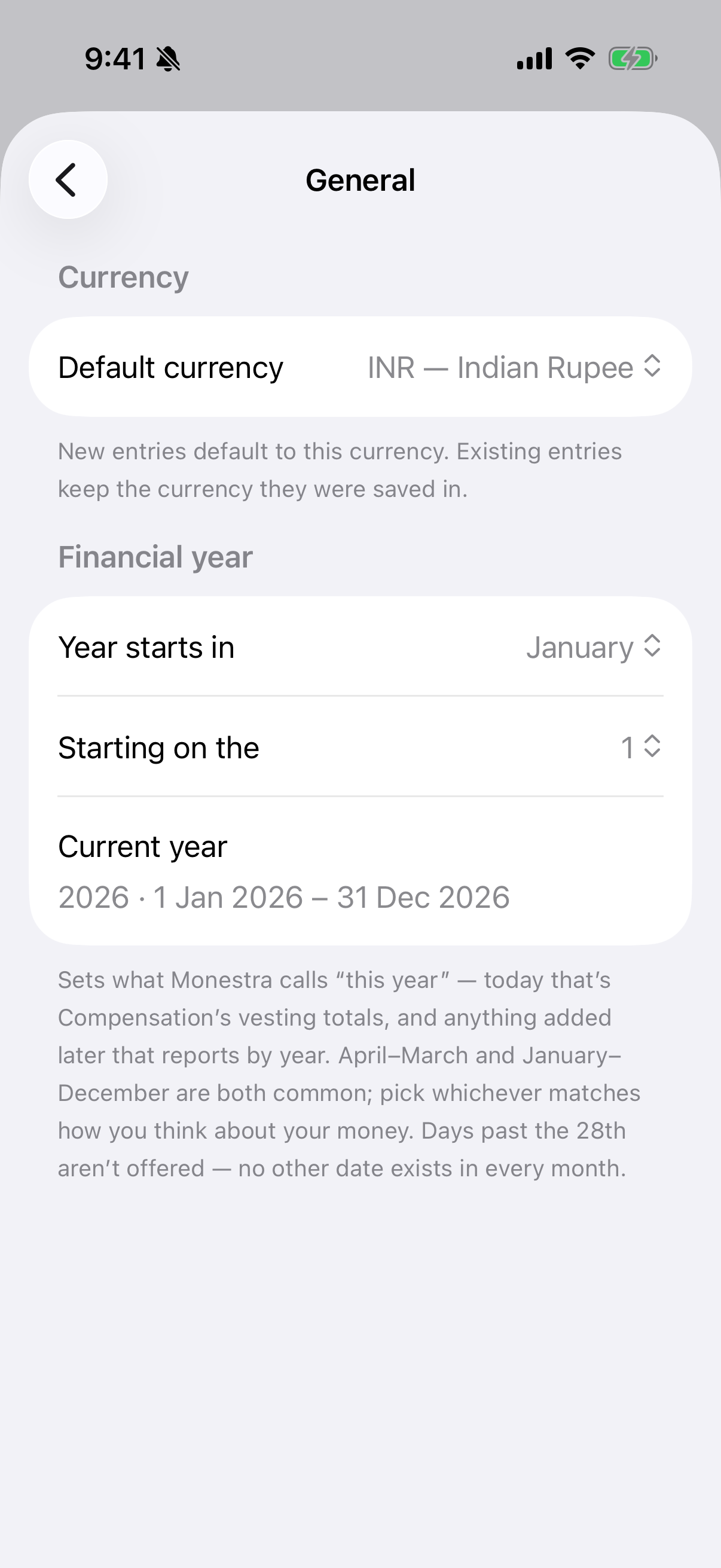
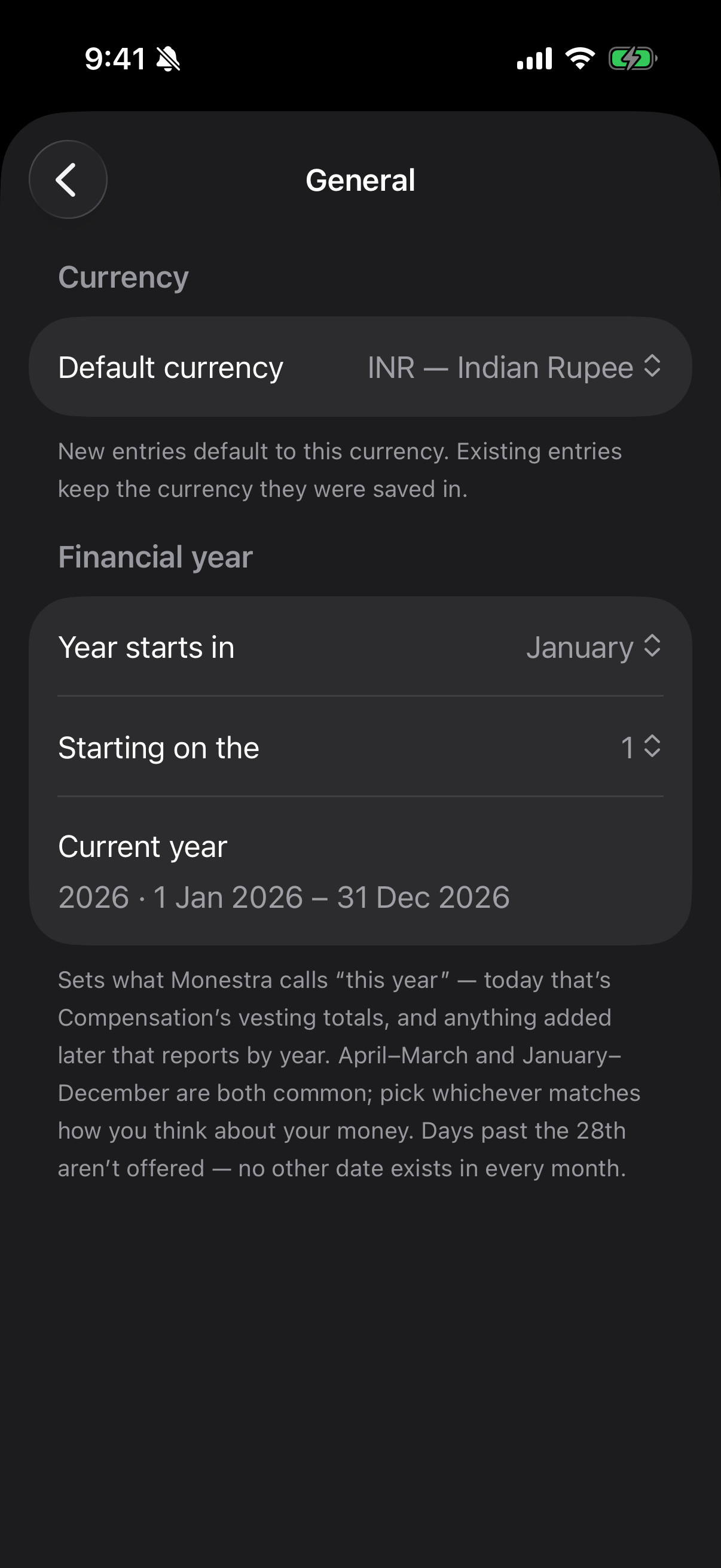
| Setting | Effect |
|---|---|
| Default currency | What summary figures are shown in. Records keep their own currency. |
| Year starts in | The month your financial year begins — April, January, or any other. |
| Starting on the | The day of that month it begins. |
| Current year | What Monestra therefore calls "this year", shown back to you so the setting is never ambiguous. |
Everything that says "this year" — reports, year grouping, annual totals — reads from here, so no two screens can disagree about when your year begins.
Modules#
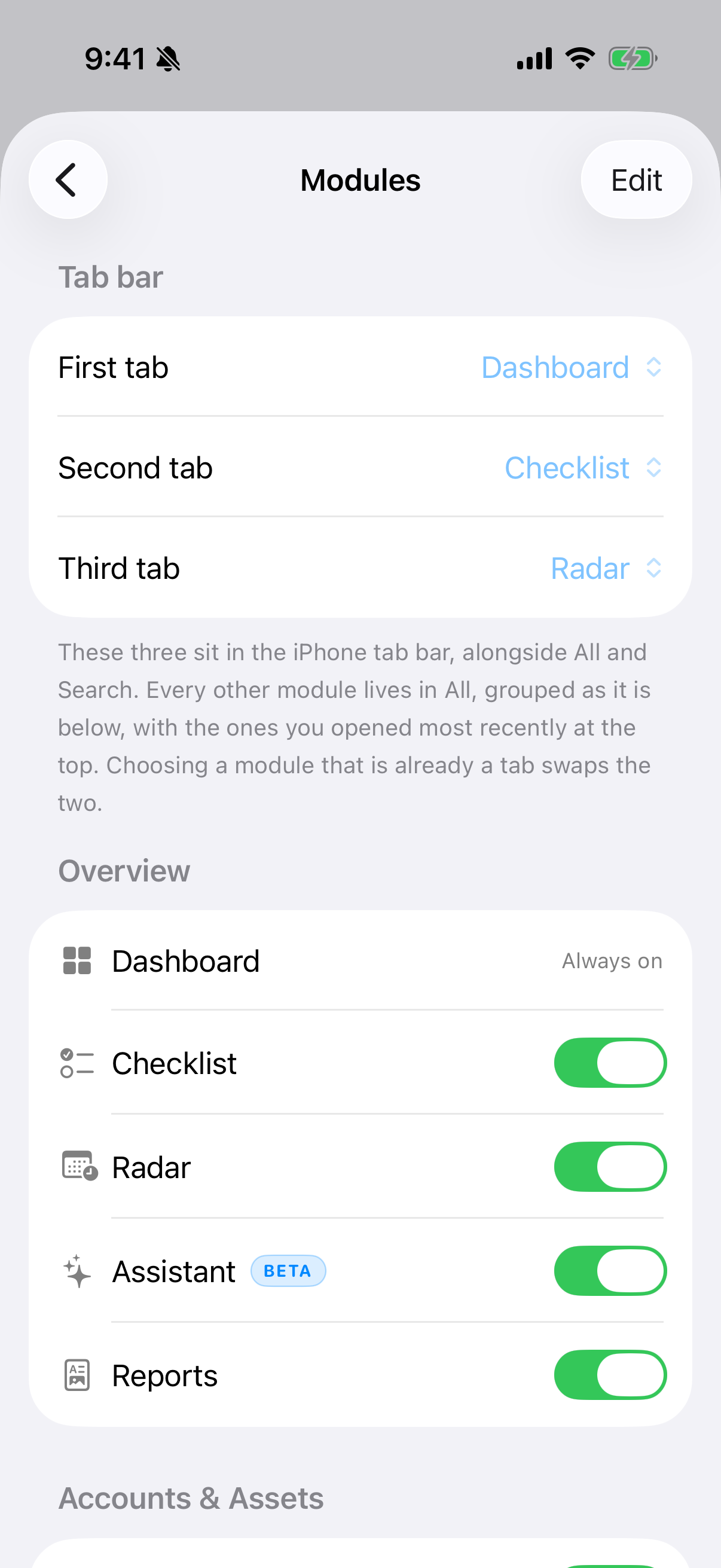
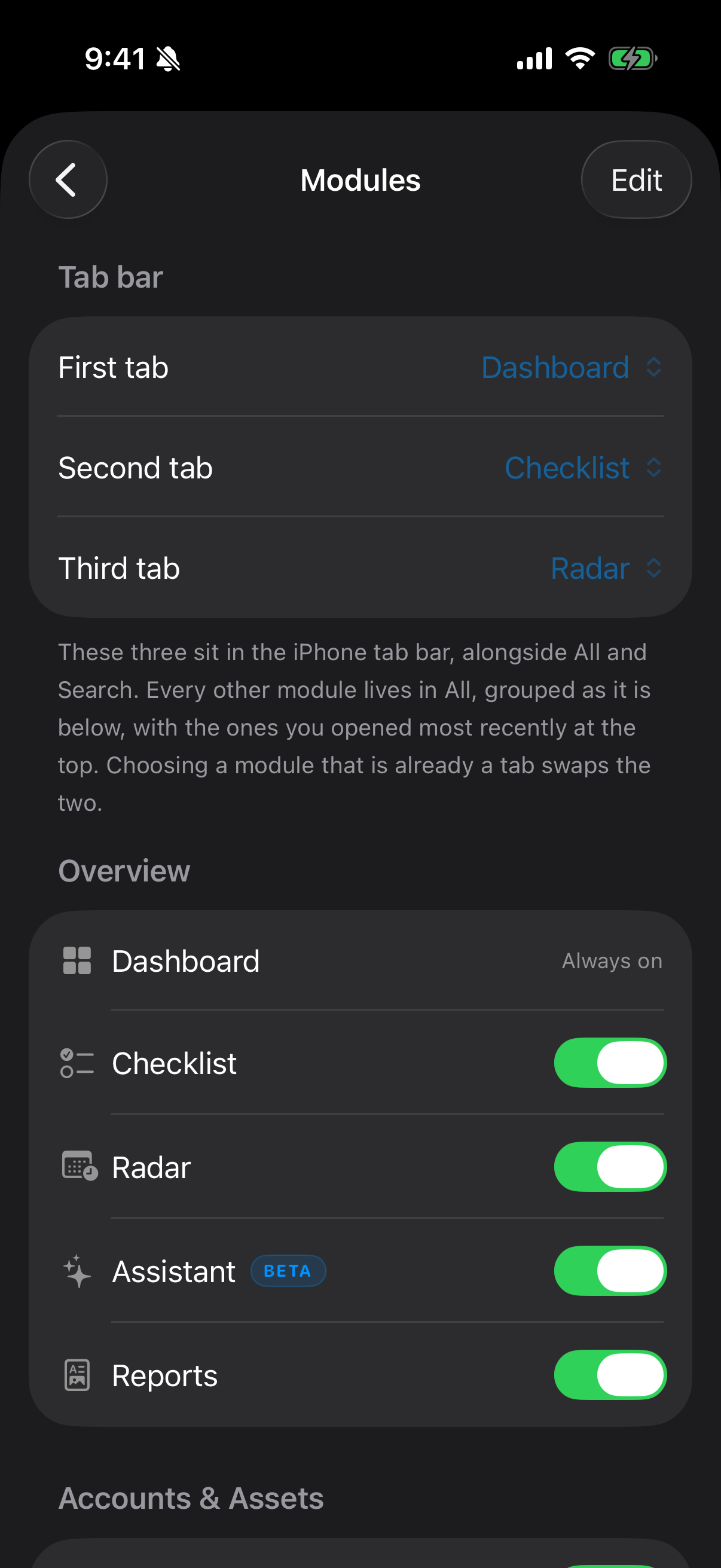
- Show / hide any module except the Dashboard. Hiding is presentational: the data and its structure are kept, and the module returns intact when you switch it back on. Hidden modules also disappear from the Dashboard, Radar, Reports, the Assistant and Find.
- Reorder within a section. Sections themselves never move.
- Tab bar (iPhone only) — choose the three modules that get a tab. This list is separate from the ordering above, because the registry sorts by section, and "the first three" would therefore always be three Overview modules.
Privacy & Security#
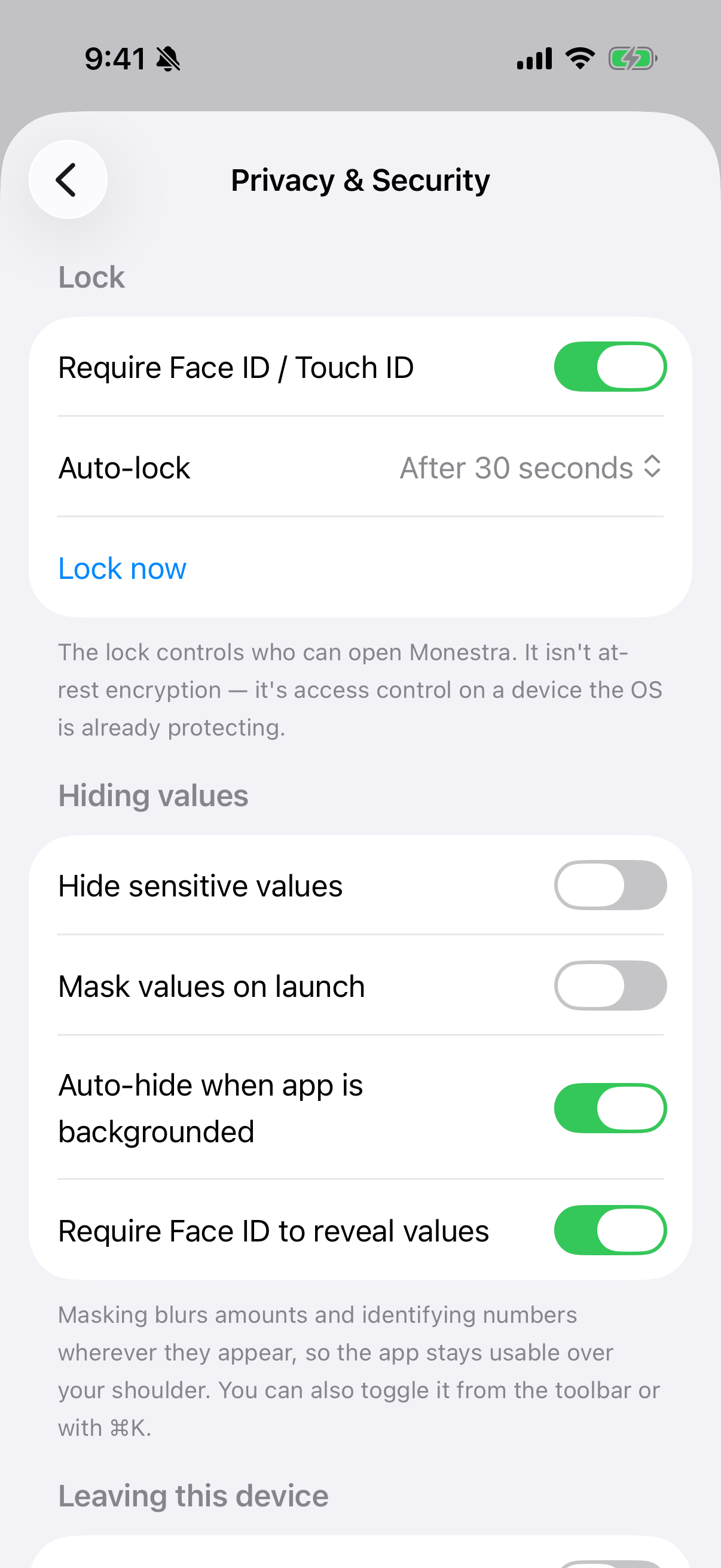
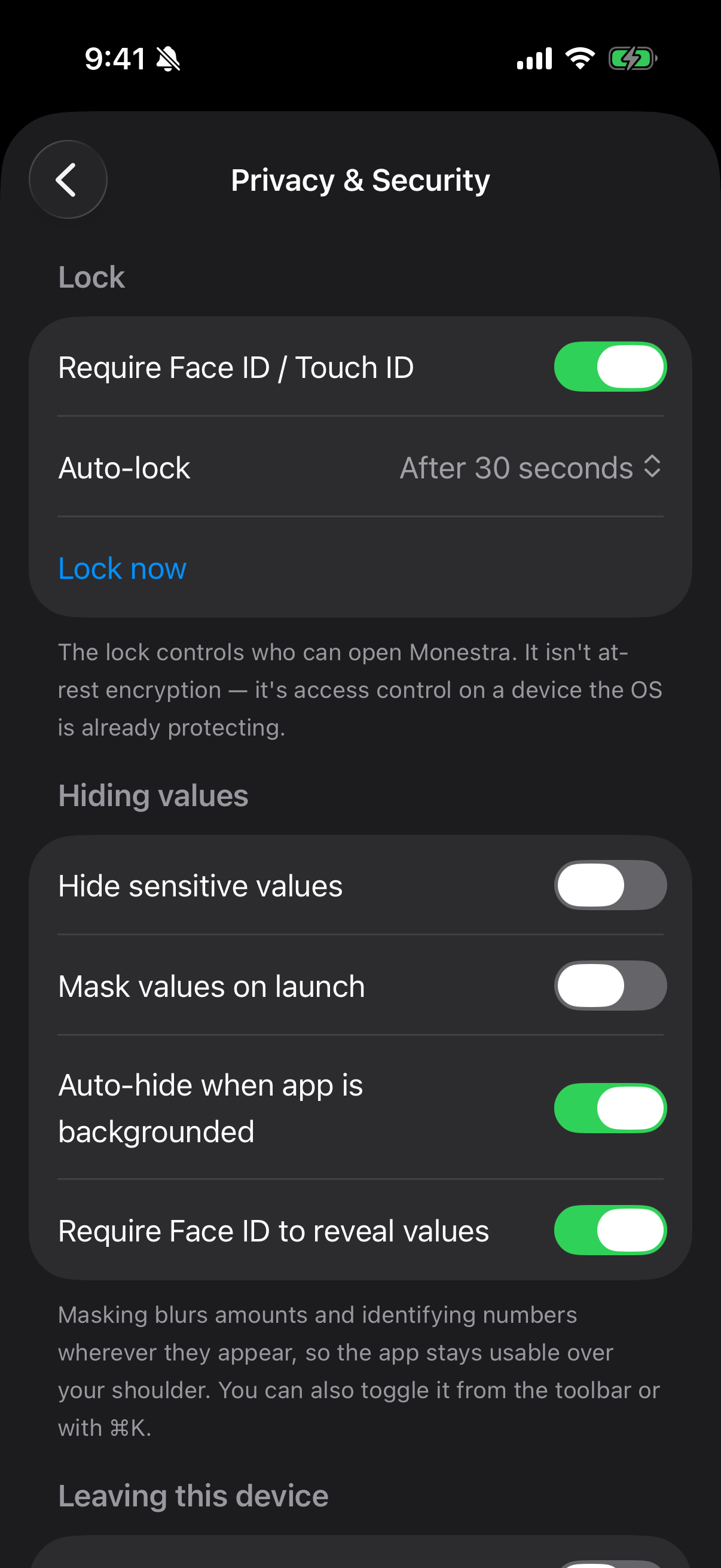
Three sections.
Lock
| Control | Default |
|---|---|
| Require Face ID / Touch ID | On |
| Auto-lock | After 30 seconds — also Immediately, After 2 minutes, After 5 minutes |
| Lock now | Locks immediately |
Hiding values
| Control | Default |
|---|---|
| Hide sensitive values | Off — the live mask toggle |
| Mask values on launch | Off — start every session masked |
| Auto-hide when app is backgrounded | On — re-masks when you leave the app |
| Require Face ID to reveal values | On — unmasking asks for authentication |
Leaving this device
| Control | Default |
|---|---|
| Fetch latest prices & rates | Off — the only network switch in the app |
| Price source | Alpha Vantage, or Twelve Data |
| Exchange rates / Rates as of | What was last fetched, and when |
| Network activity | The egress ledger: every request, by host and time |
The one network switch sits in the same section as the log recording what it does. See Lock, masking and privacy and Market data and currency.
Notifications#
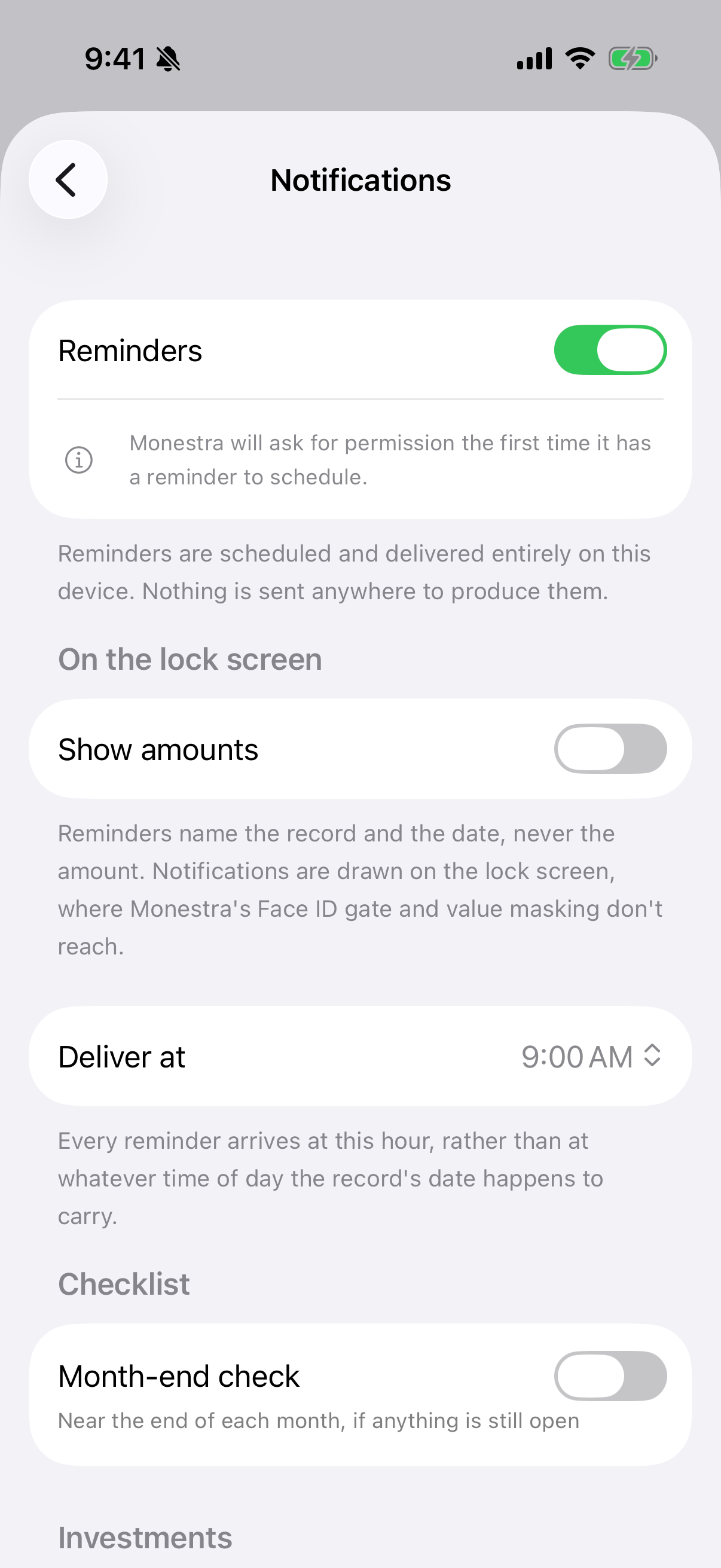
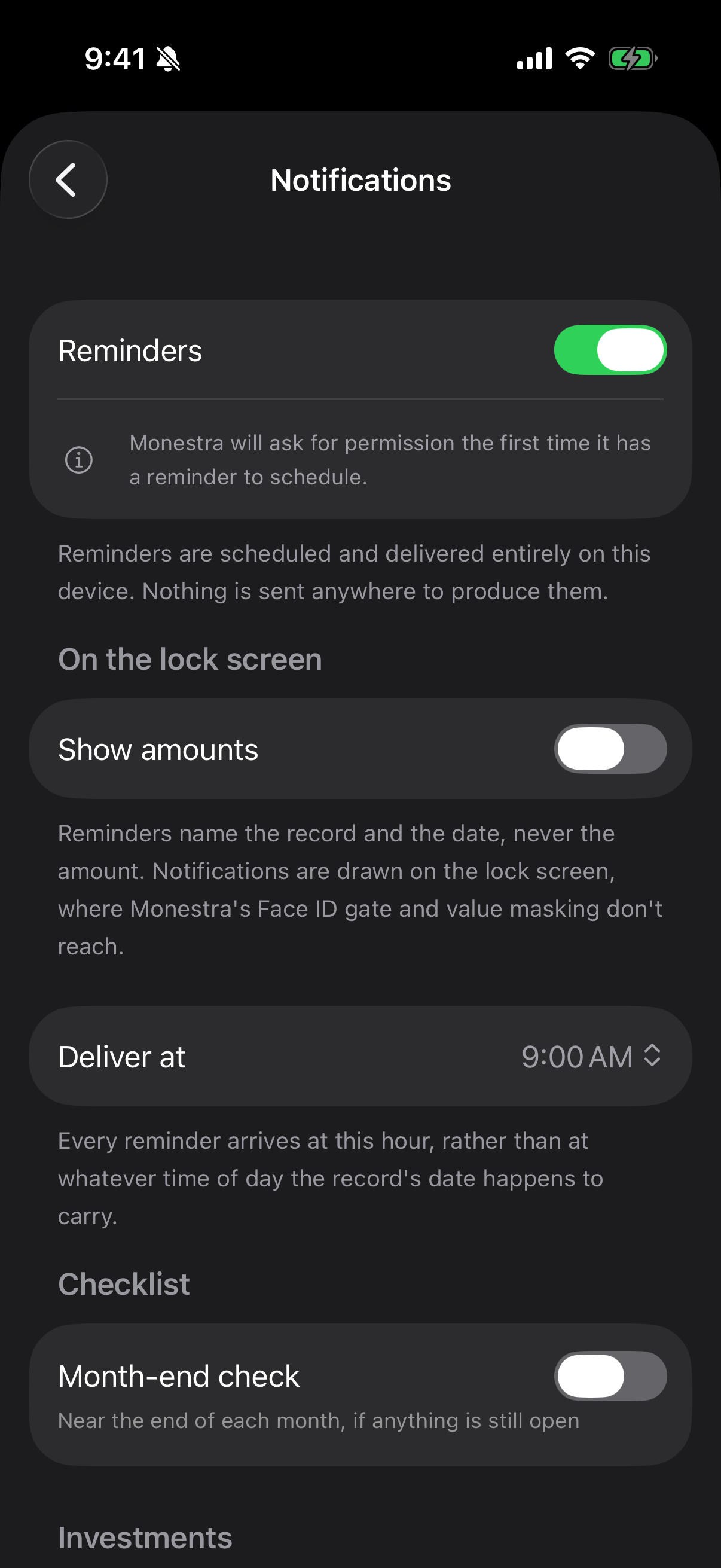
Reminders switches the system on, Remind me sets the lead time, and Deliver at sets the hour. Under On the lock screen, Show amounts decides whether figures may appear there — off by default. Scheduled reminders shows how many are currently queued. Below that, one switch per module and event type. See Notifications.
Backup & Restore#
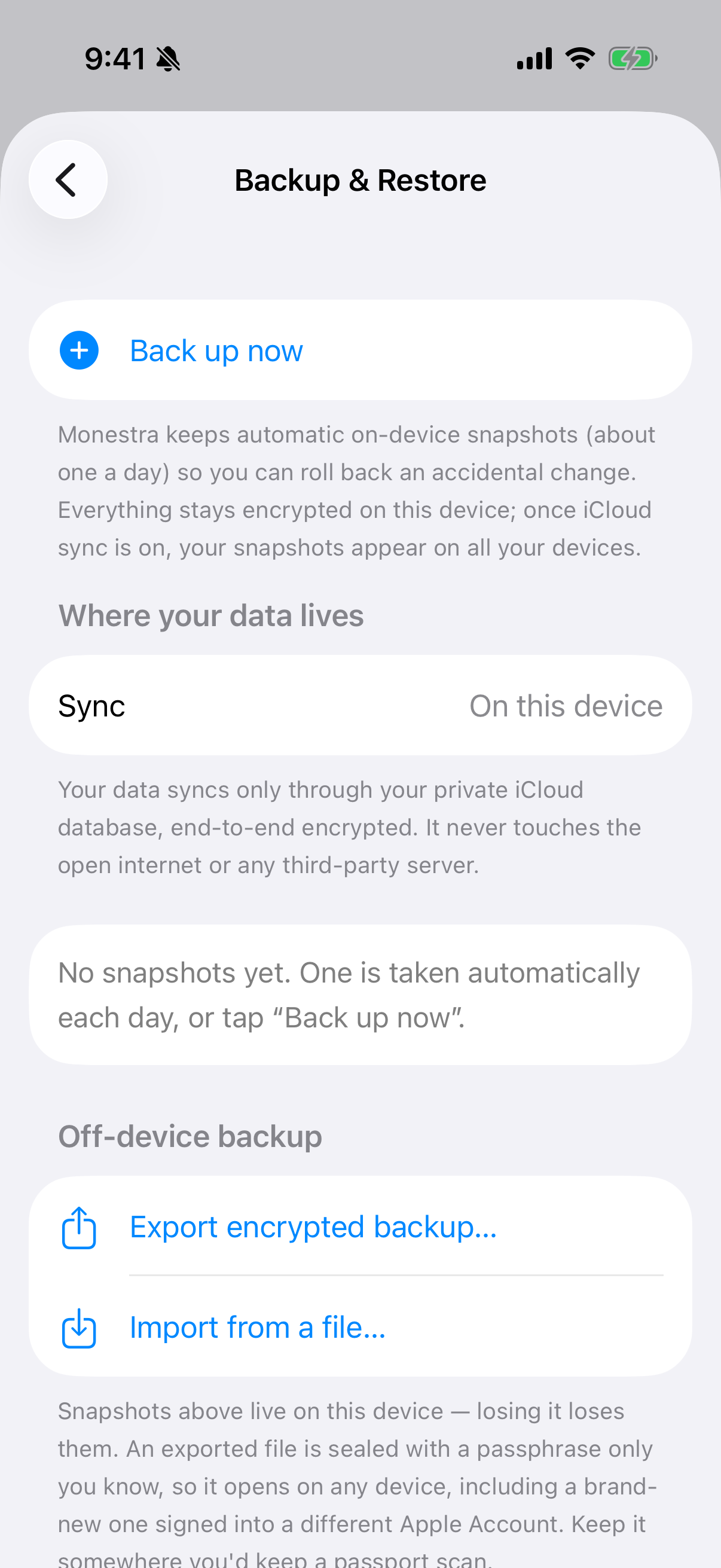
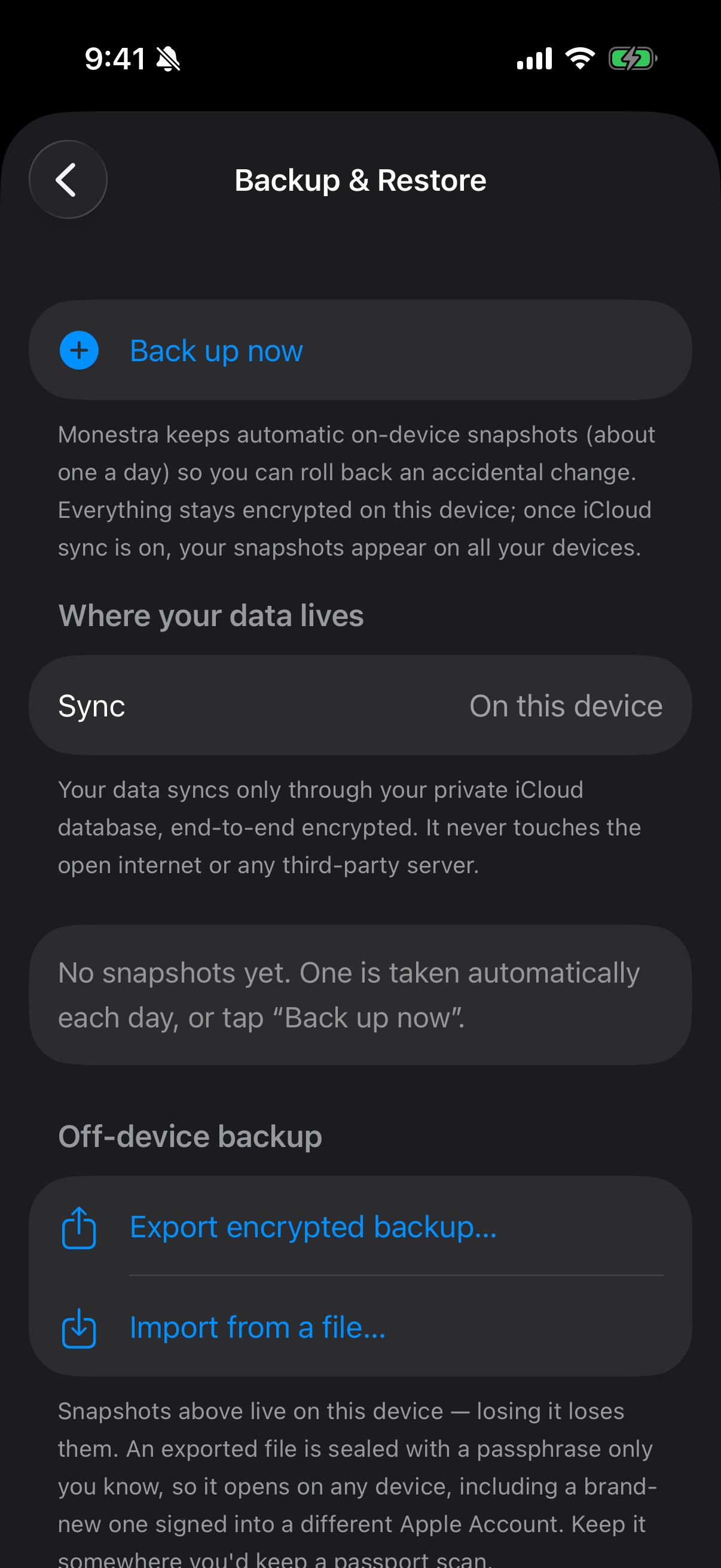
Four sections:
- Snapshots — sealed backups kept inside the app.
- Off-device backup — export and import a portable
.monestrabackupfile. - Where your data lives — including Sync, which reports the mode the store was actually opened with. This is where iCloud sync lives. See iCloud sync.
- Danger zone — Erase everything.
See Backup and restore.
About#
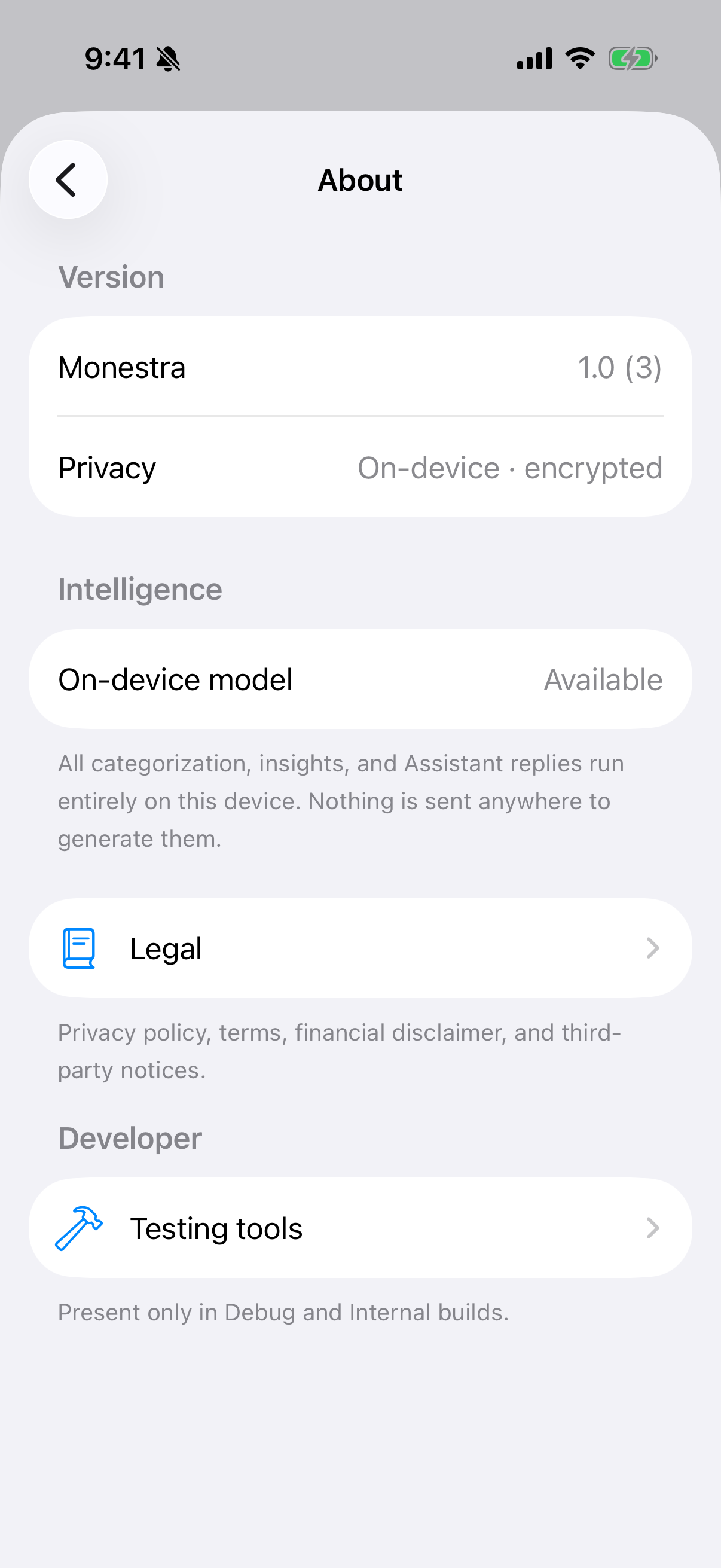
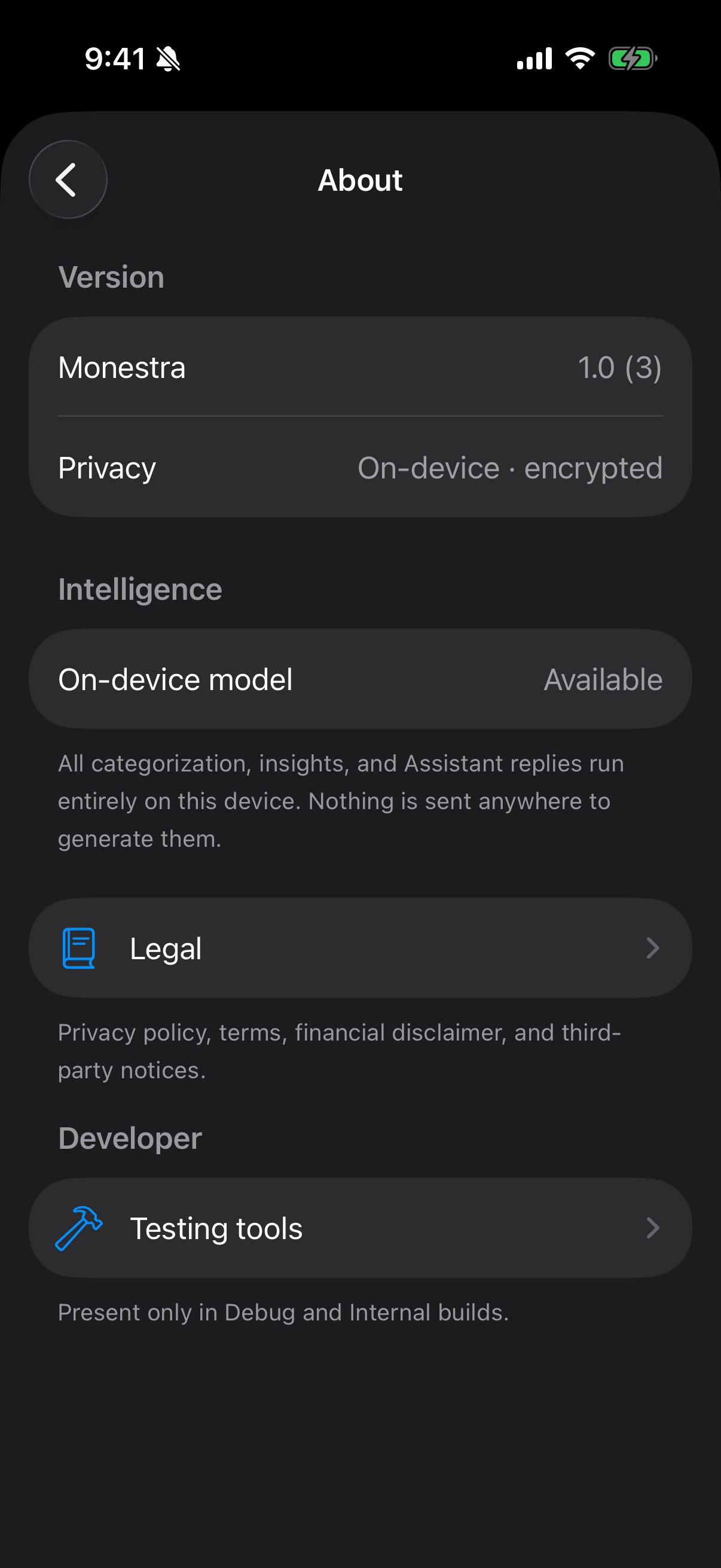
Version and build, and Legal — the disclaimer in full, offline, plus the privacy policy, terms and third-party notices.