 Monestra
Getting started
What Monestra is
A private manager for the whole of your financial life — and a clear account of what it will never do.
Most finance apps are built around a connection: you hand over your bank credentials, a server reads your transactions, and the app tells you about your own money. Monestra is built around the opposite idea. Your data lives on your devices. There is no Monestra account, no Monestra server, and nothing to sign up for.
That single decision shapes everything else in this manual, so it is worth being precise about what it means in practice.
What stays on your device#
Everything with a number attached to it. Balances, holdings, valuations, salaries, premiums, account numbers, policy numbers, folio numbers, the names of the people you pay — none of it is transmitted anywhere. It is written to a database inside your app's own container and, if you turn on sync, mirrored to your private iCloud database, which Apple encrypts and Monestra cannot read.
What Monestra will never do#
It will never tell you what to do with money. Not "consider rebalancing", not "you should diversify", not "now might be a good time to". Monestra describes what is already true — "32% of your portfolio is in one holding", "no price since 14 June", "you have not recorded August's salary for Ramesh" — and stops there. The judgement is yours.
This is not modesty. Software that recommends action with money is regulated as an investment adviser in India, and a disclaimer does not change what the software is doing. Monestra stays firmly on the descriptive side of that line, and the constraint turns out to improve the app: an observation you can verify is more useful than a suggestion you have to second-guess.
It will never connect to your bank. No aggregators, no screen-scraping, no credentials. You tell Monestra what is true; Monestra remembers it, watches the dates, and tells you when a record has gone stale.
It will never show you an advertisement, or profile you. There is no analytics SDK, no crash reporter phoning home, no tracking identifier. The privacy label on the App Store says "Data Not Collected" because that is the literal truth.
What you get in return for typing#
Manual entry is real work, and it buys three things a connected app cannot give you.
- Completeness. Bank feeds see bank accounts. They do not see the gold in your locker, the flat your parents live in, the policy your father took out in your name, the cook you pay in cash, or the RSUs that vest next quarter. Monestra holds all of it in one net-worth figure.
- Intent. An automated feed cannot tell a house you live in from a house you rent out, and the difference decides whether it belongs in Assets or Investments. You know; the app asks.
- Durability. Feeds break, banks change APIs, aggregators shut down. A record you typed is still there in ten years.
How the app is put together#
Monestra is modular. Each area of life is a self-contained module — Accounts, Investments, Assets, Subscriptions, Staff, Insurance, Goals, Compensation, Travel — and each one is optional. You can hide any of them, and hiding is presentational: the data and its structure are kept, so turning a module back on restores everything.
Sitting above the modules are five surfaces that read across all of them:
| Surface | Answers |
|---|---|
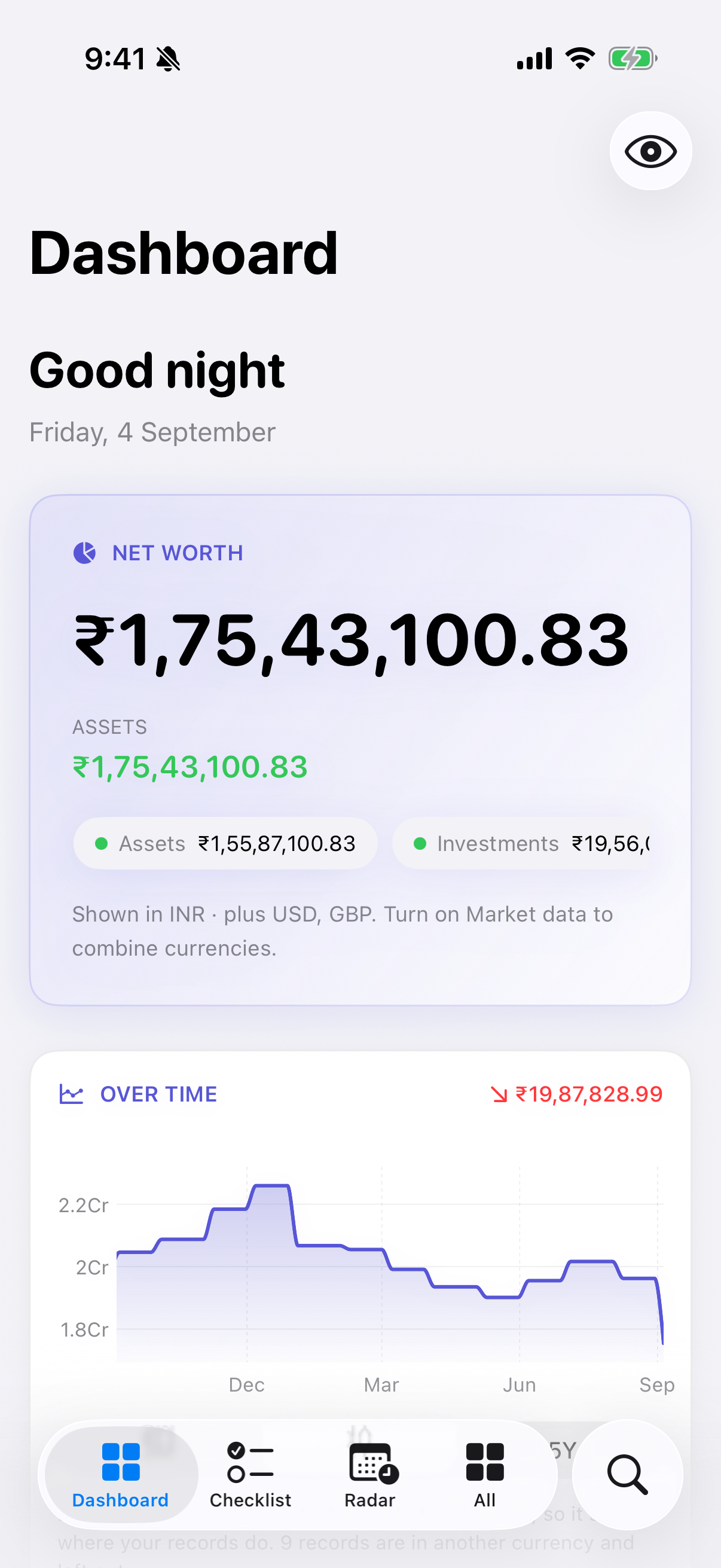
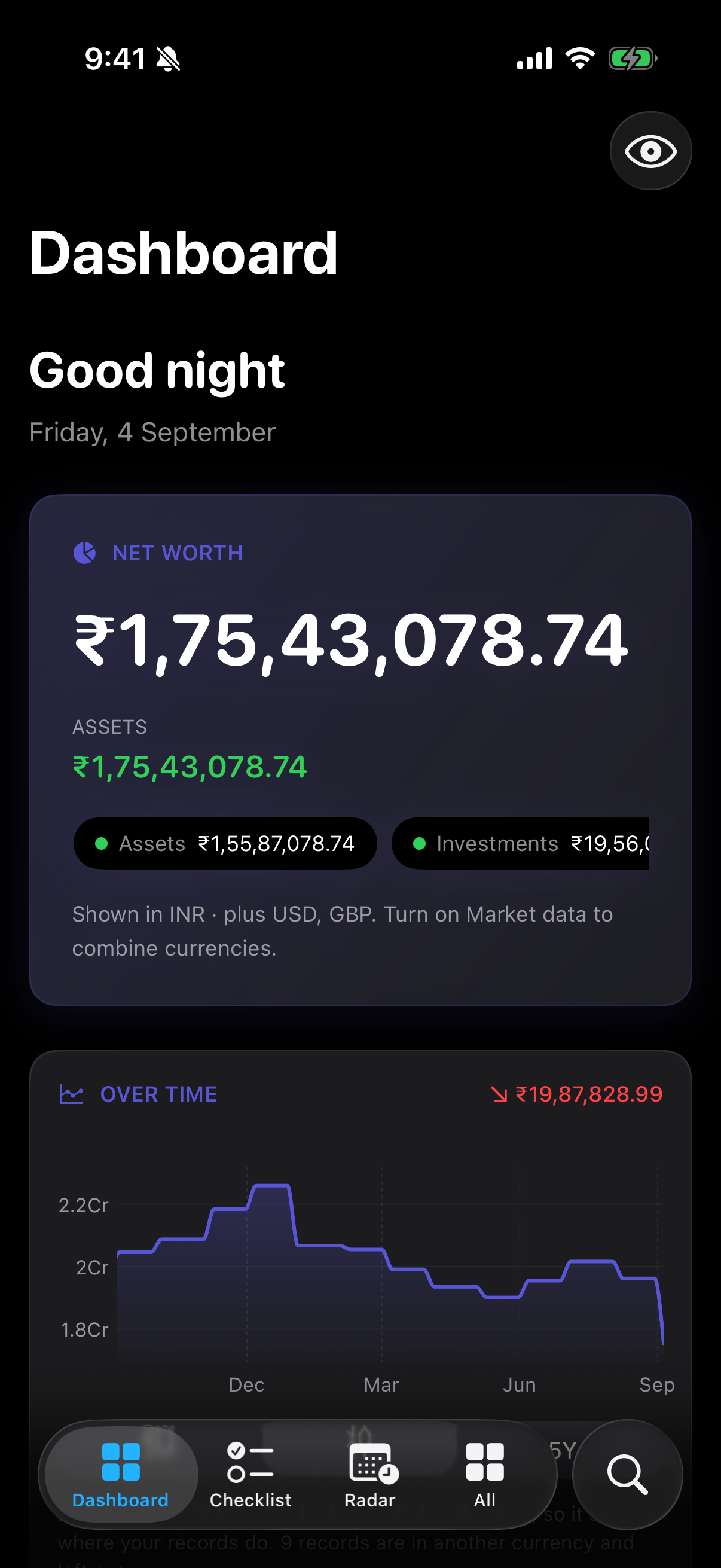
| Dashboard | Where do I stand right now? |
| Checklist | What is still unfinished this month? |
| Radar | What is my money about to do, and when is it heavy? |
| Assistant | Can I just ask a question about my own figures? |
| Reports | Can I have that as a document? |
None of these owns any data. They read what the modules hold and present it differently, which is why turning off a module quietly removes it from all five.
Where to go next#
If you have just installed Monestra, read Installing and first launch and then Your first record — together they take about ten minutes and leave you with a working setup. If you are already up and running, the three chapters worth reading properly are Checklist, Radar and Lock, masking and privacy.