 Monestra
The daily loop
Find and quick add
One shortcut that reaches every record, destination and action in the app — and parses "netflix 649 monthly" into a new subscription.
Press ⌘K on a Mac or an iPad with a keyboard. Tap the Find tab on iPhone.
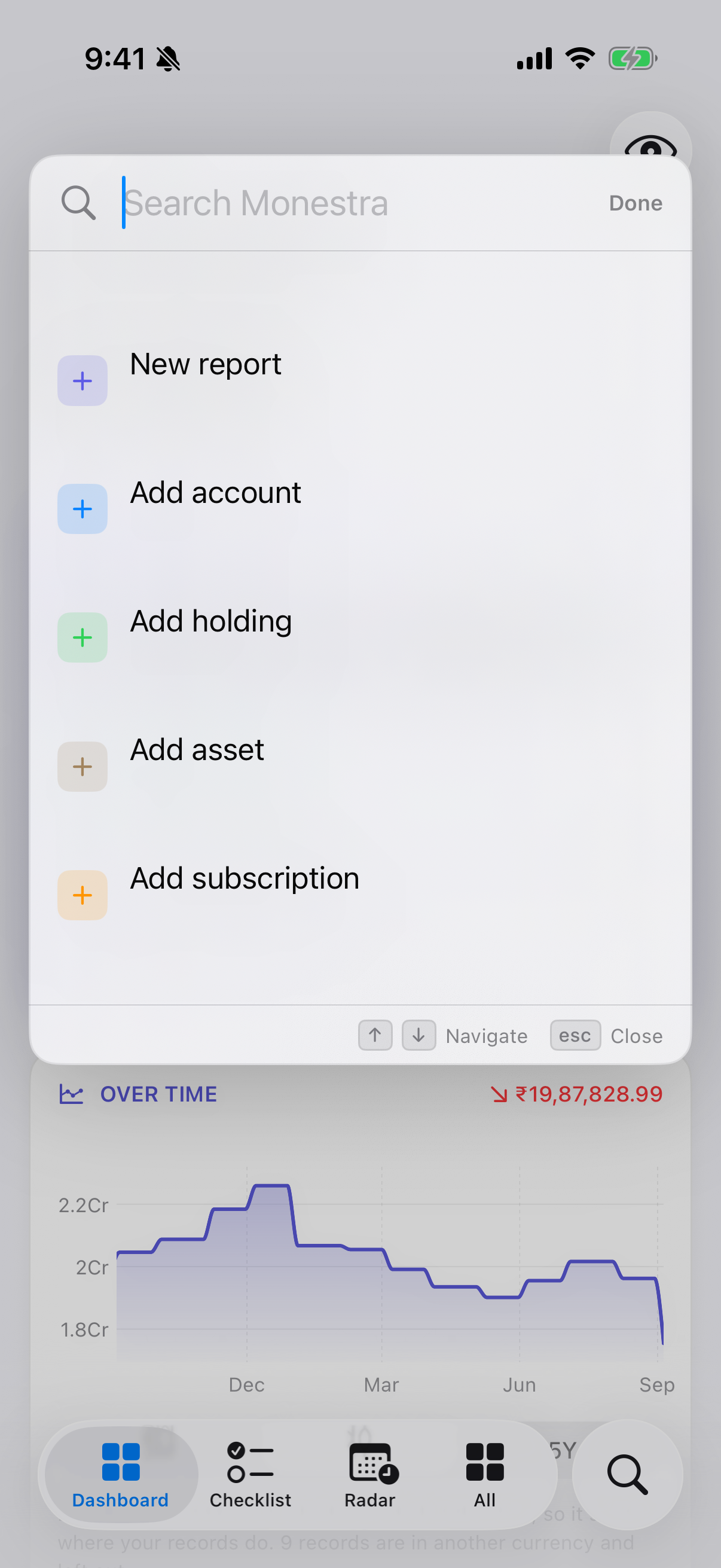
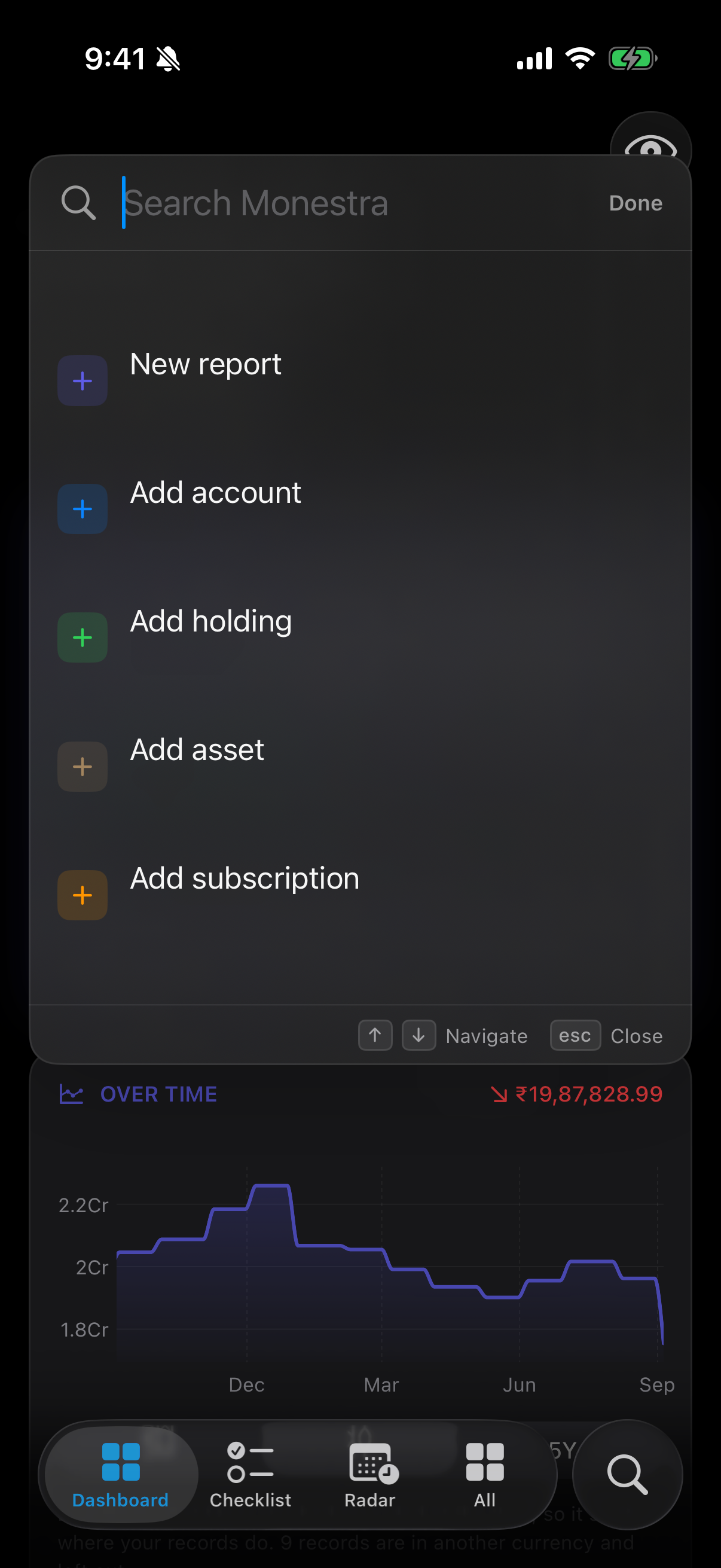
What Find searches#
Everything in every visible module, in three kinds:
- Records — an account, a holding, a policy, a person, a subscription. Selecting one opens it in the module that owns it.
- Destinations — module root screens, Settings panes, Radar's two lenses.
- Actions — "Add subscription", "Hide values", "Lock now", "Back up now".
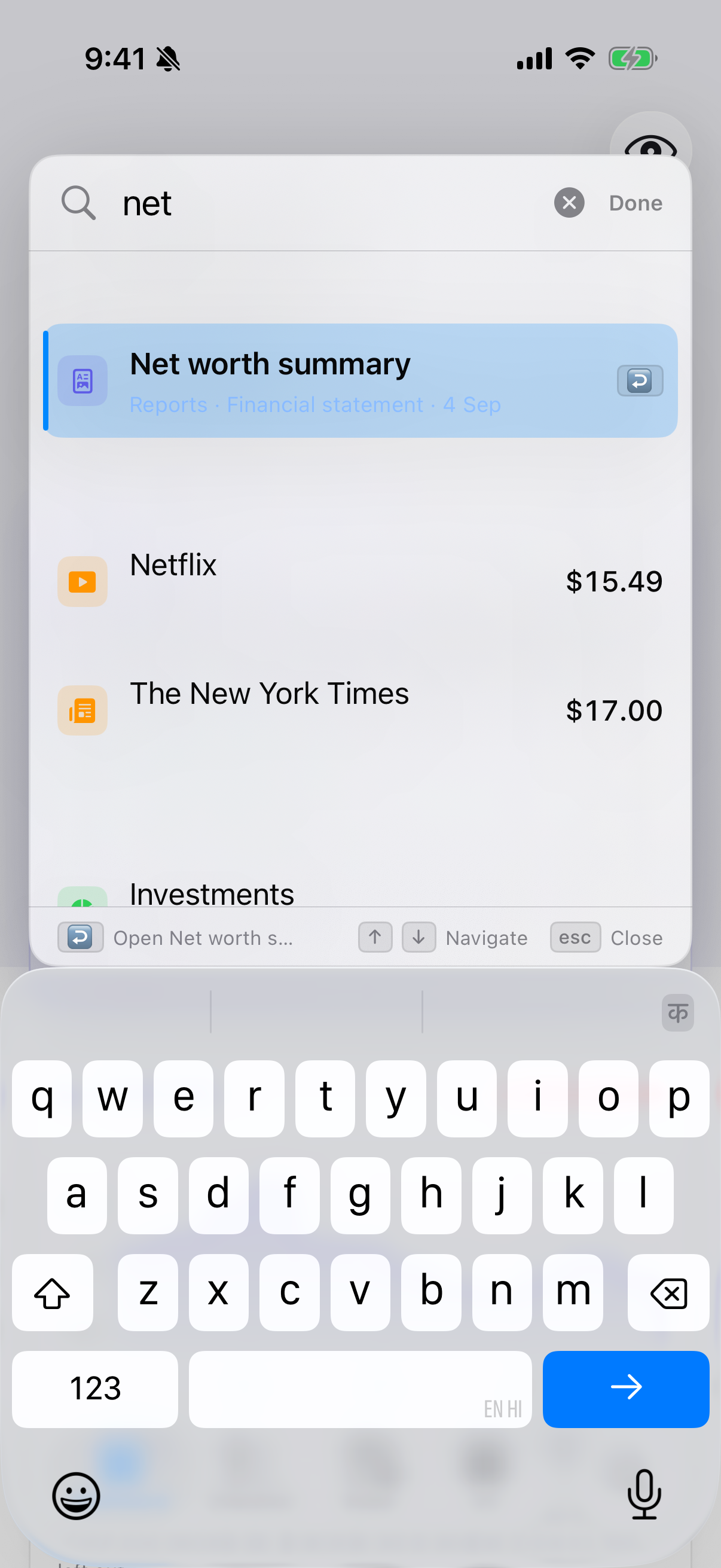
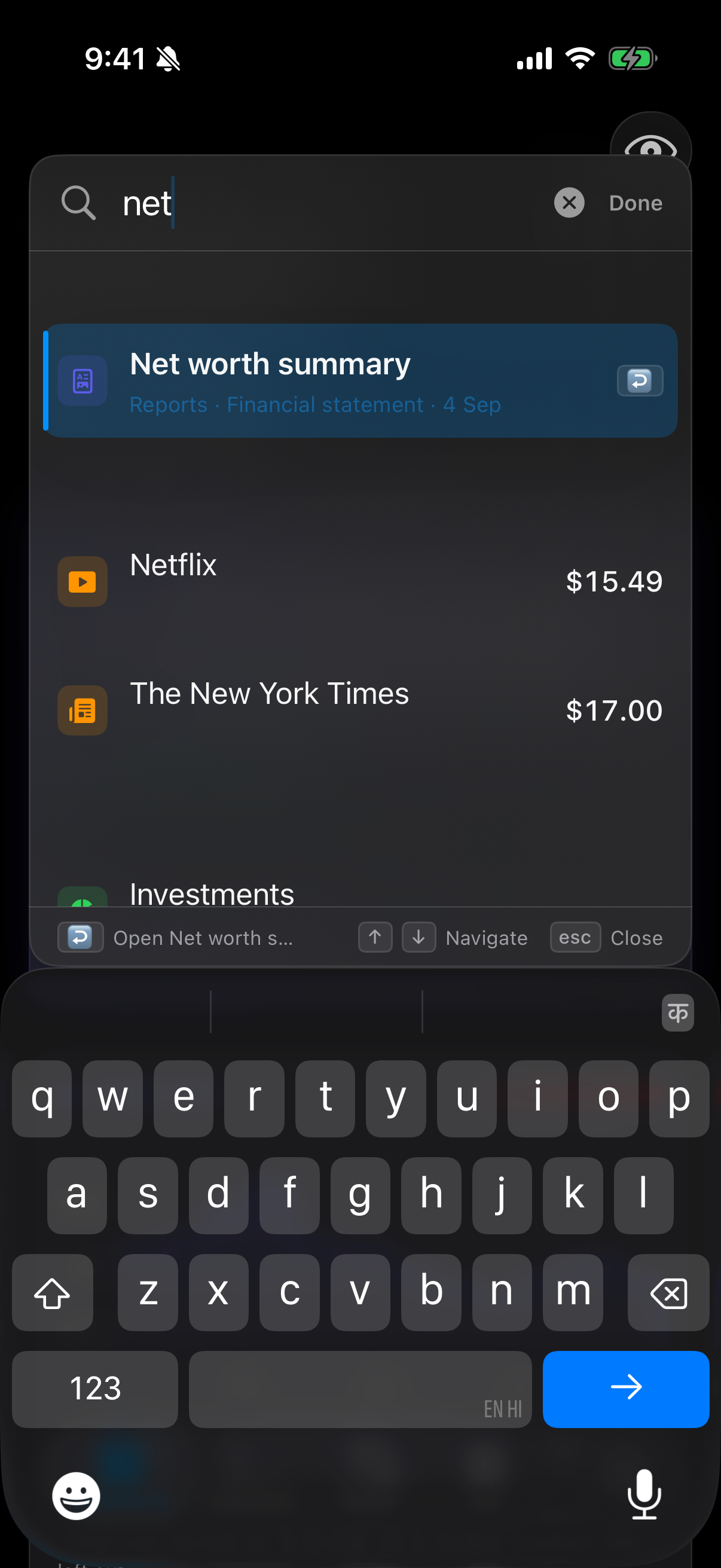
Quick add#
Type something that reads like a new record and Find offers to create it:
spotify 199 monthly→ Add subscription: Spotify
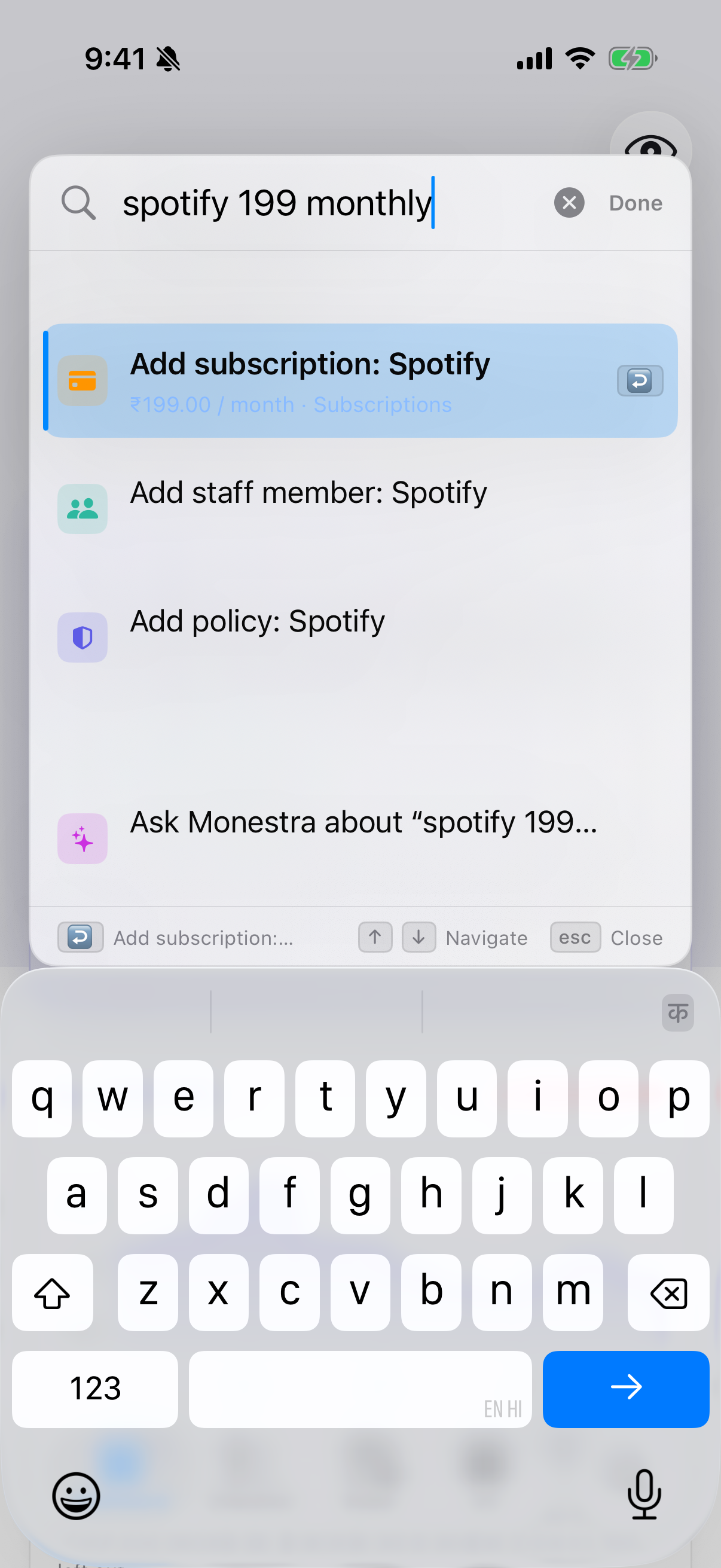
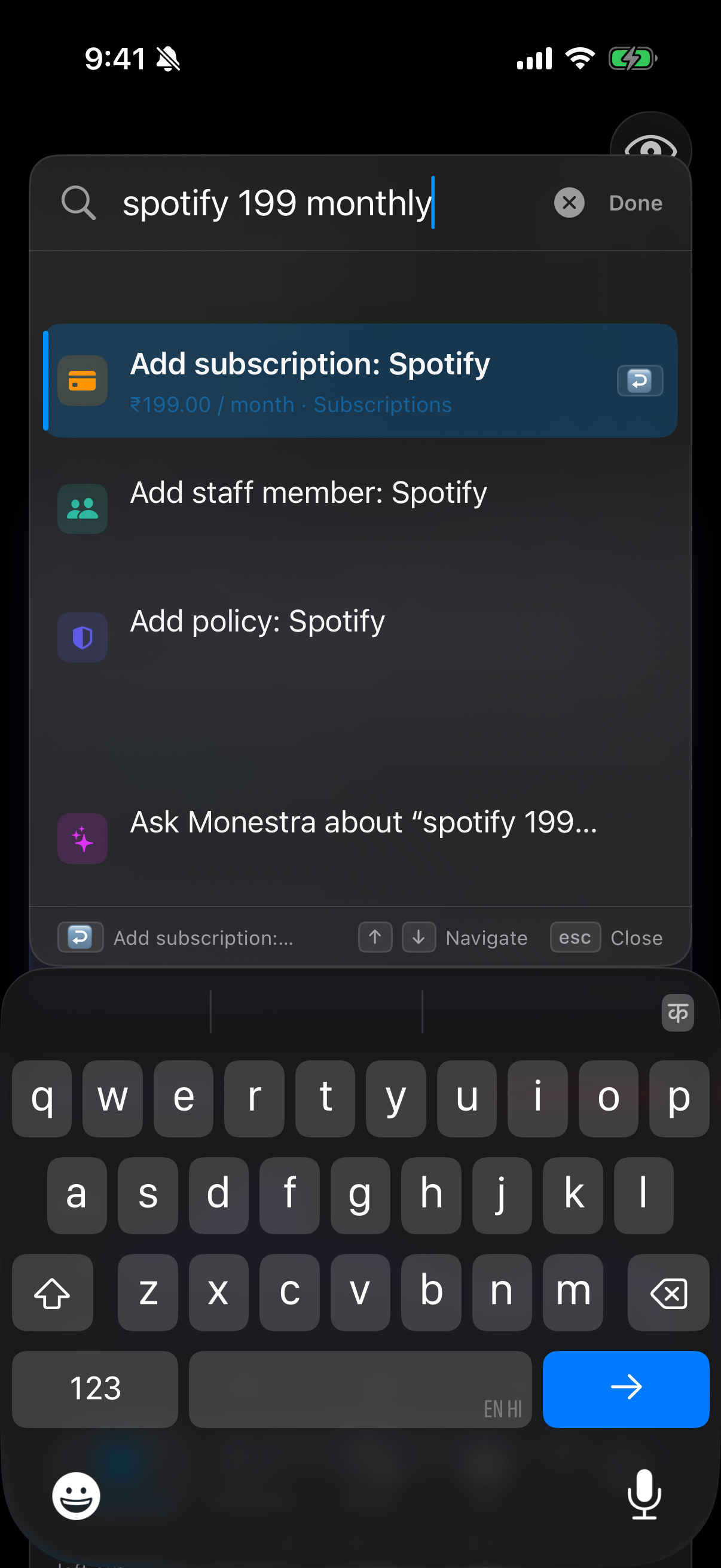
Monestra parses the noun, the amount and the cadence, then opens the editor pre-filled. It never creates a record behind your back — you always see the form and save it yourself, because a parser that silently writes records is a parser you cannot trust with money.
Modules that accept quick add declare only the shape they take, so the phrasing that works is the phrasing that makes sense for the module:
| Type this | Get |
|---|---|
spotify 199 monthly | A subscription |
add account | An empty account editor |
emergency fund 500000 | A goal |
Keyboard#
⌘K opens Find; ↑ ↓ move through results; ↵ opens the selected one; esc closes. On iPhone, Find is a tab, so it behaves like any other screen.
When Find comes up empty#
- The module is hidden. Find only searches visible modules — check Settings ▸ Modules.
- You are searching an encrypted field. By design; see above.
- Masking is on and you searched an amount. Unmask, or search by name instead.