 Monestra
Insight and output
Reports
A polished PDF of everything Monestra holds — or of any one module, at exactly the depth you choose. Generated on-device, exported behind Face ID.
Reports turns your records into a document: a whole-life financial statement, or a focused report on a single module.
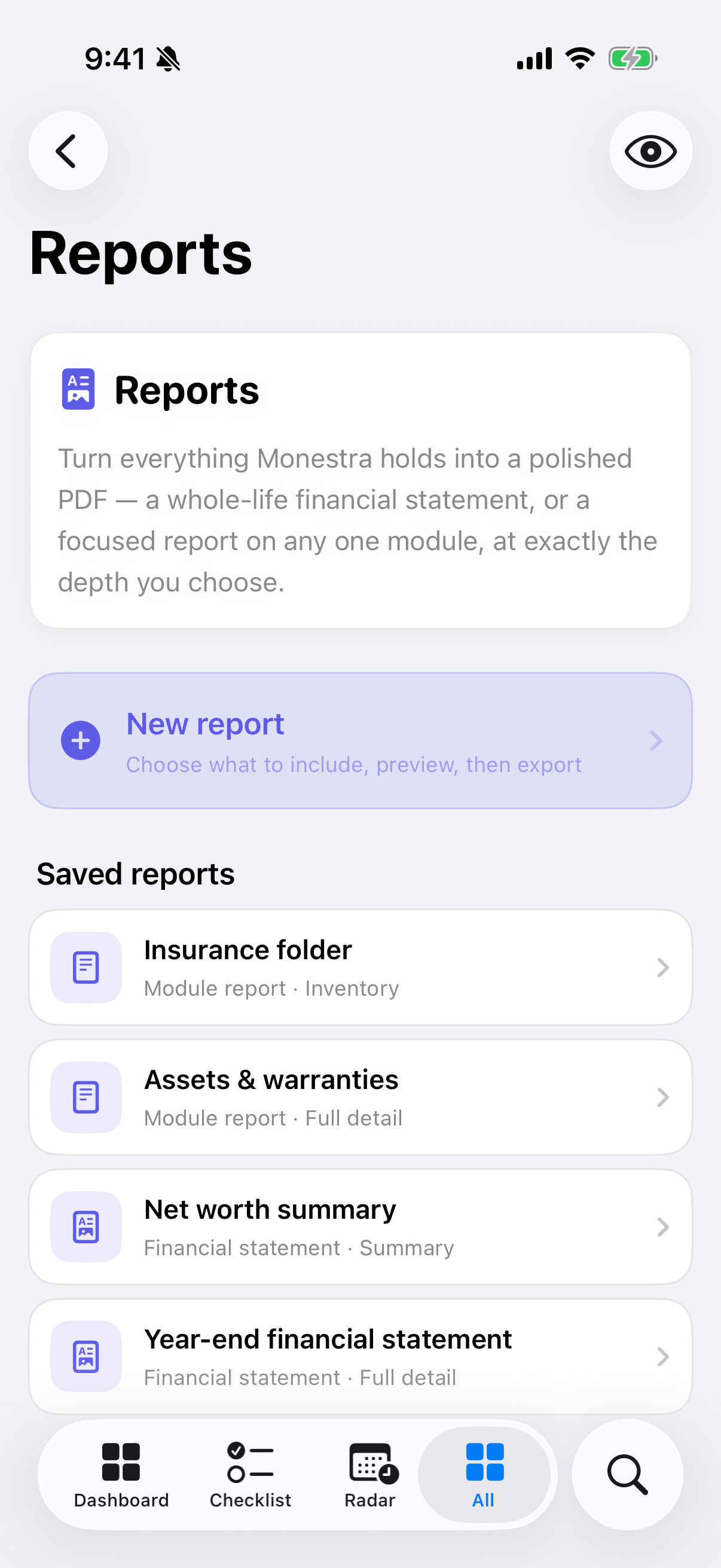
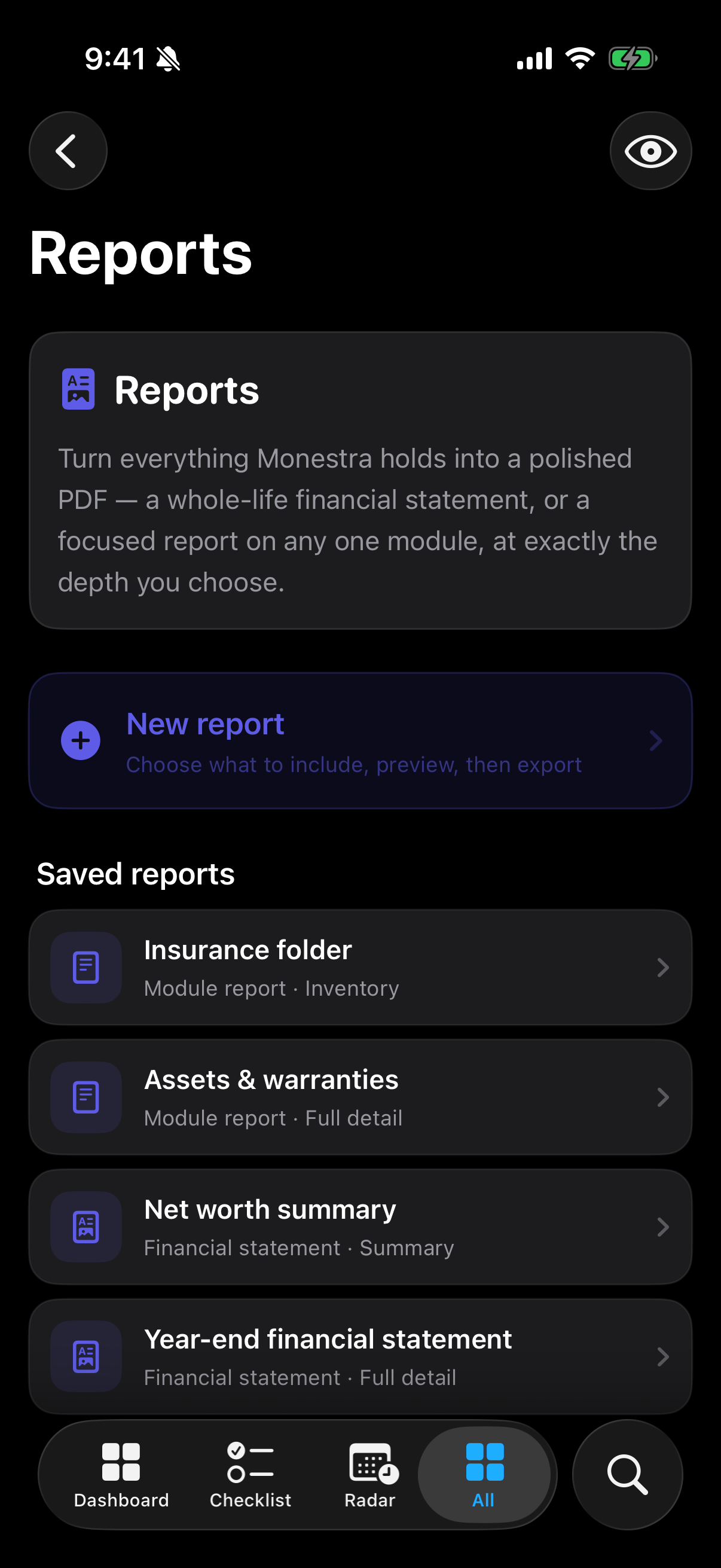
Building one#
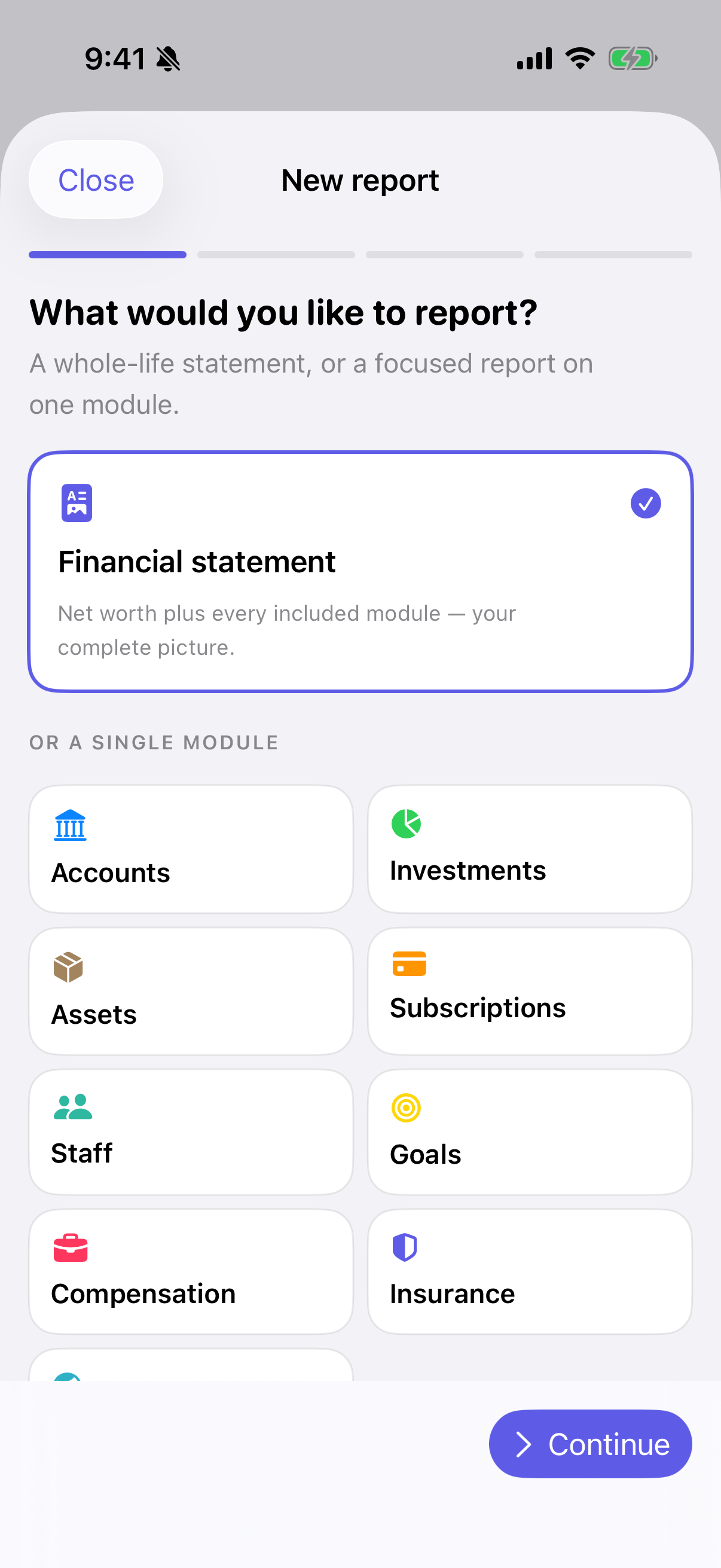
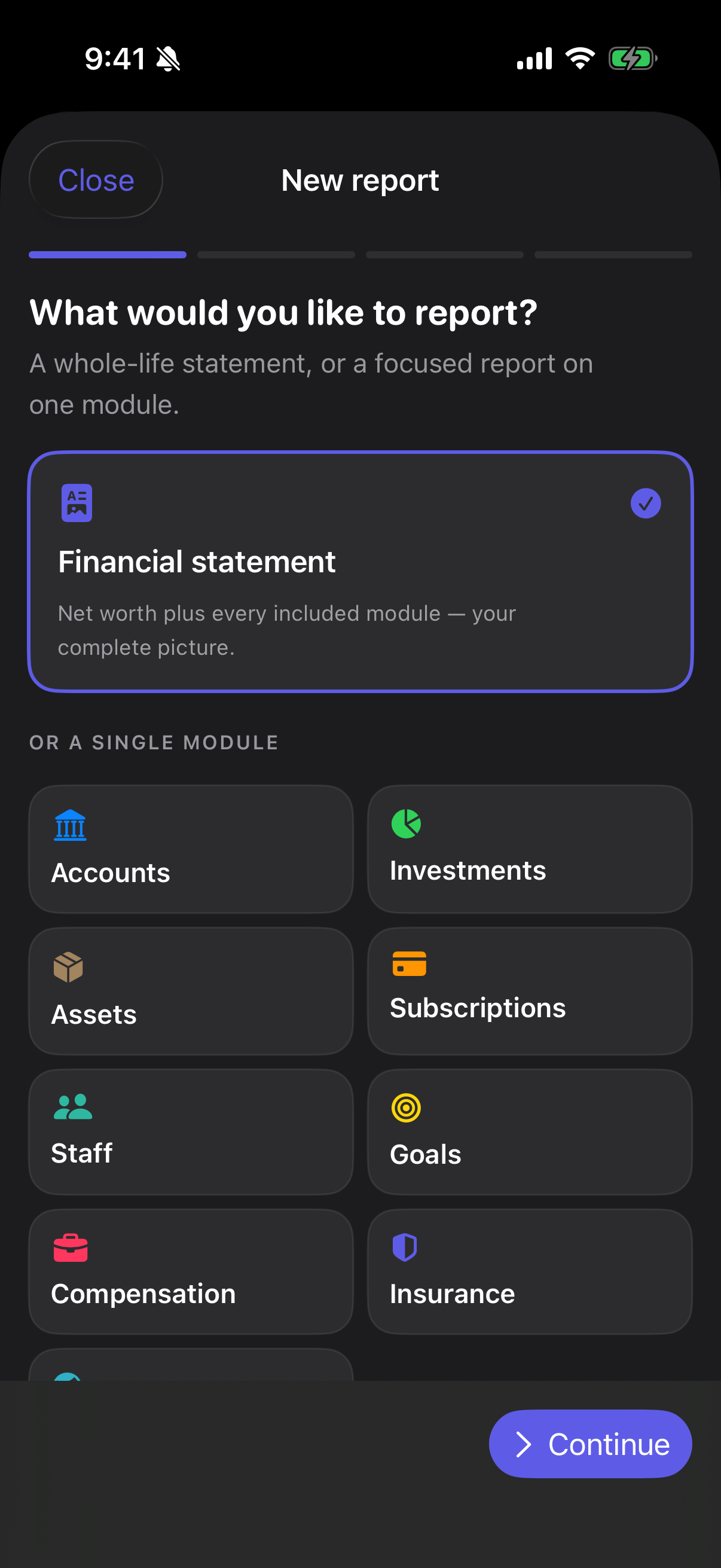
A four-step builder, with a progress bar so you always know how far through you are.
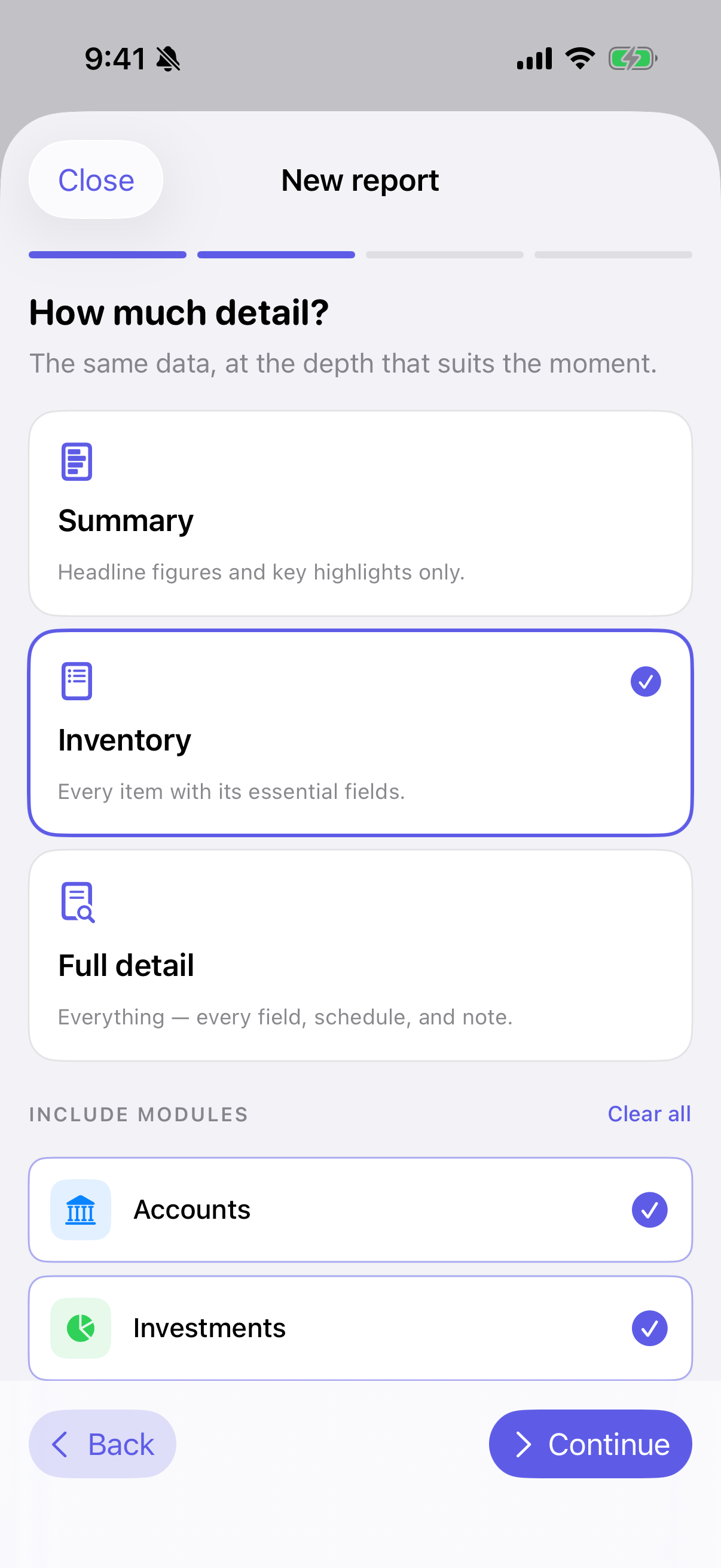
- What would you like to report? A whole-life financial statement, or a focused report on any one module.
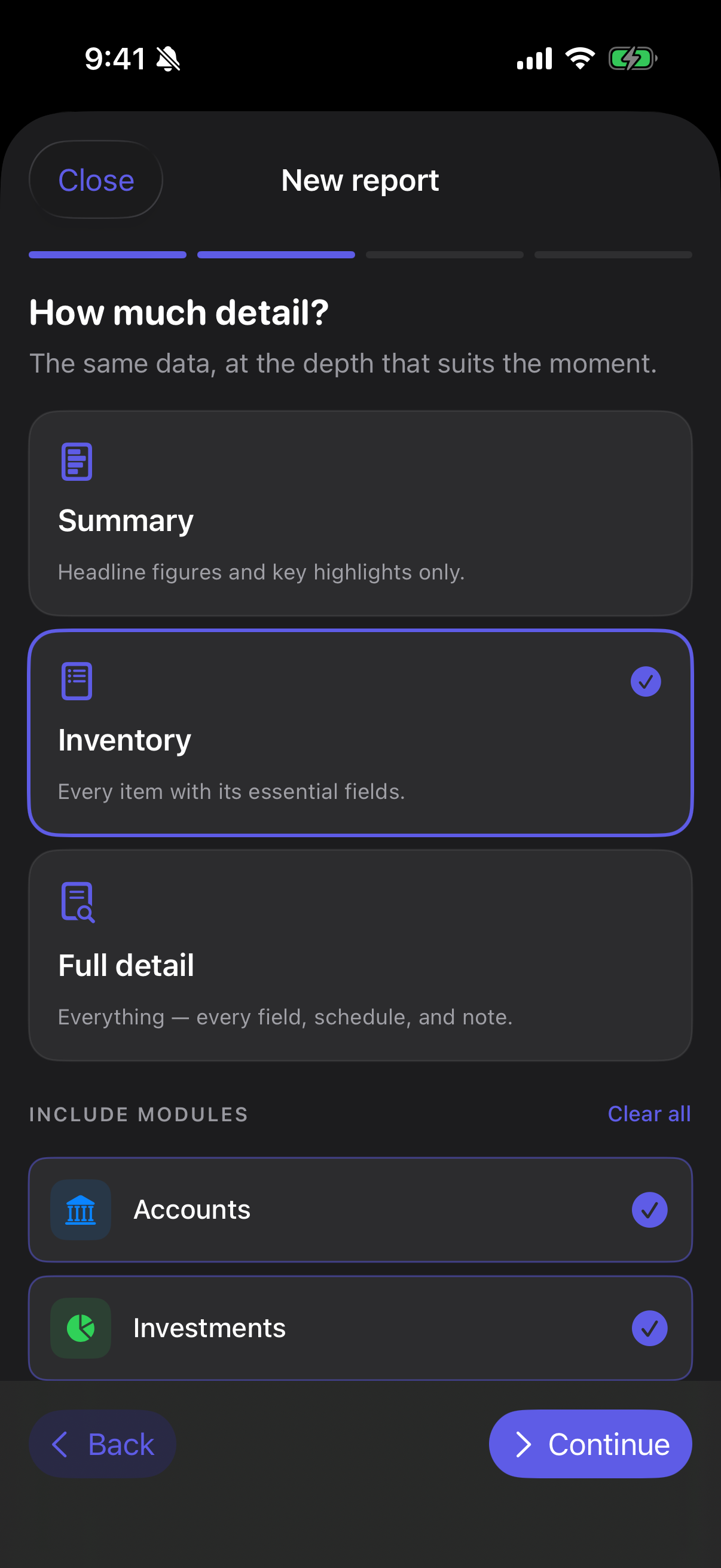
- How much detail? Summary (headline figures), Inventory (every record listed), or Full detail (everything, including breakdowns and charts).
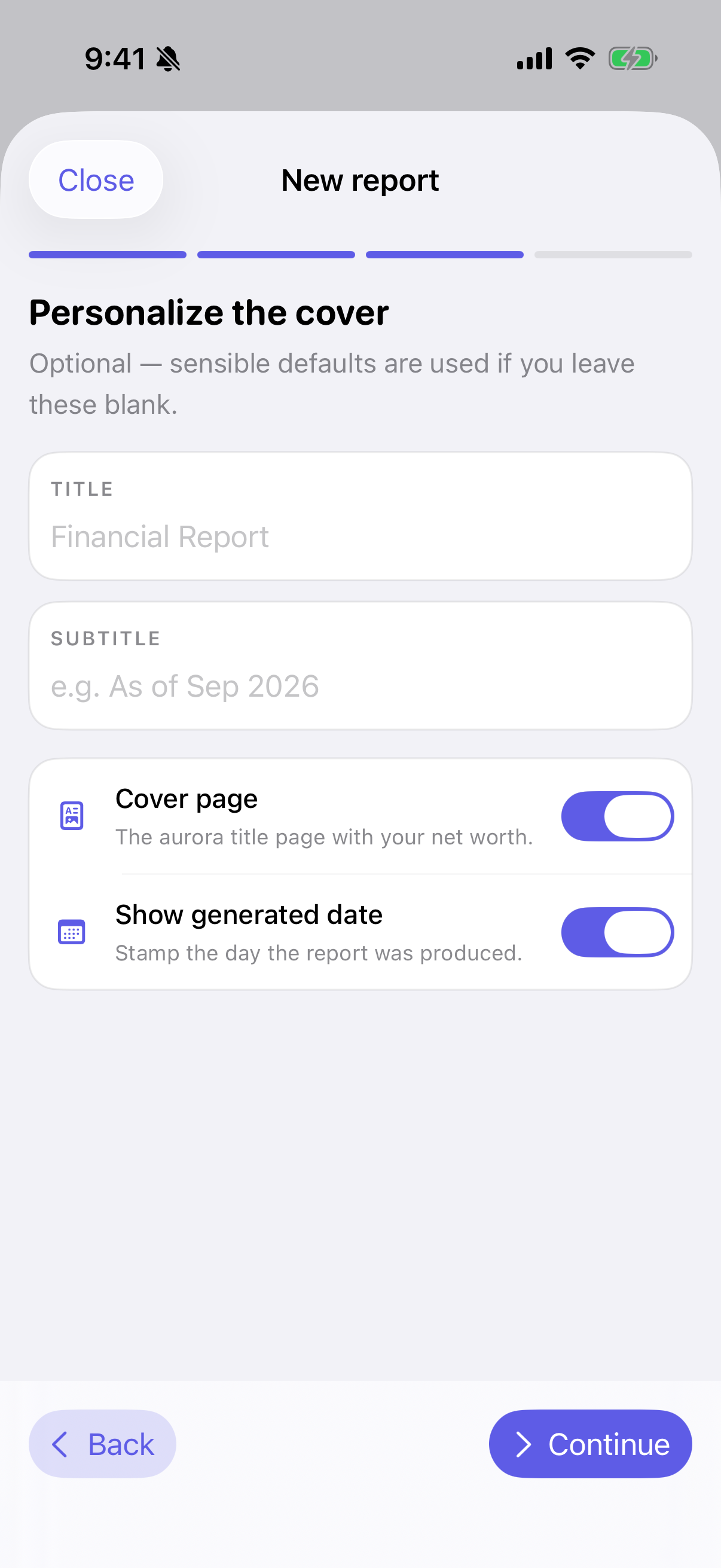
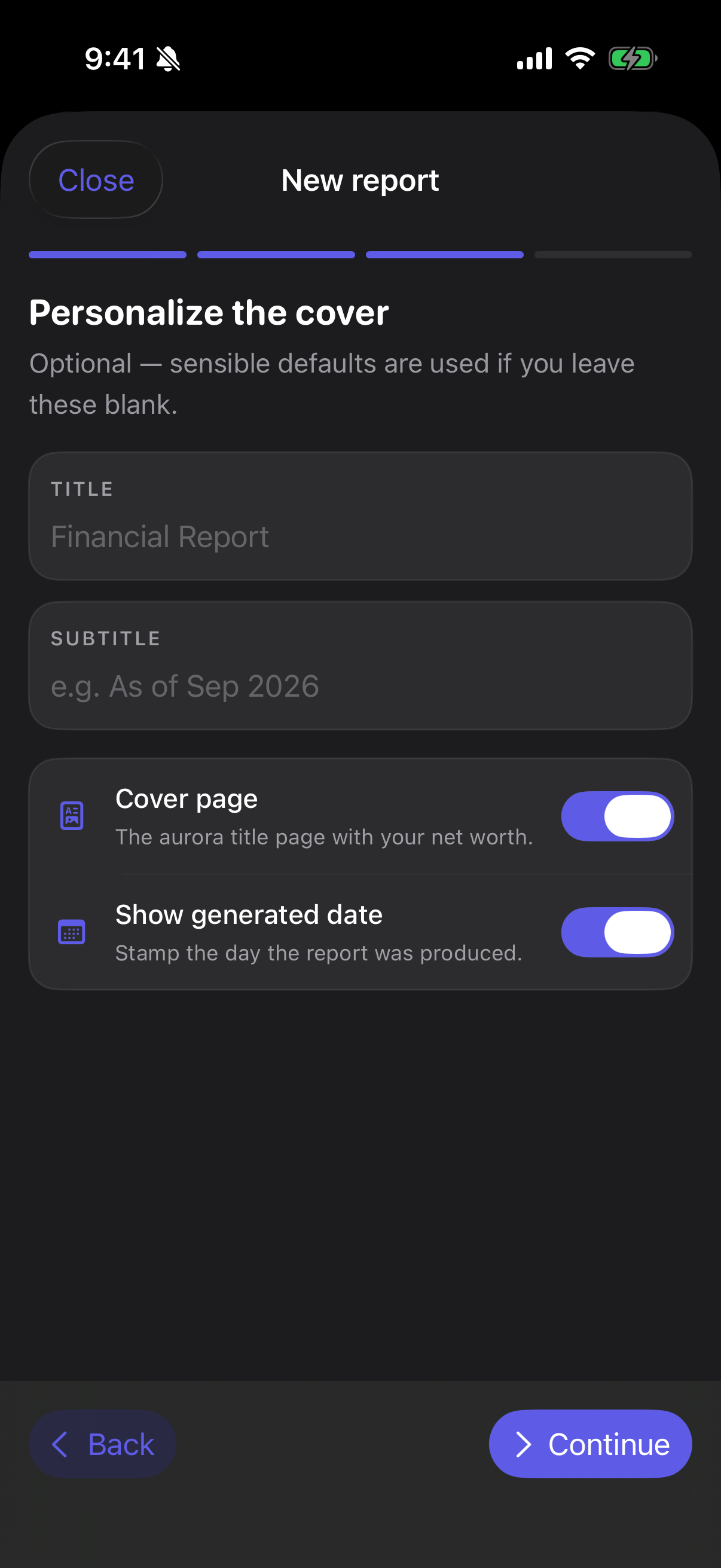
- Personalize the cover. A title and subtitle, whether to include the cover page, and whether to stamp the date the report was produced. All optional — leave it blank and sensible defaults are used.
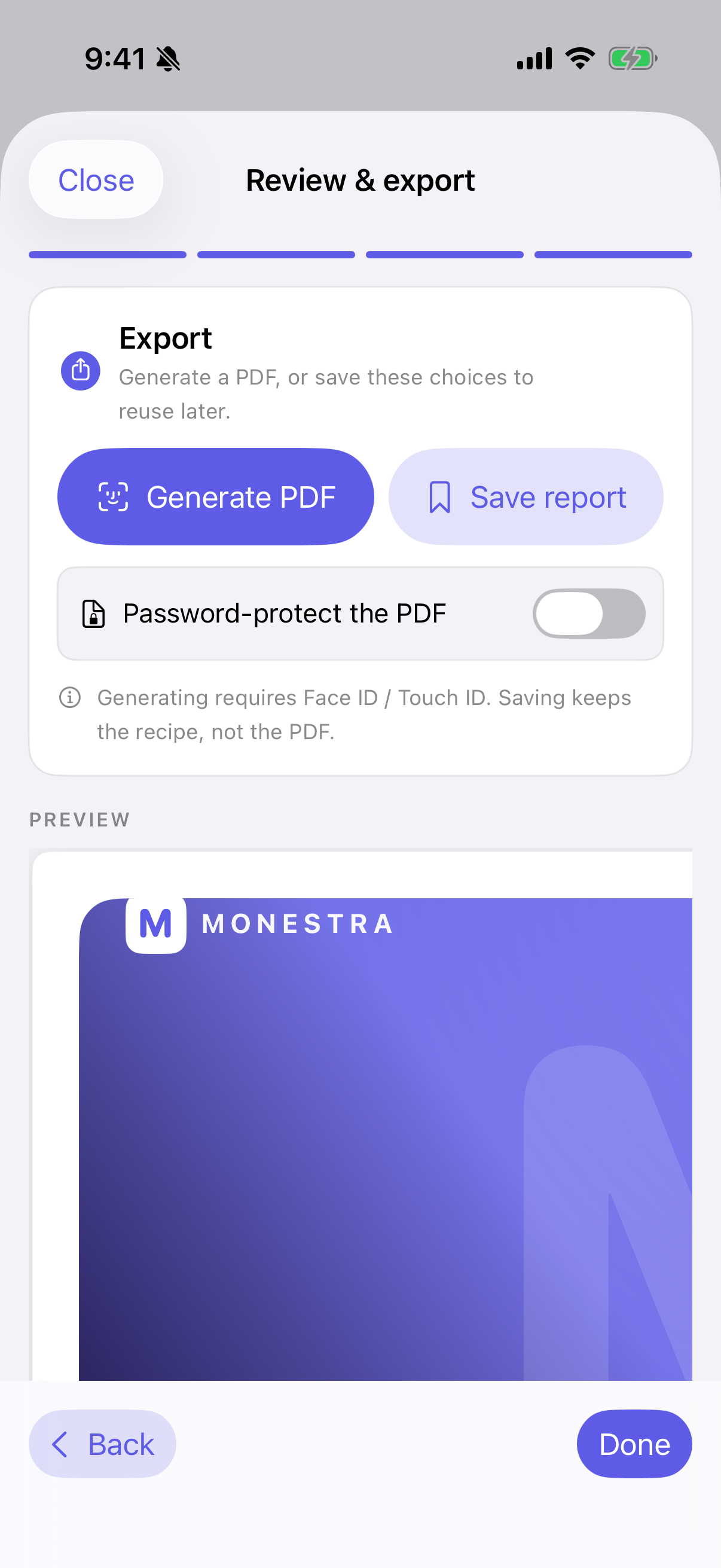
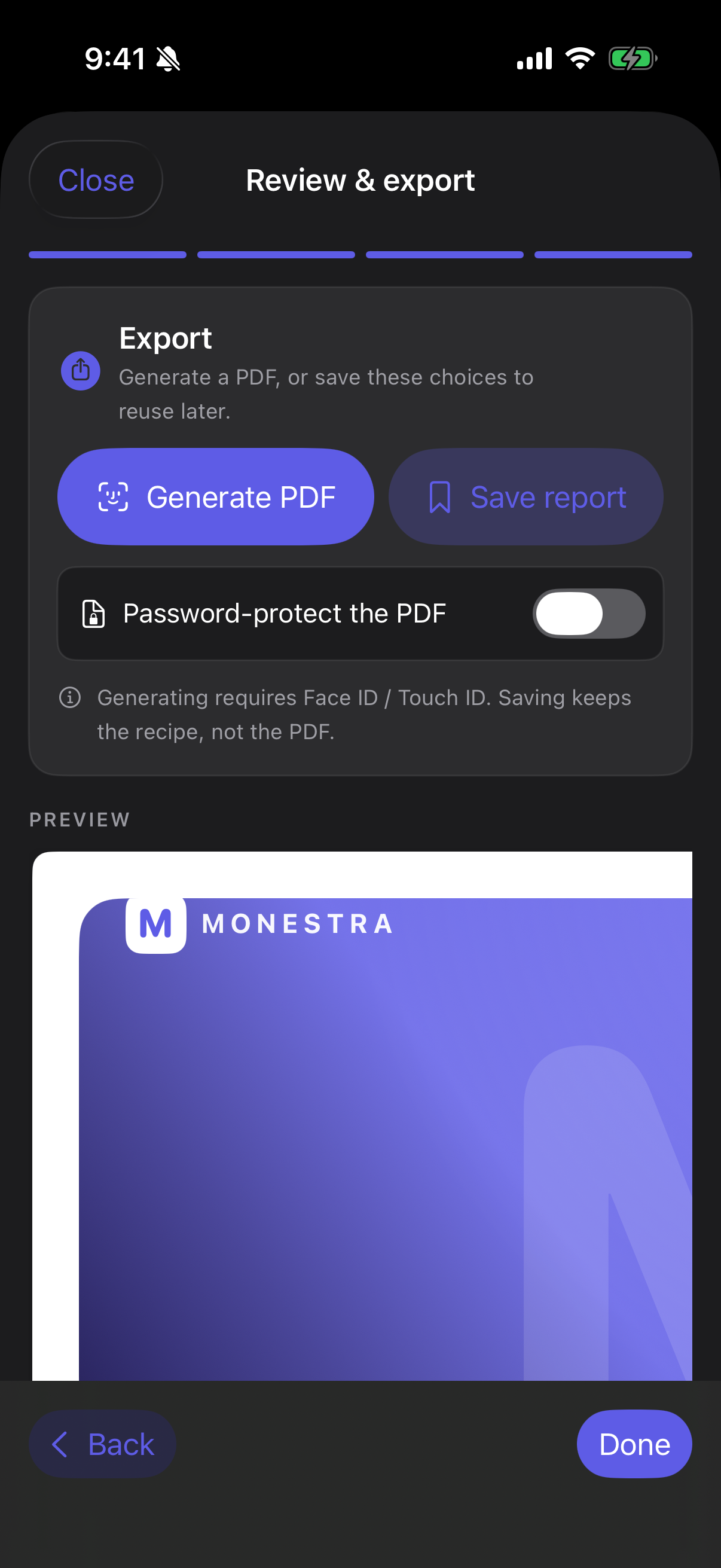
- Review & export. The preview here is exactly what exports; there is no second rendering path that could disagree with it.
Recipes, not documents#
Monestra saves the recipe — what to include and at what depth — and never the generated PDF. Open a saved recipe next month and it regenerates from current data.
That keeps a stale document from masquerading as a current one, and it keeps your data in one place rather than scattered across generated copies.
Every module appears#
Modules that describe themselves to Reports directly produce a bespoke section. Assets is the showcase. Modules that do not are synthesised from what they already tell the Dashboard and the Assistant, so every enabled module appears in a report from day one.
Export is gated#
Exporting asks for Face ID, Touch ID or your passcode. A report is the one artefact in Monestra designed to leave the device, so it is the one place where the gate matters most.
You can add a password to the PDF, which encrypts it in the standard PDF way so it can be opened by any reader that supports it.
Masking and printed pages#
A report has its own masking switch, set at export time, and it does not read the on-screen mask state. That is deliberate: whether the screen is currently masked has nothing to do with whether a document you are about to send should carry figures. You decide when you export.
Charts#
Reports draw their own charts, sized for paper, with their own ink. A printed page has different constraints from a screen, and the same chart drawn twice for two media is more honest than one chart stretched across both.