 Monestra
Privacy and data
Backup and restore
A sealed snapshot of everything, and a portable file you can put somewhere safe. Plus a reversible way to erase it all.
Two kinds, for two different problems#
Snapshots — inside the app#
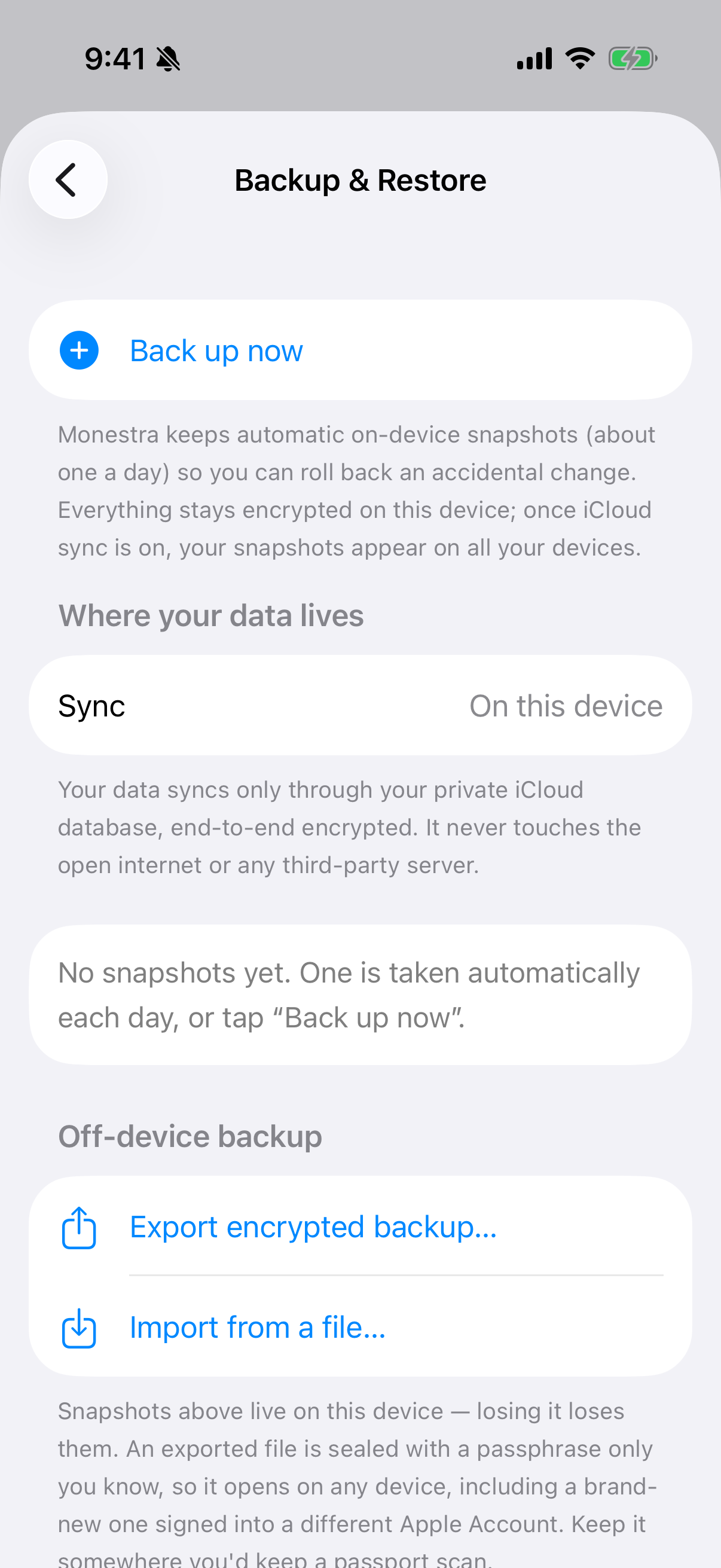
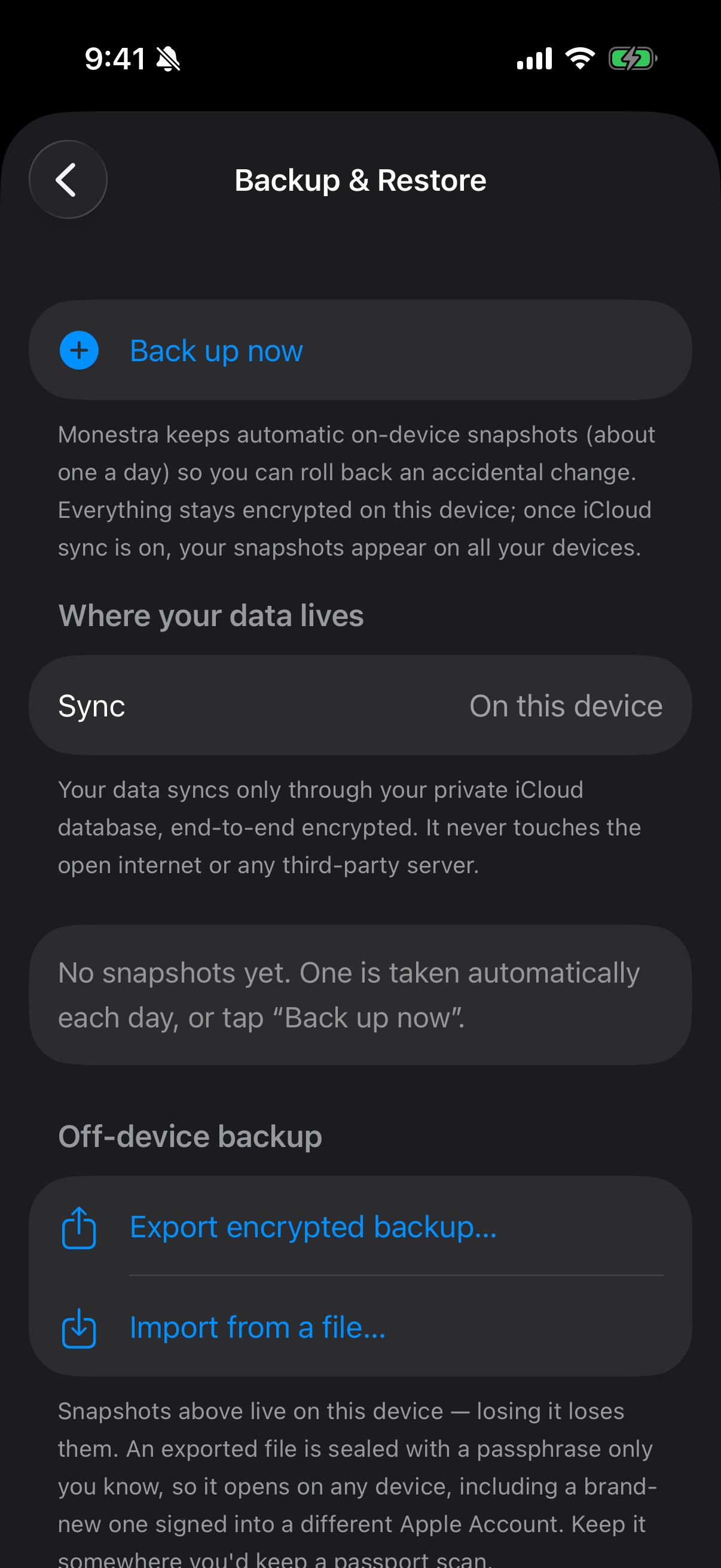
A snapshot captures everything every module holds, sealed into one archive with a key from your device Keychain, and kept inside the app. Snapshots sync with everything else, so a snapshot taken on your Mac is available on your iPhone.
Use these for the ordinary case: undoing a bad import, or going back a week.
Exported files — outside the app#
An exported .monestrabackup file is re-sealed under a passphrase you choose, and can be saved to Files, iCloud Drive, an external disk, or anywhere else.
The passphrase is stretched with PBKDF2 before it is used, so a short one is not as weak as it would otherwise be — but pick a real one anyway.
What a backup contains#
Everything, including value history — which matters more than it sounds. History is the one thing in Monestra you cannot reconstruct by looking at your accounts. Your bank can tell you today's balance; nothing can tell you what it was on 12 March except a record you kept.
Encrypted fields stay encrypted inside the archive. Nothing is decrypted to make a backup.
Restoring#
Restore replaces data per module. A restore is not a merge: for each module in the archive, what is in the archive becomes what you have.
- Open Settings ▸ Backup & Restore.
- Choose a snapshot, or Import a
.monestrabackupfile. - Enter the passphrase, if it is an exported file.
- Confirm. Monestra tells you which modules the archive covers before it writes anything.
Archives are schema-versioned, so Monestra knows whether an old backup can be read by the current build and says so rather than importing something it half-understands.
Erase all data#
The danger zone offers a full erase. It is reversible in the sense that matters — it uses the same per-module replacement machinery as a restore, so restoring a backup afterwards brings everything back.
It does not touch your preferences, and it does not remove the app.