 Monestra
The daily loop
Checklist
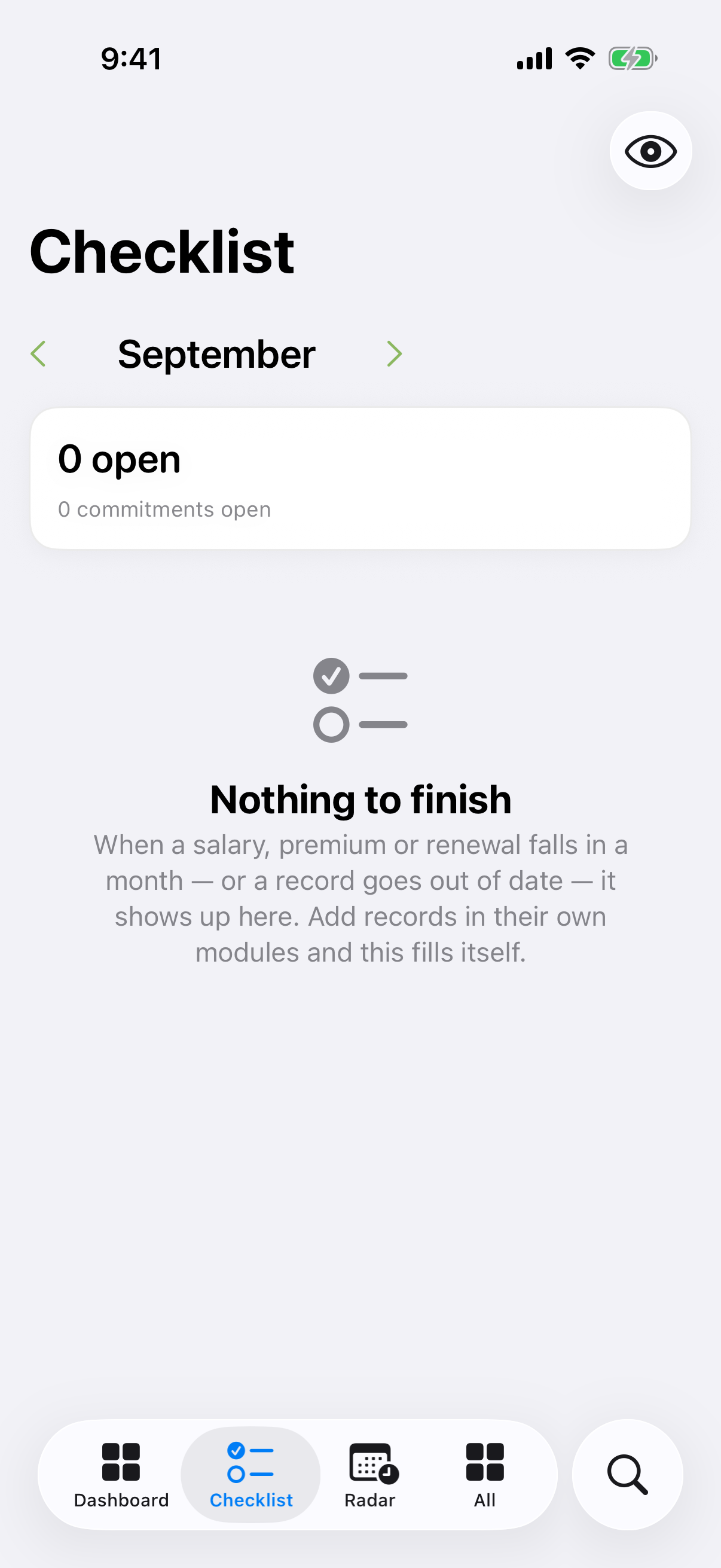
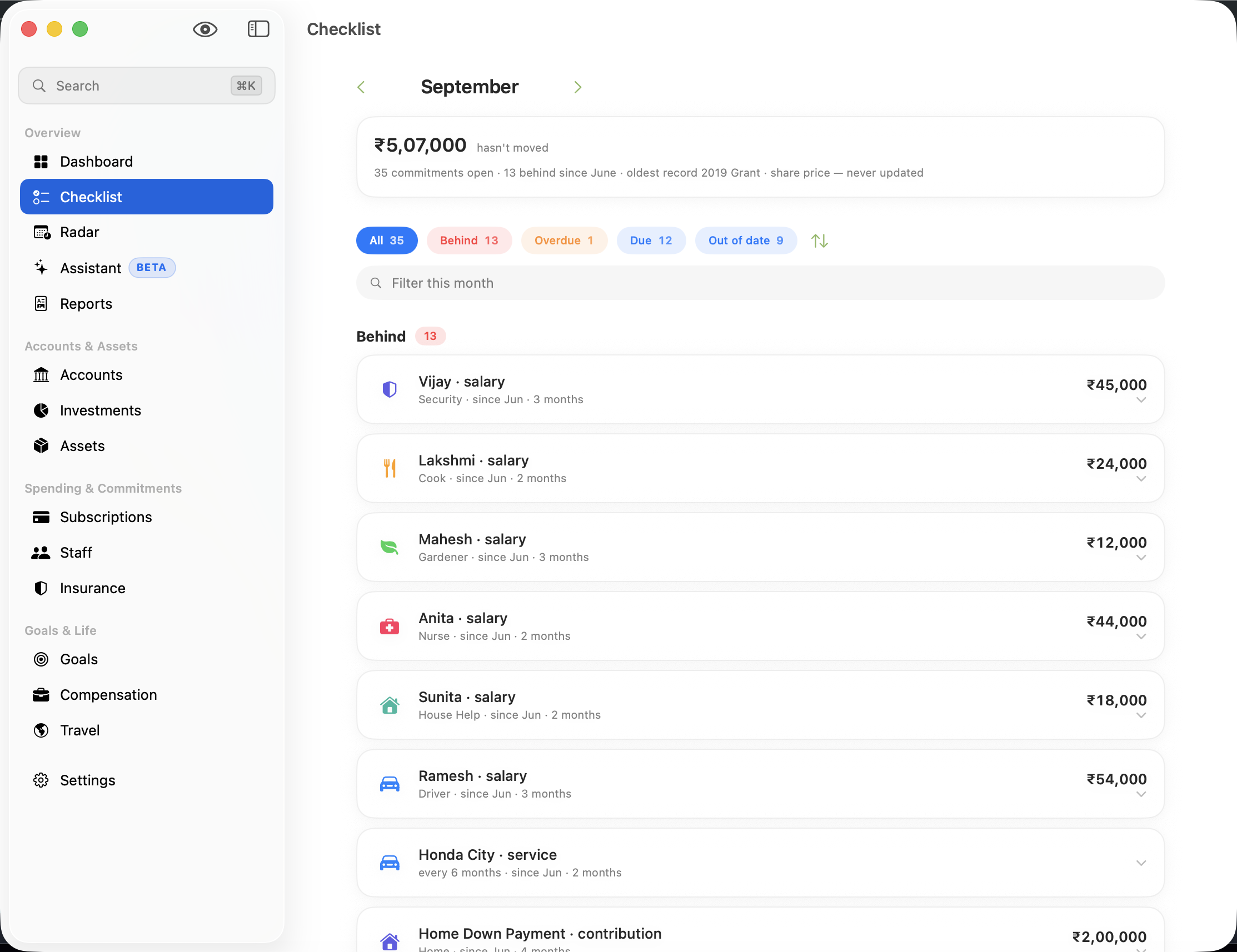
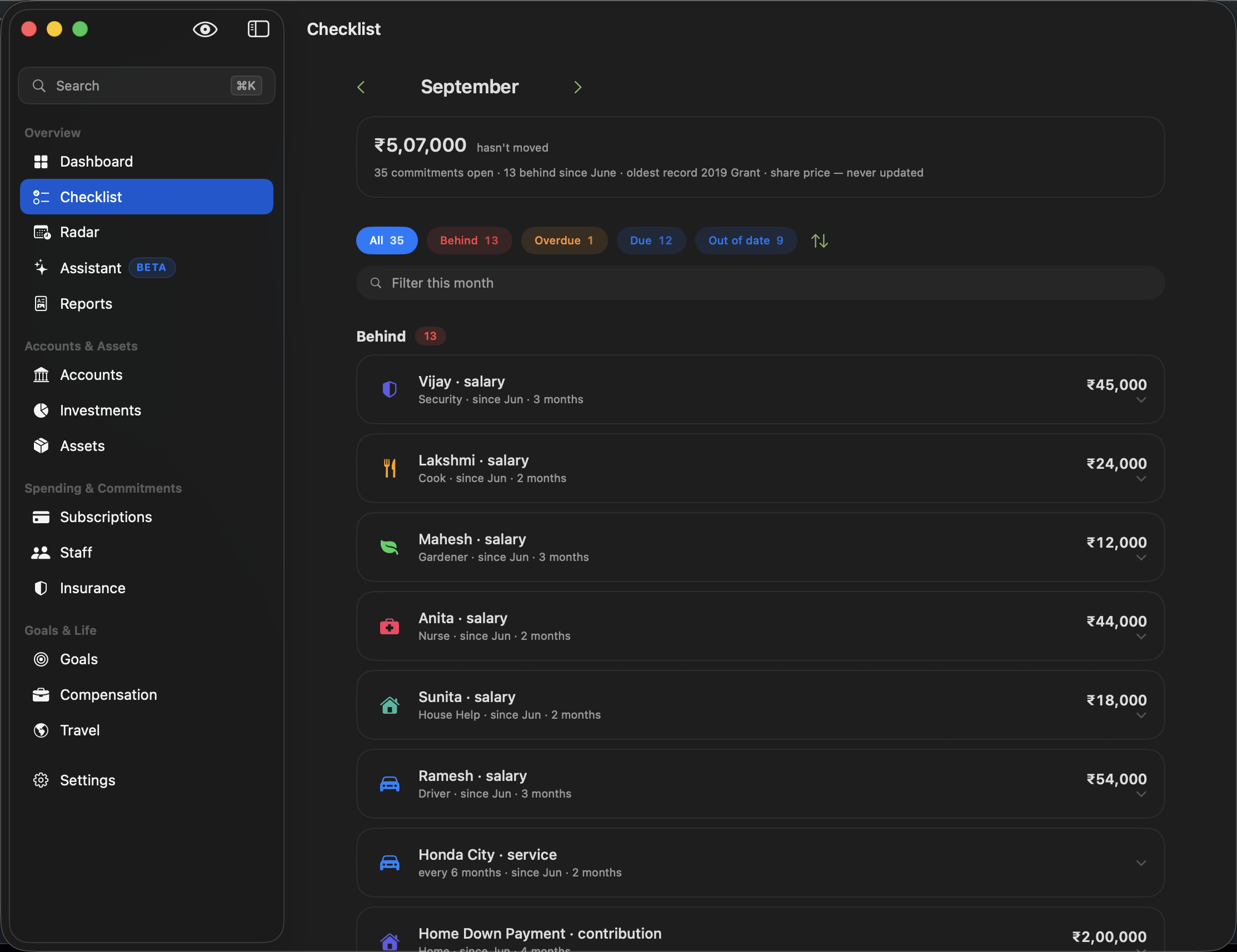
A month at a time of what is still unfinished — the only screen in Monestra with a notion of done, and the only one that writes.
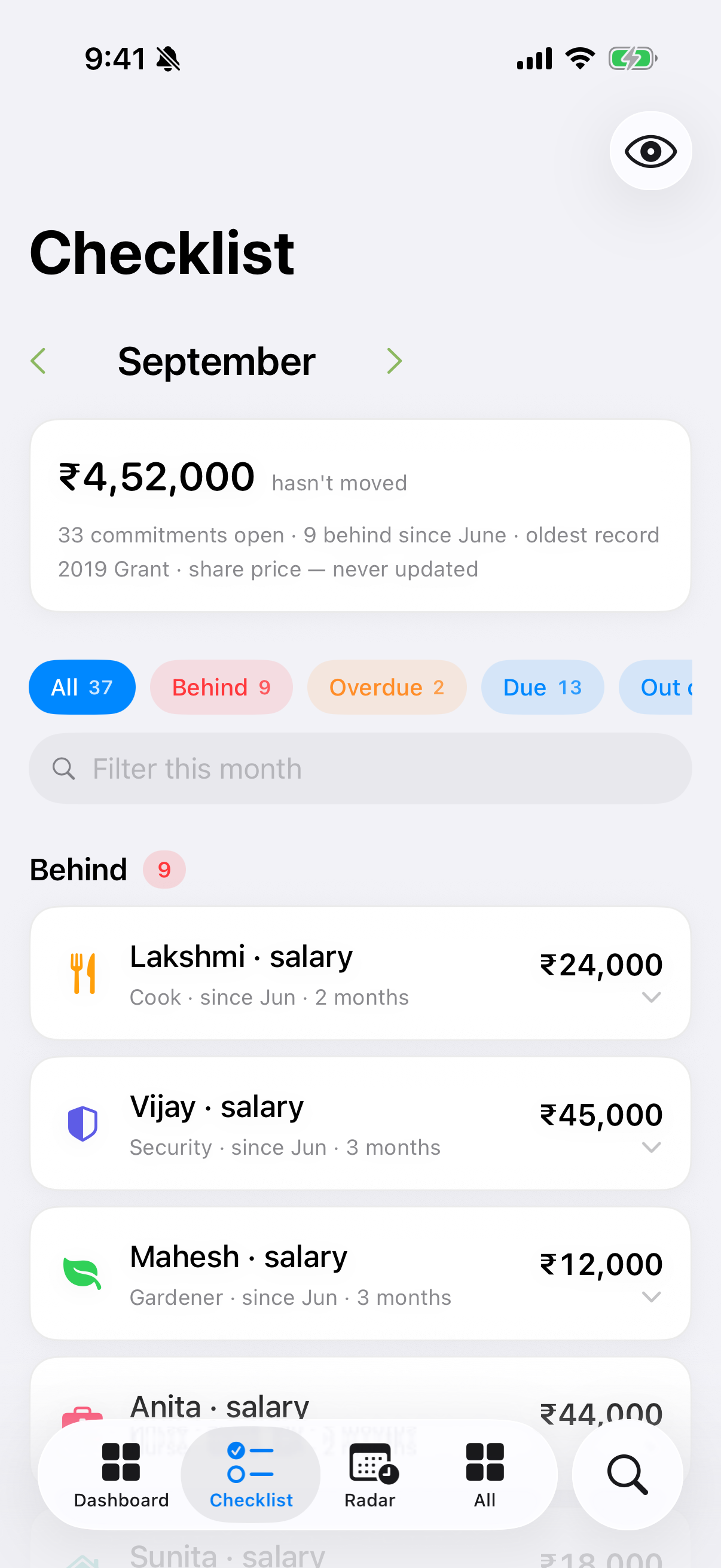
Every other surface in Monestra describes. The Checklist is the one that can be finished. It answers a single question — what have I not done yet this month? — and it draws the answer from two very different kinds of unfinished business:
- Money that must move. A salary, a premium, an instalment, a service due, a registration. Real obligations with real dates.
- Records that have gone stale. A bank balance you last touched in June. A holding priced by hand three months ago. Nothing is owed; the app just cannot tell you anything useful until you refresh it.
The five bands#
Rows are grouped into bands, always in this order:
| Band | What it means |
|---|---|
| Behind | At least one occurrence from an earlier month is still unfinished |
| Overdue | Due this month, and the date has passed |
| Due | Due this month, still ahead of you |
| Out of date | A record that has gone stale — no money is owed |
| Done | Finished, with the evidence attached |
Done rows carry their evidence. Not a bare tick — "Paid 5 Aug". A tick with a date behind it is a fact; a tick on its own is a claim, and a claim is exactly what you cannot audit three months later.
One card per commitment, not per occurrence#
This is the part worth understanding, because it is the difference between a list you can work through and a list that punishes you.
An unfinished item is republished every month it stays unfinished. Six unpaid salaries across four months therefore produce twenty-four rows — and the list ends up reporting how long you have been behind as though it were how much there is to do.
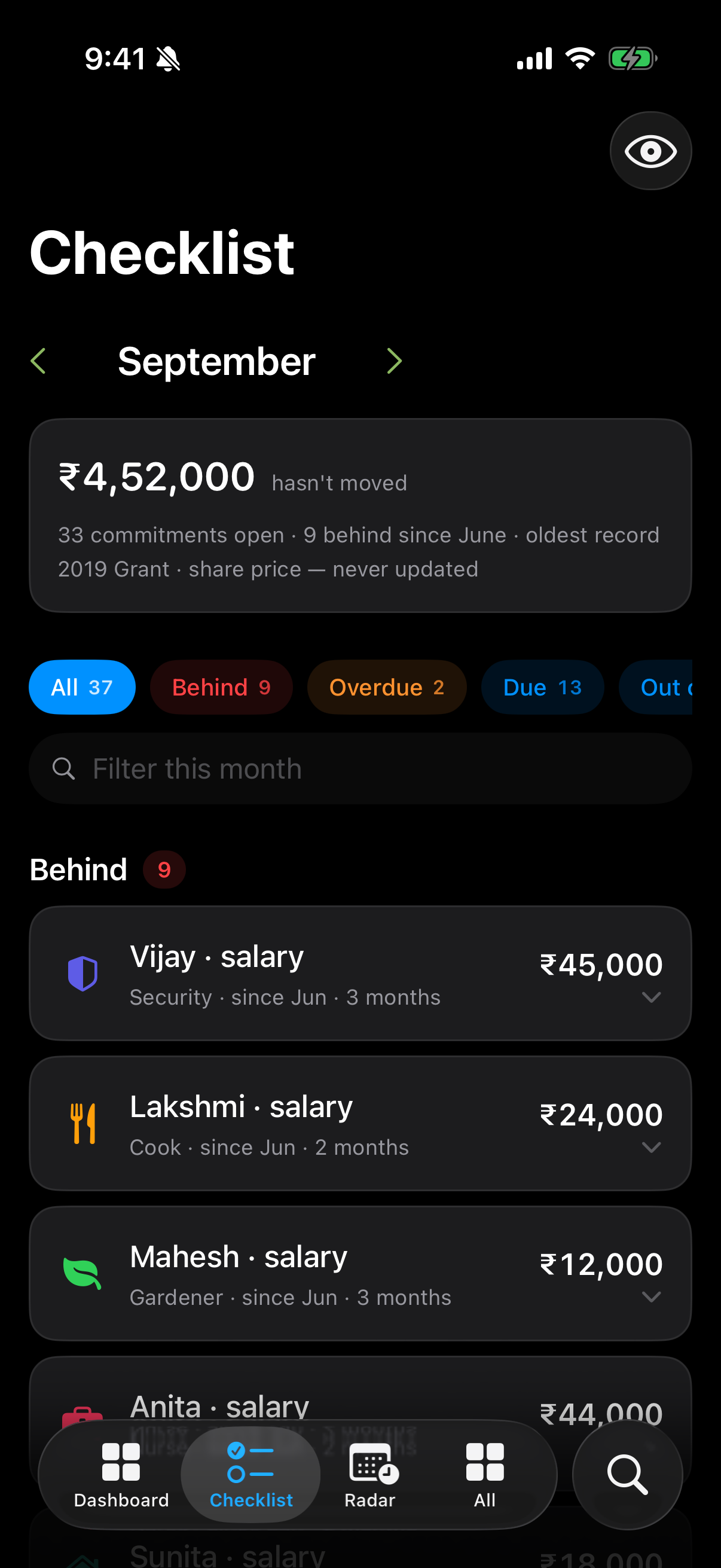
So the Checklist folds by commitment. One card per thing you have committed to, with the arrears expanded inside it:
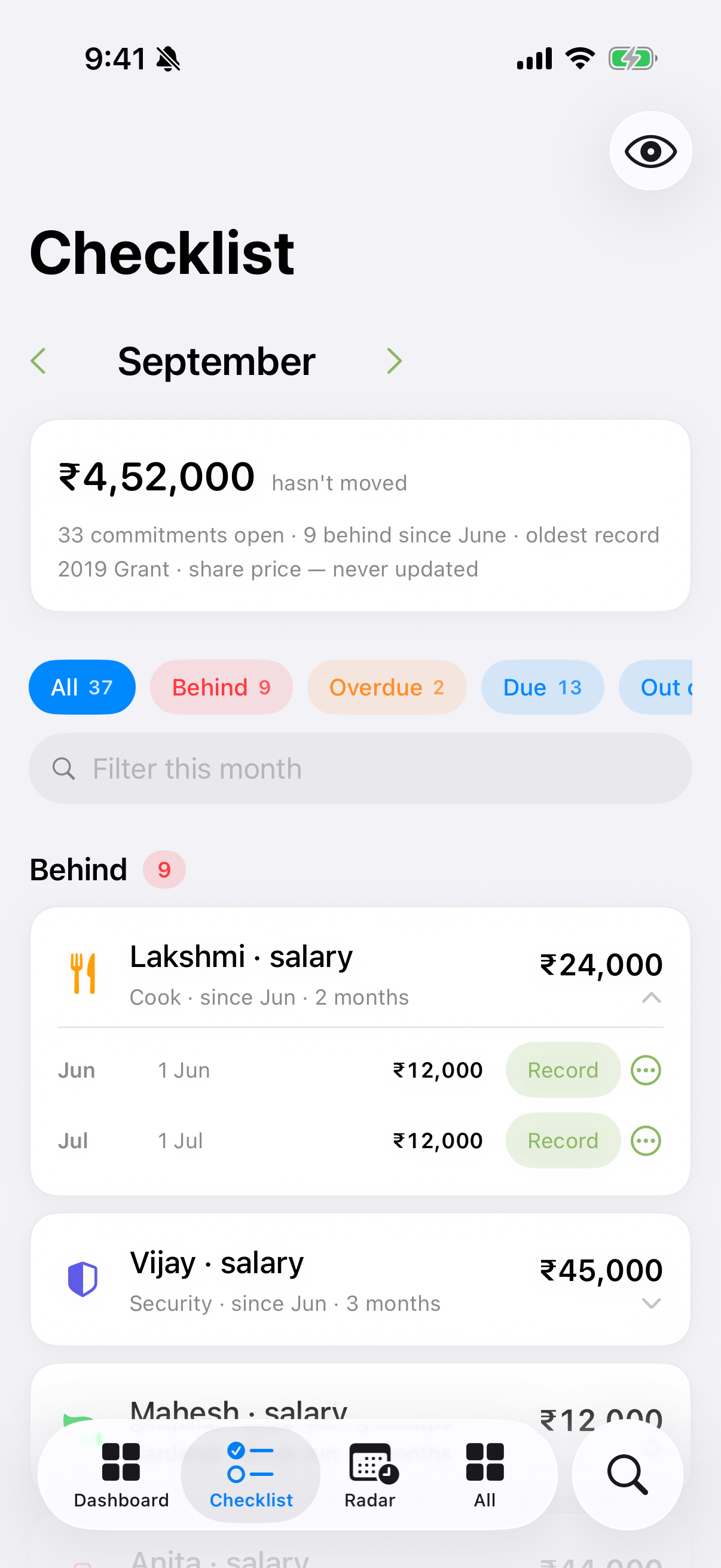
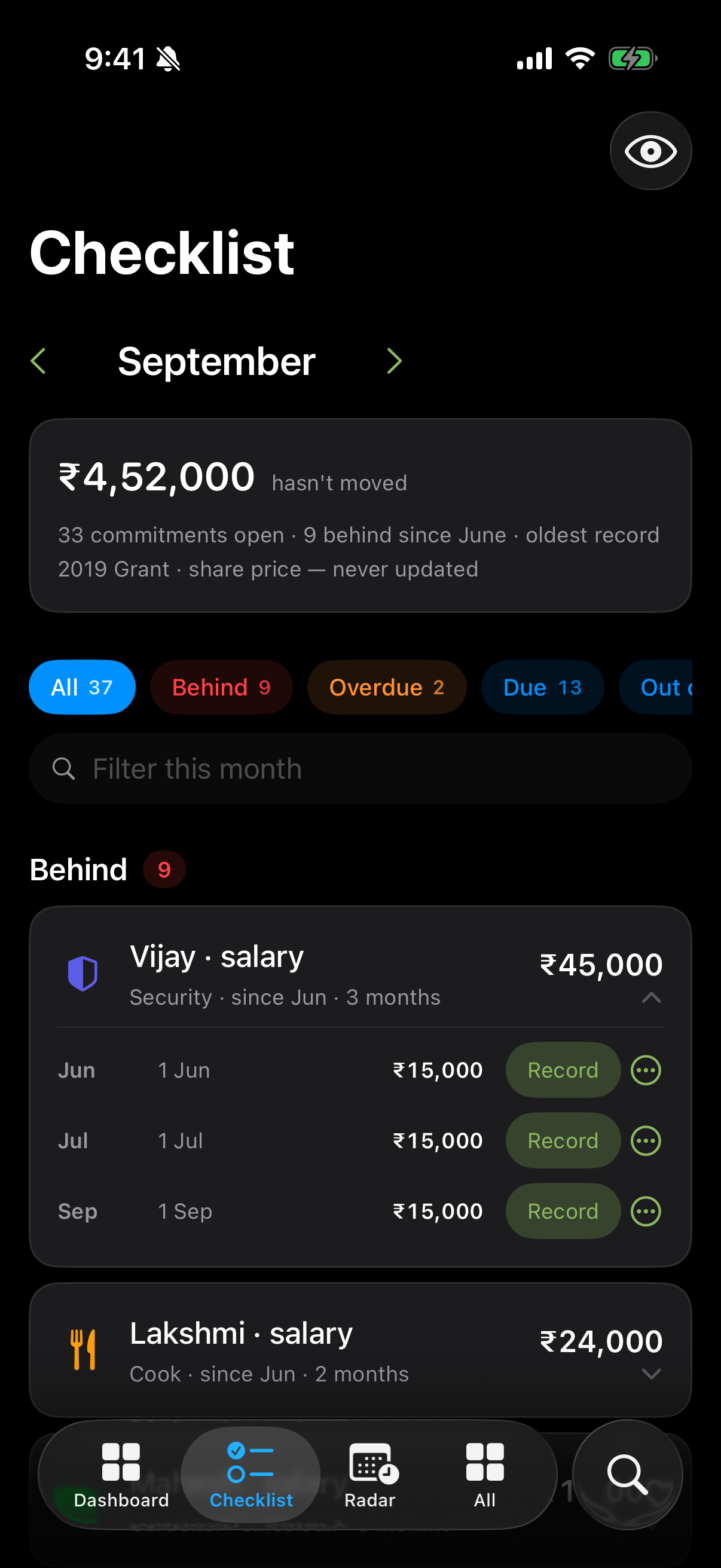
Each occurrence keeps its own action. Folding is a presentation decision, not an accounting one — settling four months takes four payments, and the card never pretends otherwise.
Actions that do the real thing#
A Checklist row's button performs the actual operation, in the module that owns the record. Record payment writes a payment. Update balance opens the balance editor. Confirm renewal rolls the renewal date forward.
That is why the list cannot drift from your records: there is no separate "completed" state to get out of step. The Checklist owns exactly one piece of data of its own — a per-month dismissal, for things that genuinely do not apply this month — and never stores a completion.
Filtering, sorting and finding#
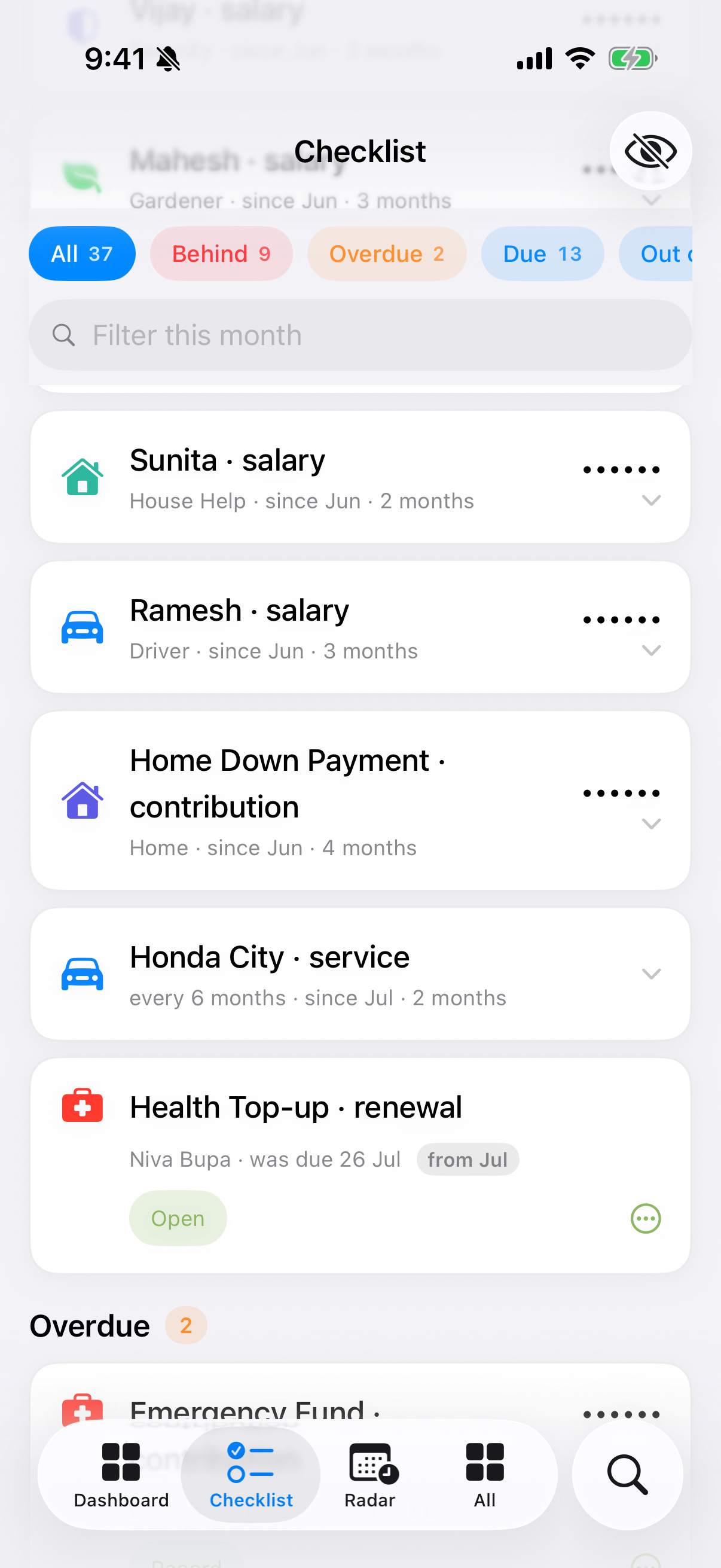
- Filter strip — pinned above the list, one chip per band.
- Sort — Oldest first, Largest amount, or By module.
- Filter field — narrows to matching rows without leaving the month.
Months are not all the same#
‹ and › page between months, and each kind of month behaves differently on purpose:
- This month is open. Rows have actions; you can work through them.
- Next month is a preview. You can see what is coming; you cannot tick it off.
- Past months are a close, not a list. You cannot do March's tasks in August. A past month reads as a record of how it ended.
When a row says "out of date"#
Staleness thresholds are fixed and deliberately not configurable:
| Record | Considered stale after |
|---|---|
| A bank balance you have not touched | 30 days — the statement cadence |
| A holding priced by hand | 30 days — nothing else will ever move it |
What the Checklist never does#
It never projects. Every row comes from a date a record actually holds. If Monestra does not know that a payment is due, it will not invent one — that is Radar's job, and Radar is explicit about which of its dates are computed. The division is exact: the Checklist knows and never projects; Radar projects and never knows.
It never originates an obligation. Row titles are nouns — "Ramesh · salary", not "Pay Ramesh". The Checklist restates a commitment you recorded or asks you to record something. It does not decide that you owe anything, and it never names a consequence for not acting.