 Monestra
Your money
Assets
A register of what you own and use — with depreciation, warranty and service dates, the policy covering each item, and an encrypted document vault.
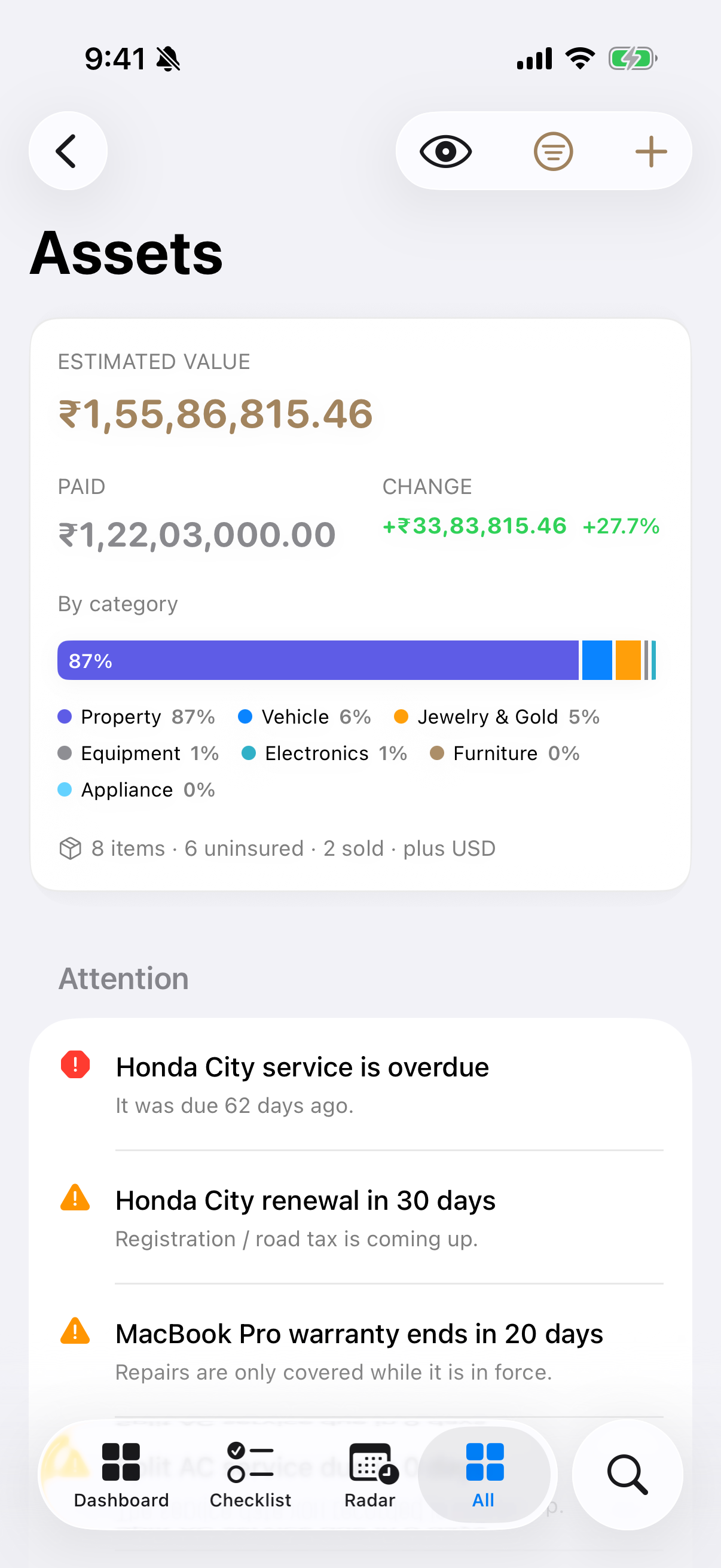
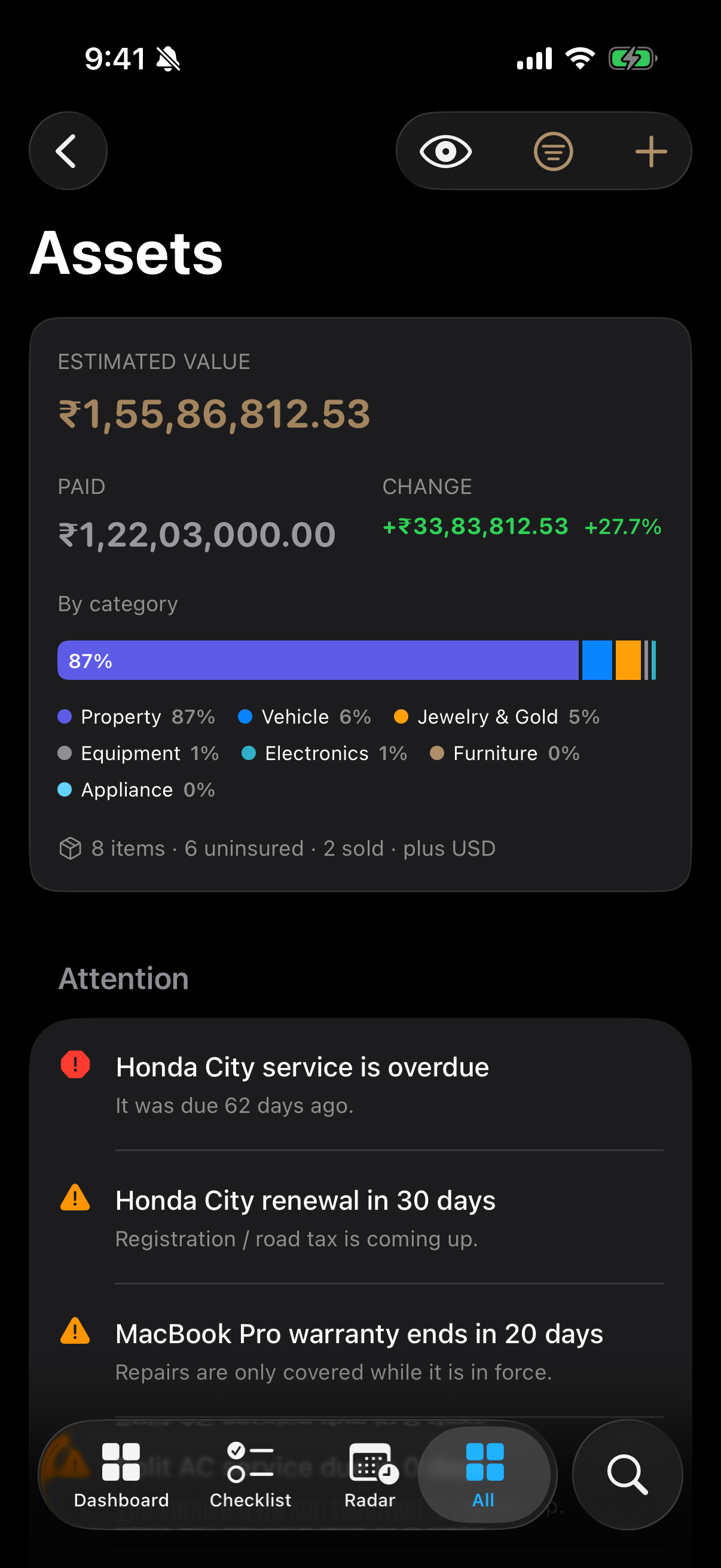
Assets is a register, not a portfolio. It tracks the ownership lifecycle of the things you own and use: what they are worth now, when the warranty or service is due, whether they are covered, and where the proof lives.
Categories#
Property, vehicle, jewellery, electronics, appliance, furniture, art, equipment, and other.
For the split with Investments, see that chapter — the rule is intent, not object.
Value that moves on its own#
Assets can depreciate. Choose auto-depreciate and record a purchase price and date, and Monestra evaluates the curve at any date rather than storing a value per day. Record a manual valuation instead and that figure stands until you change it.
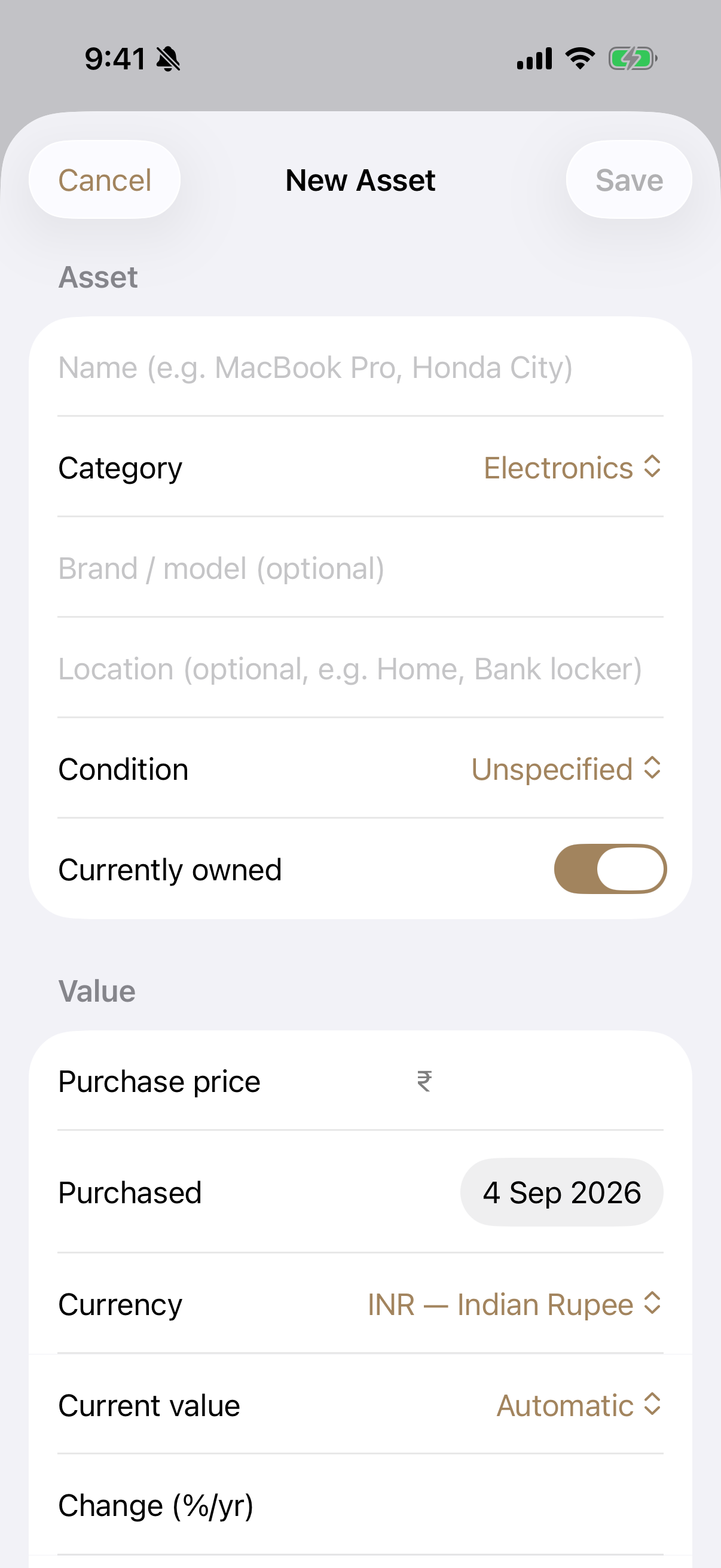
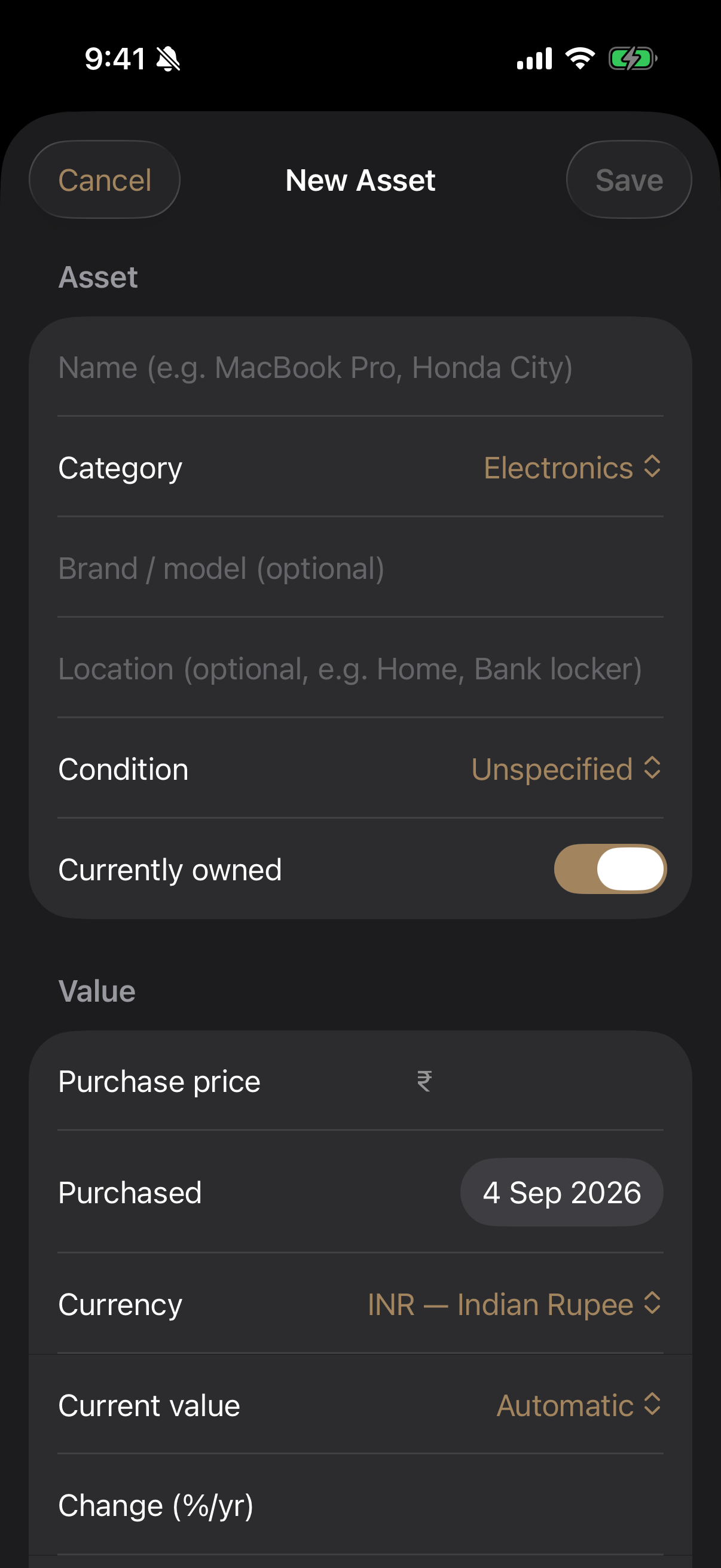
A condition — new, excellent, good, fair, poor — sits alongside for the things a curve cannot know.
Warranty, service and renewal#
Each asset can carry dates for warranty expiry, next service and any renewal. These feed:
- Reminders you switch on per event type in Settings ▸ Notifications
- Coming up on the Dashboard
- Radar, where a service due is money about to leave
- The Checklist, where a service that has come due is unfinished work
Insurance cover, read from the policy#
An asset does not carry an "insured" flag. It links to the Insurance policy covering it, and cover is read from that policy.
This matters more than it sounds. A hand-set flag is right on the day you set it and slowly becomes a lie. A link stays accurate: let the policy lapse and the asset shows "Policy lapsed" rather than continuing to claim it is insured.
If the linked policy is deleted, the asset says so — "linked, but deleted" — rather than quietly reverting to uninsured.
The document vault#
Receipts, invoices, warranty cards, registration papers and photographs attach to an asset and are encrypted at rest. They are never included in a report and never leave the device except inside an encrypted backup.
Opening the vault is gated behind Face ID, Touch ID or your passcode when masking is on — the gate holds on tap-through, not just on the screen you can see.