 Monestra
Getting started
Finding your way around
The same app arranged three ways — a sidebar on Mac, a sidebar on iPad, and five slots on iPhone. Plus the one shortcut that skips all of it.
Monestra has fourteen modules and six settings panes. A Mac window can hold an index of that; a phone cannot. Rather than cram one layout onto every screen, the shell renders what fits.
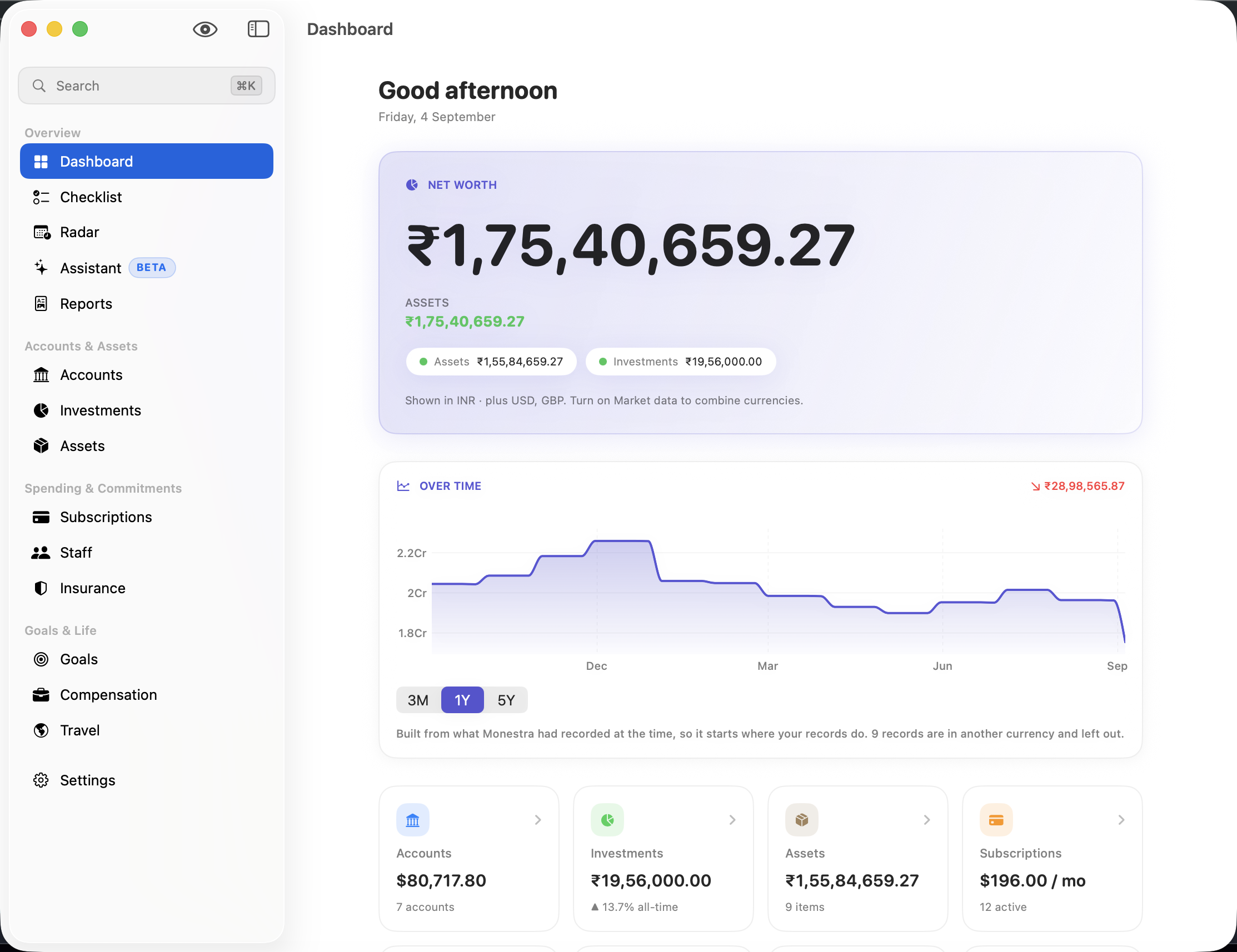
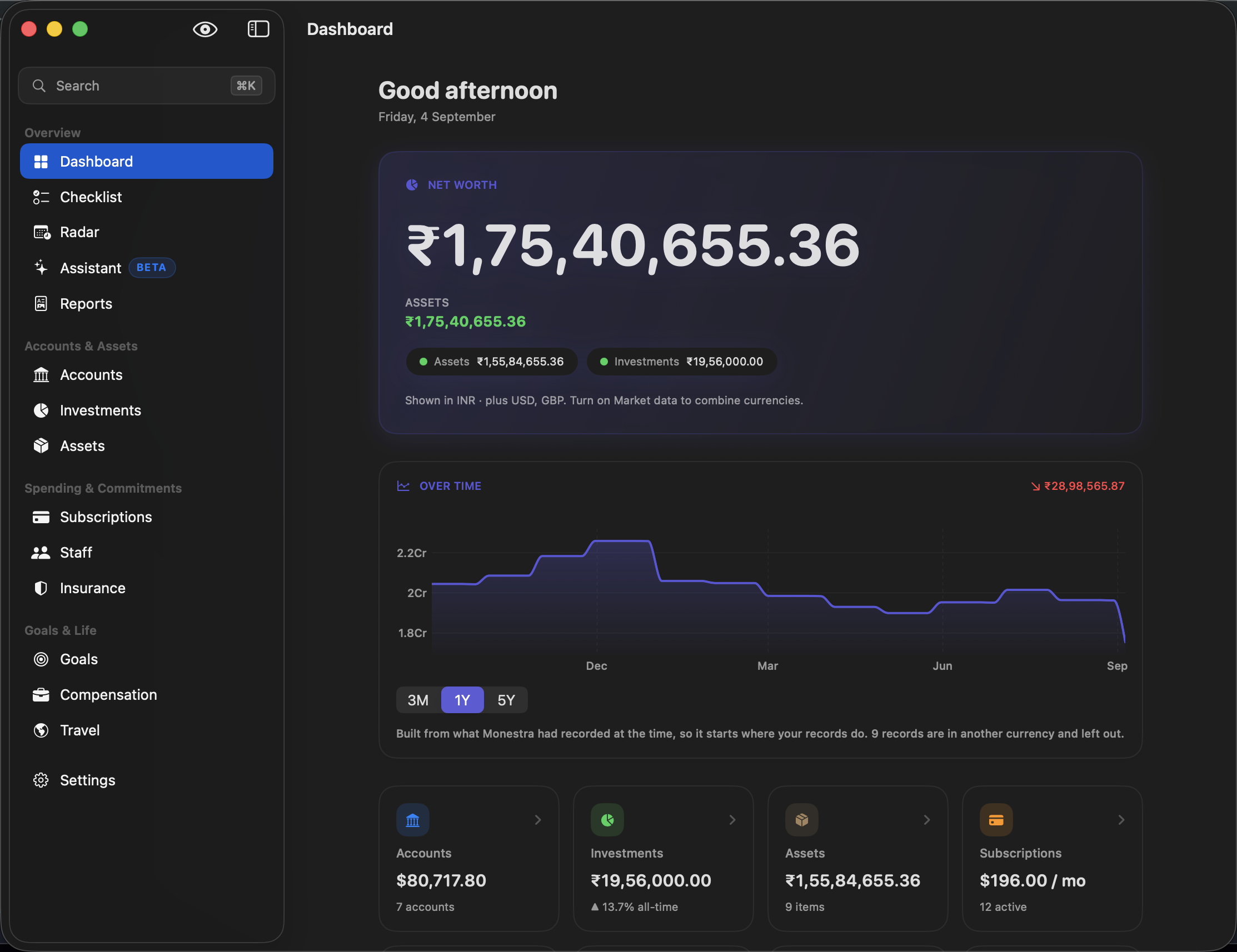
On Mac and iPad: the sidebar#
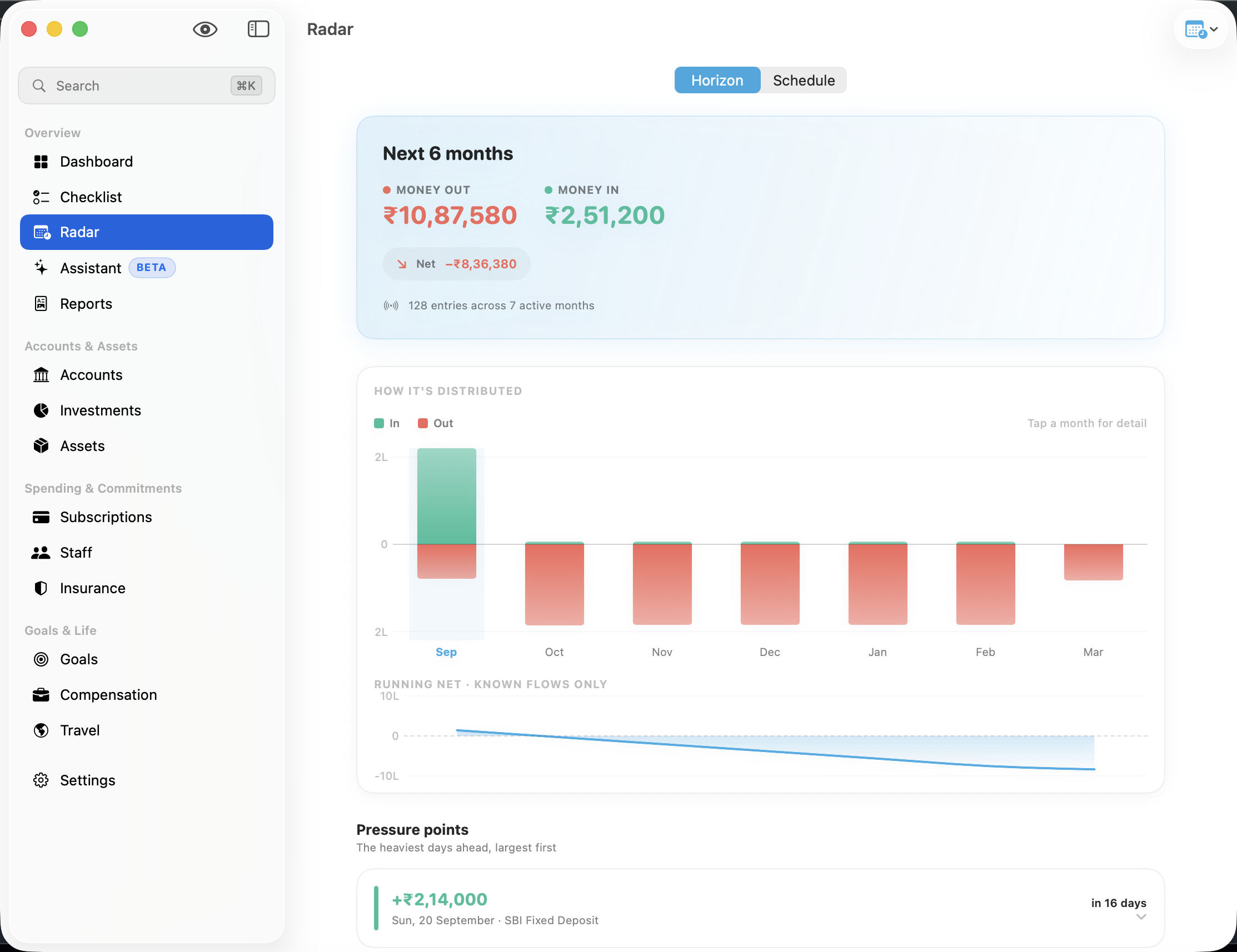
The sidebar lists every enabled module, grouped into four sections that never change order:
| Section | Modules |
|---|---|
| Overview | Dashboard, Checklist, Radar, Assistant, Reports |
| Accounts & Assets | Accounts, Investments, Assets |
| Spending & Commitments | Subscriptions, Staff, Insurance |
| Goals & Life | Goals, Compensation, Travel |
Settings sits in its own section at the bottom. You can reorder modules within a section and hide any of them — see Settings reference.
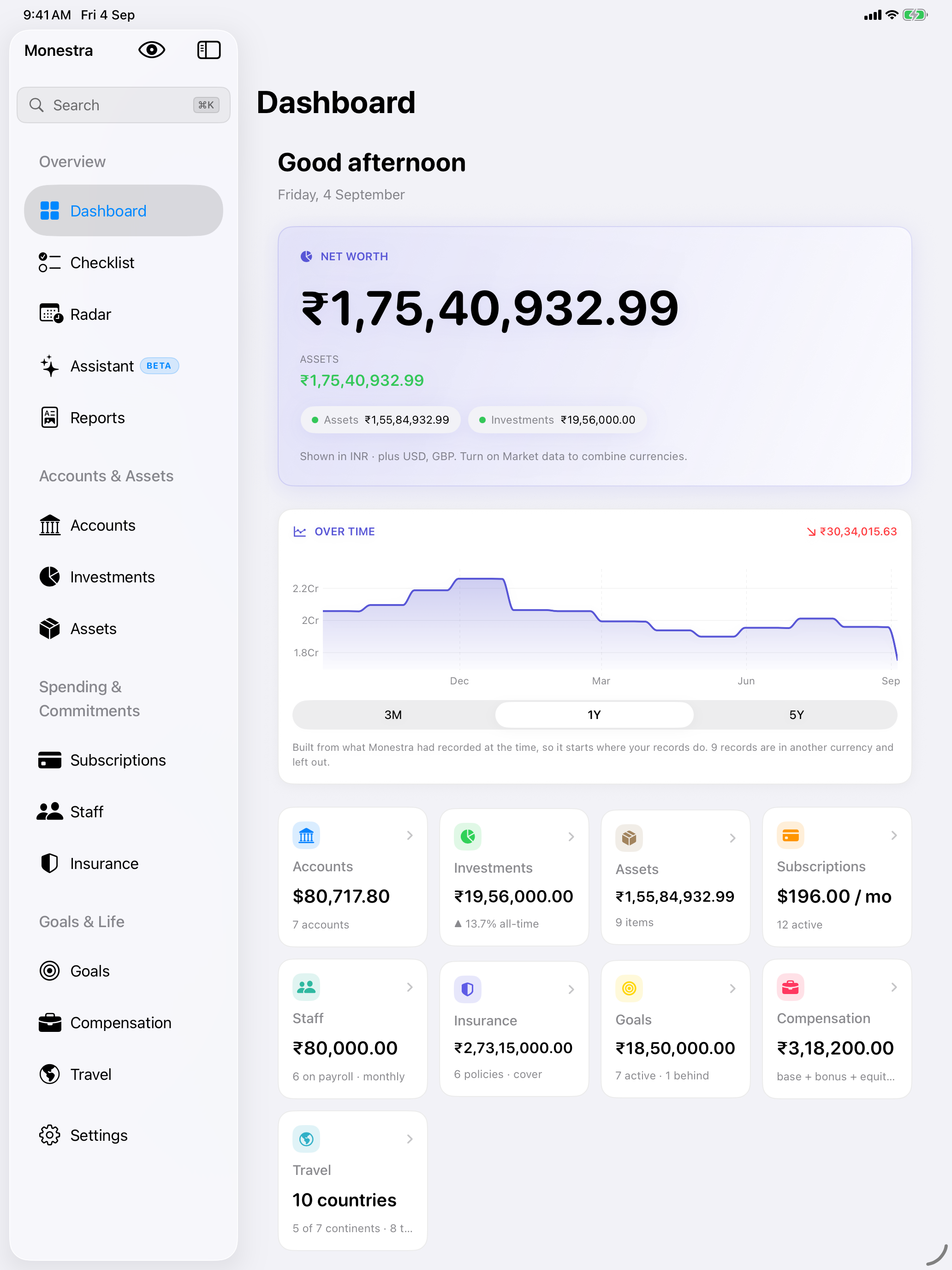
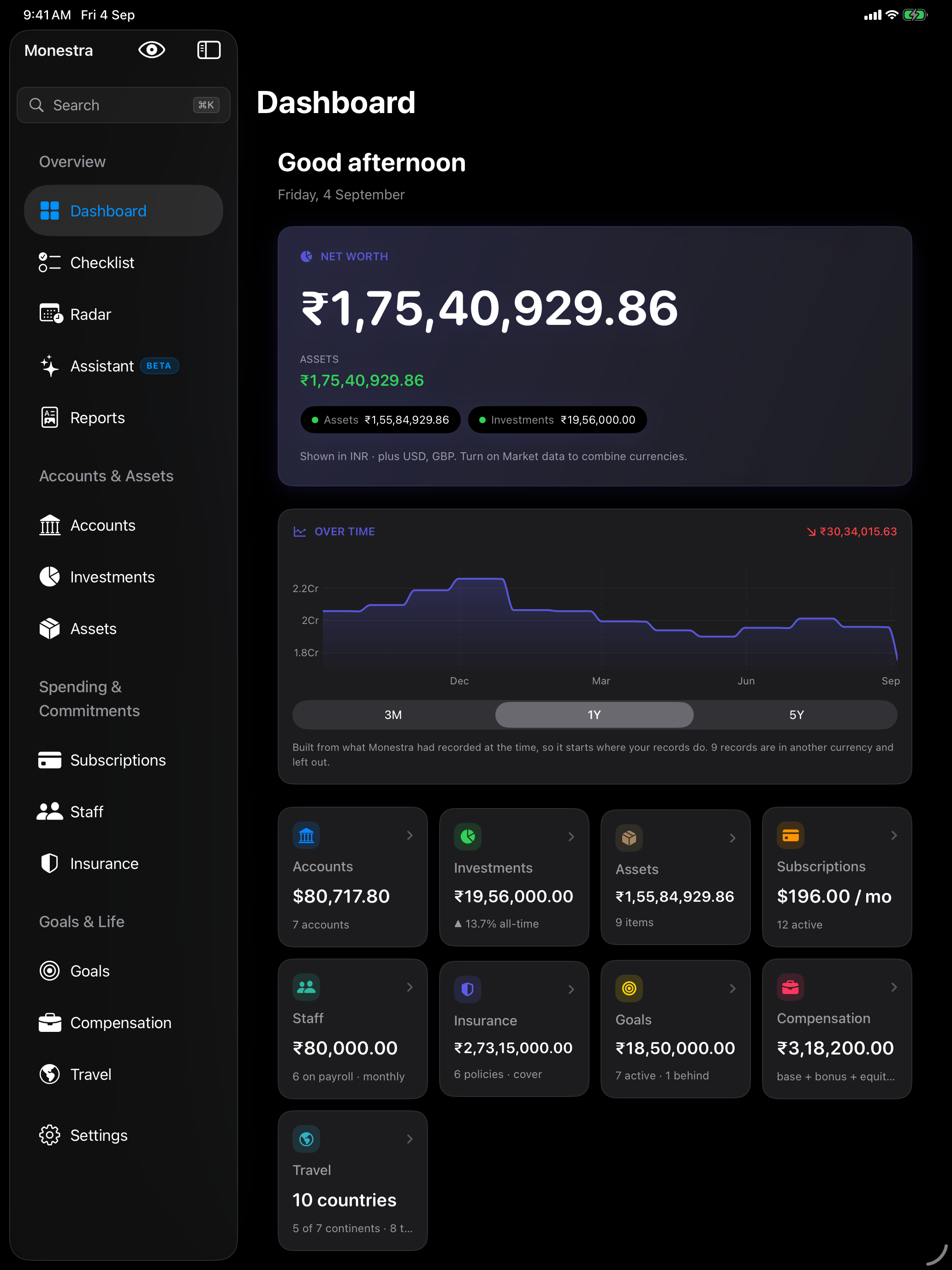
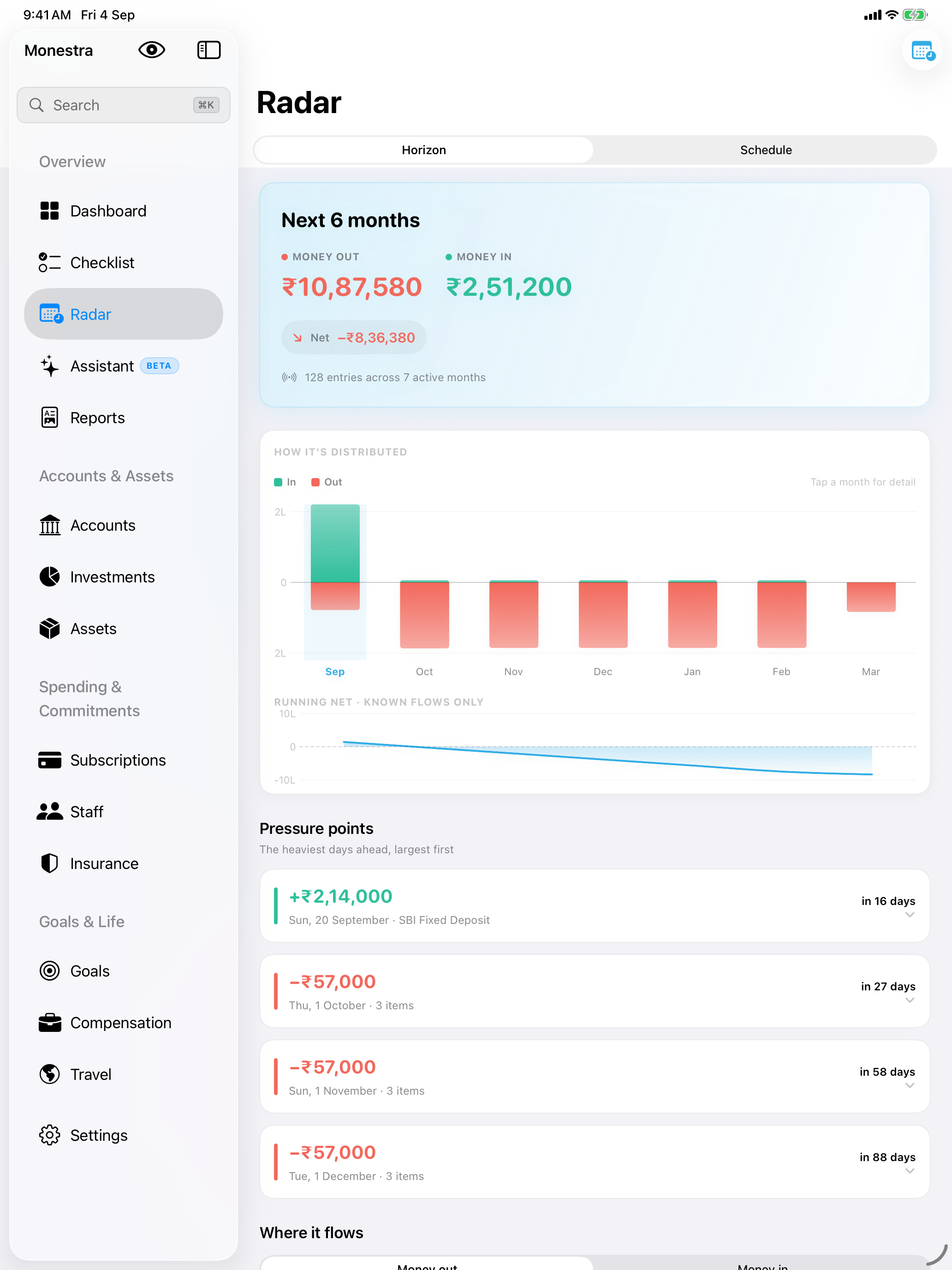
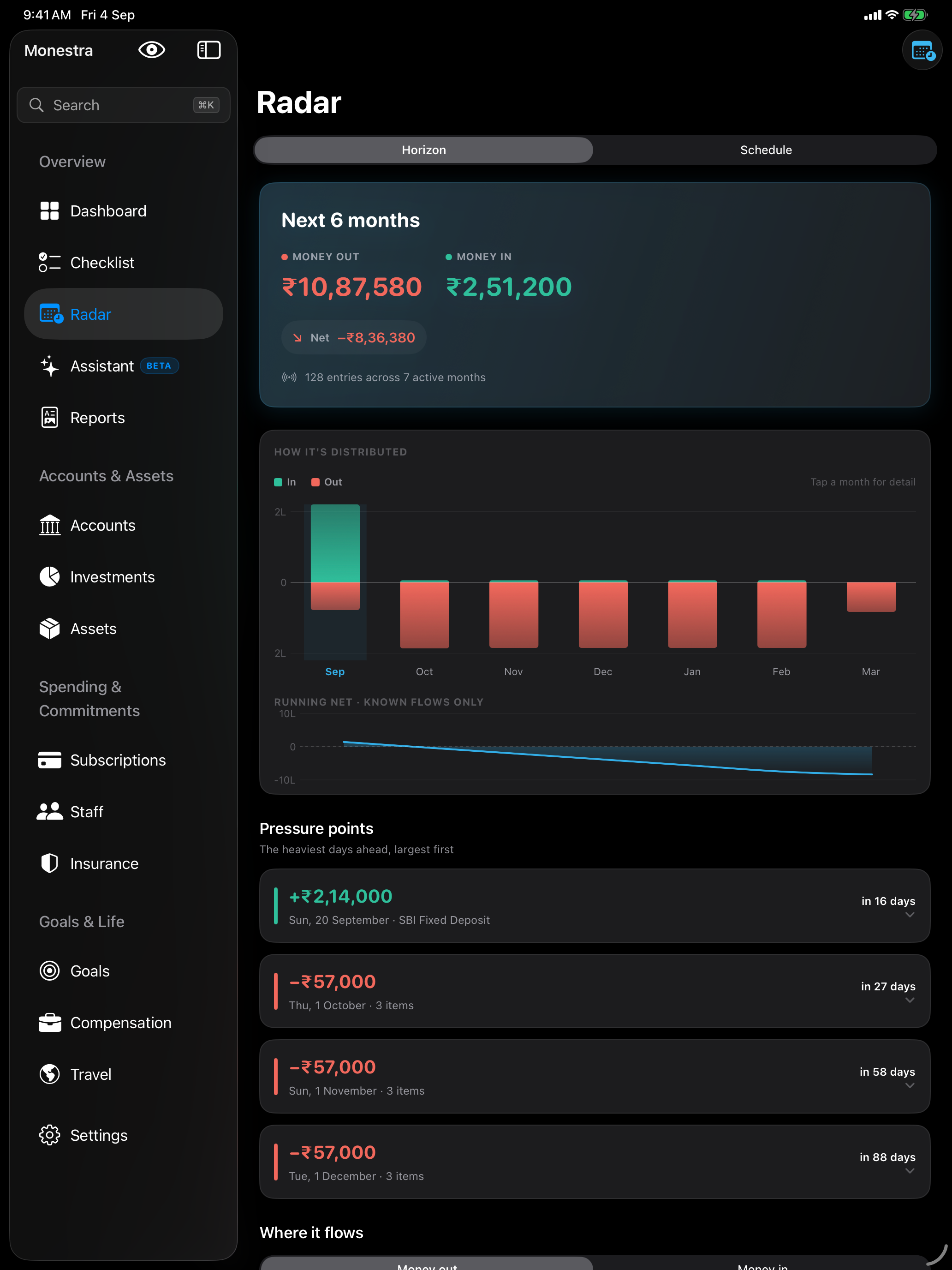
The iPad is the same shell in a different frame:
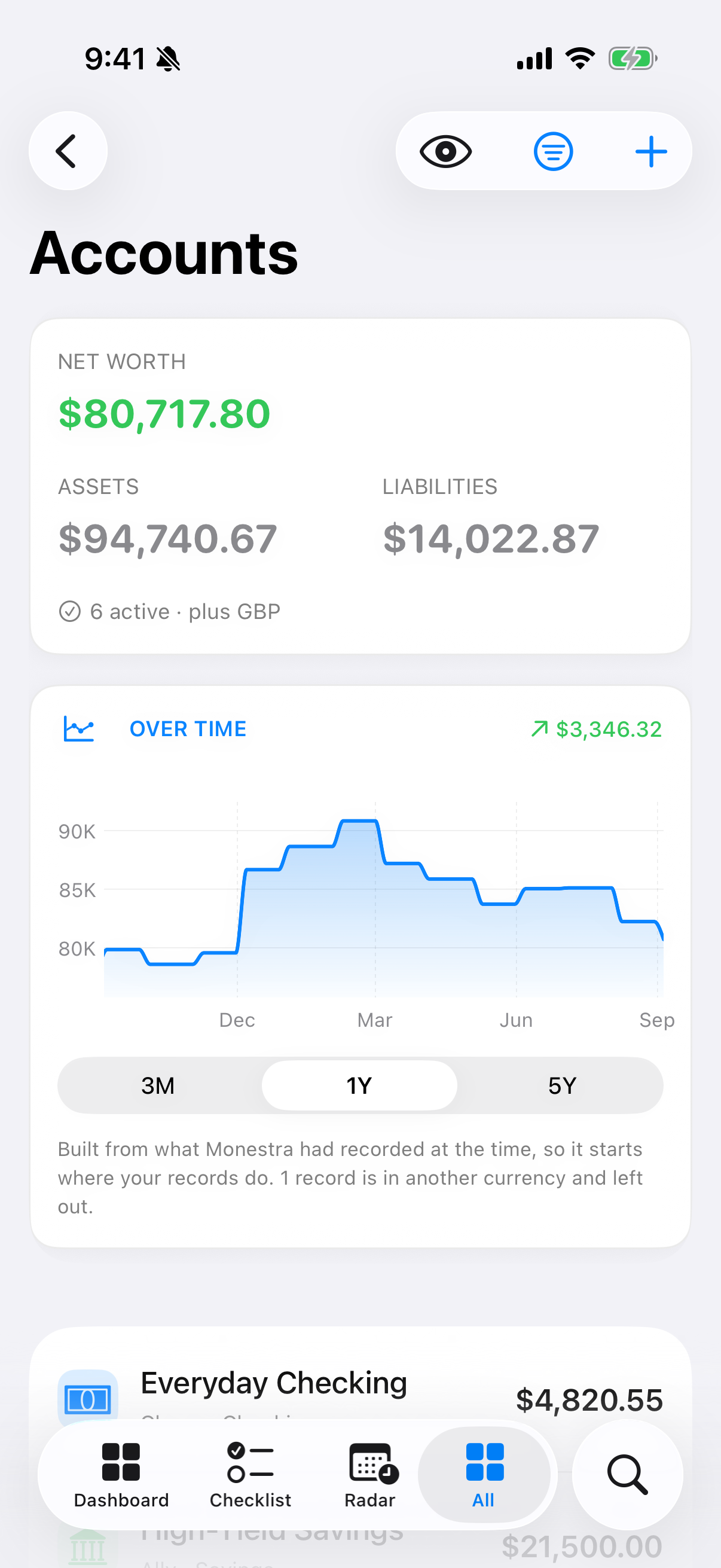
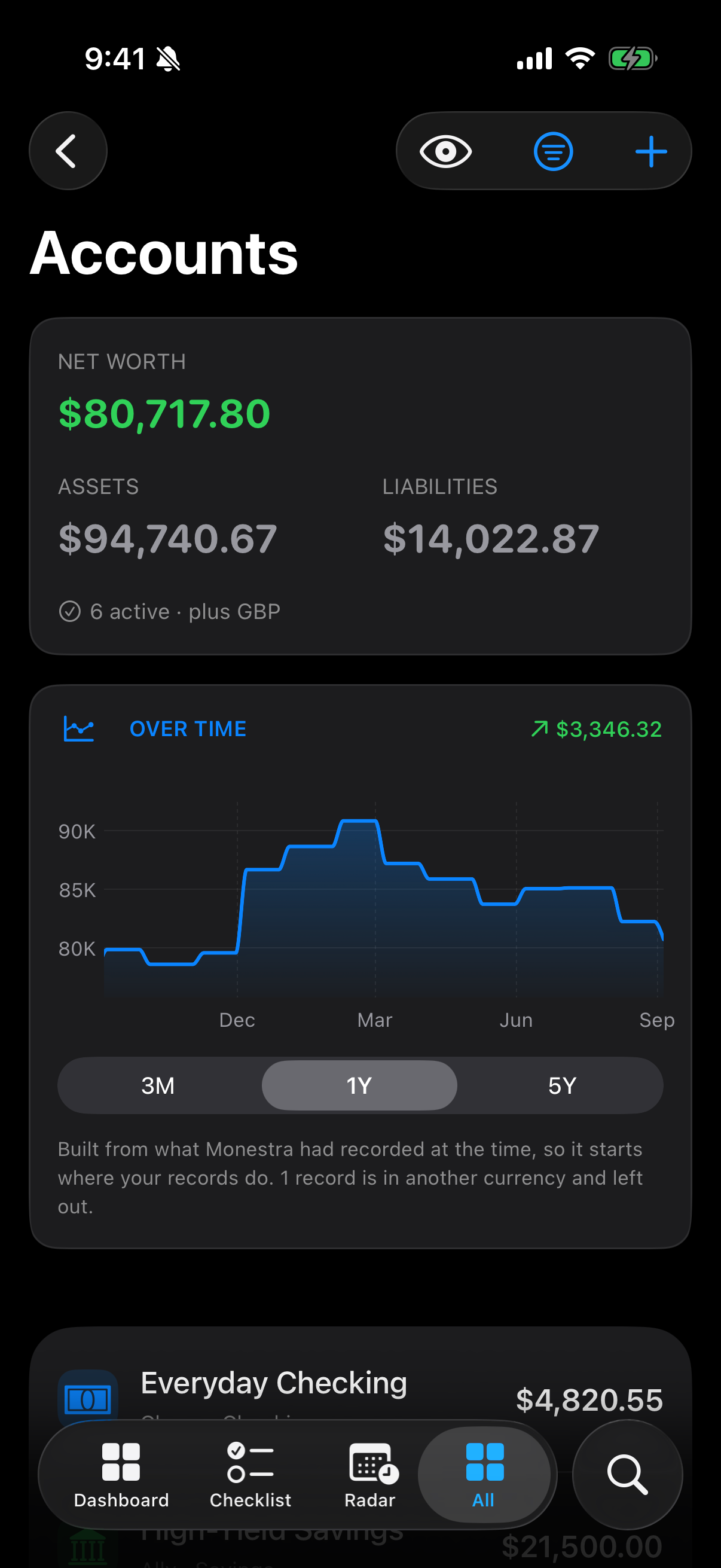
On iPhone: three tabs, All, and Find#
A phone gets five slots, and fourteen destinations do not fit in five. So the compact layout stops trying to make browsing cheap and makes jumping cheap instead:
- Three module tabs you choose yourself, under Settings ▸ Modules ▸ Tab bar.
- All — the full index, sectioned exactly like the sidebar, with each row carrying its live figure. Settings opens from All's navigation bar.
- Find — the search tab, in the system search role.
Find: the shortcut past all of it#
Press ⌘K on a Mac or iPad with a keyboard, or tap the Find tab on iPhone. Find searches every visible module — records, destinations and actions — and takes you straight to the exact record.
Once you are used to it, Find replaces most navigation. See Find and quick add.
The same screen, three widths#
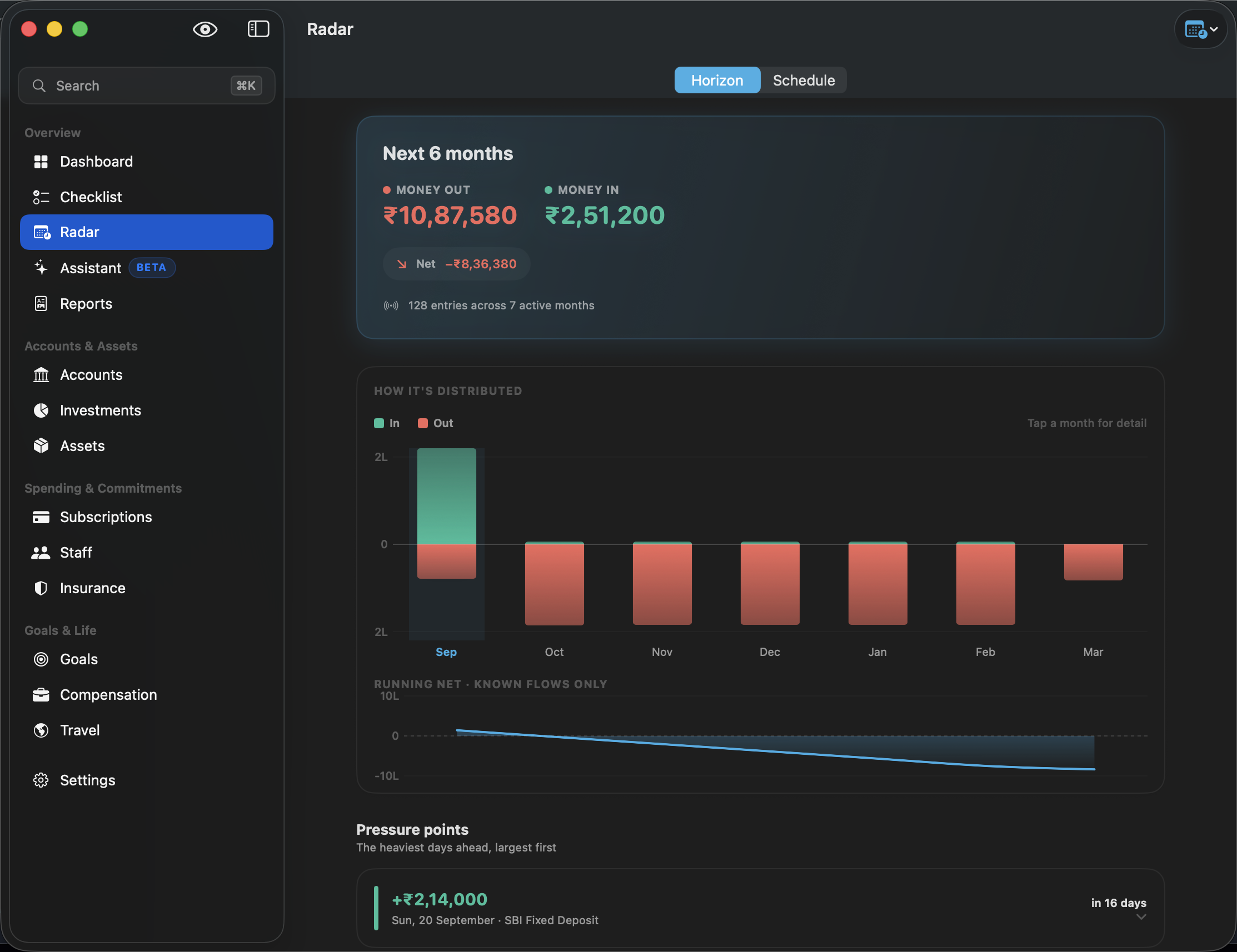
Nothing is hidden on a smaller screen — the same information is arranged for the room available. Radar is the clearest example, because its chart has the most to gain from width:
Opening a record#
Records open into a sheet from their module. Tapping a row on the Dashboard, a result in Find, or a row in the Checklist all end up in the same place — the module that owns the record opens it, so a record reached by search is exactly as protected as one you tapped in a list.
Undo#
Monestra keeps an undo stack for your edits: ⌘Z on a Mac, shake to undo on iPhone and iPad. It covers edits you make, not the app's own housekeeping.