 Monestra
The daily loop
Dashboard
Where you stand right now — net worth, how it got here, one tile per module, and what wants attention.
The Dashboard is the home screen and the only module you cannot hide. It owns no data of its own; every figure on it is contributed by a module, which is why hiding a module removes it from here too.
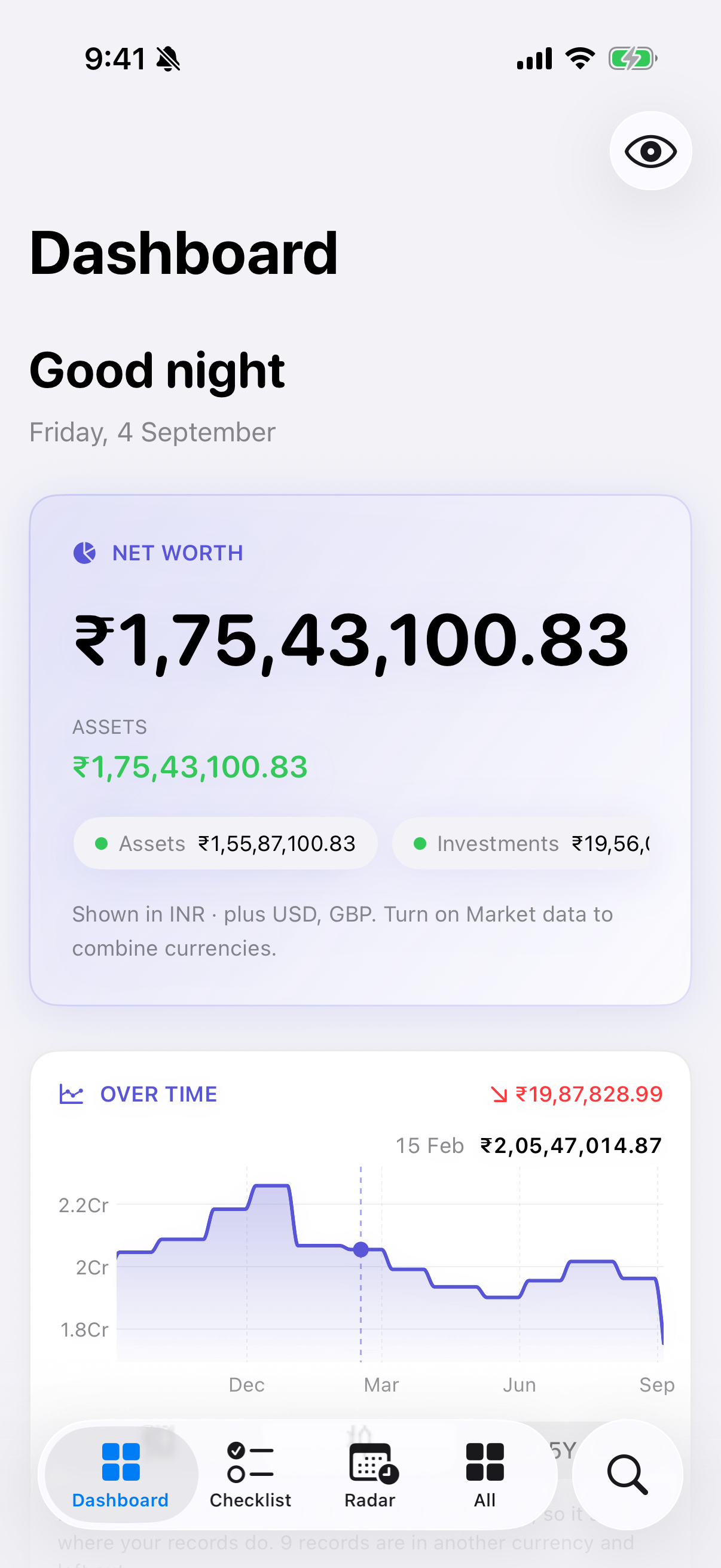
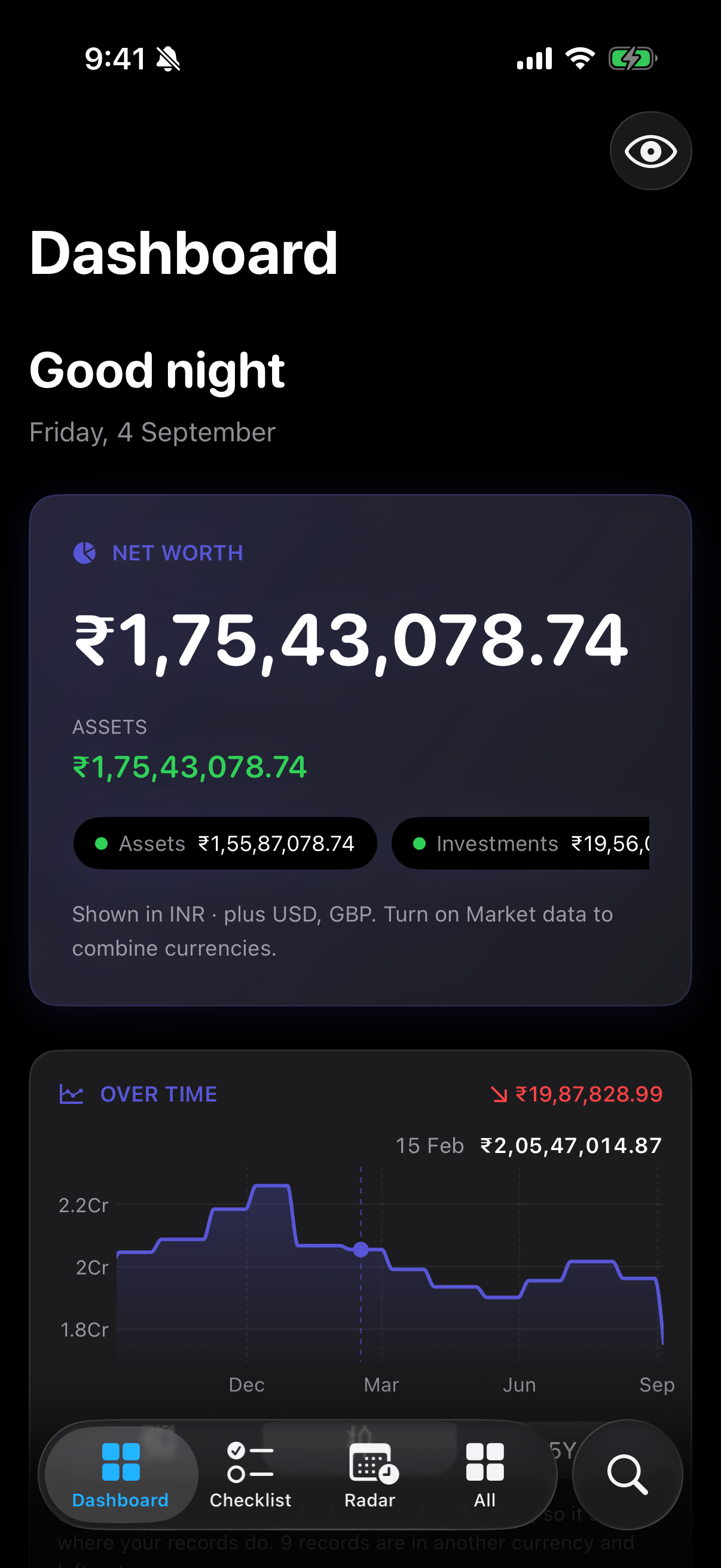
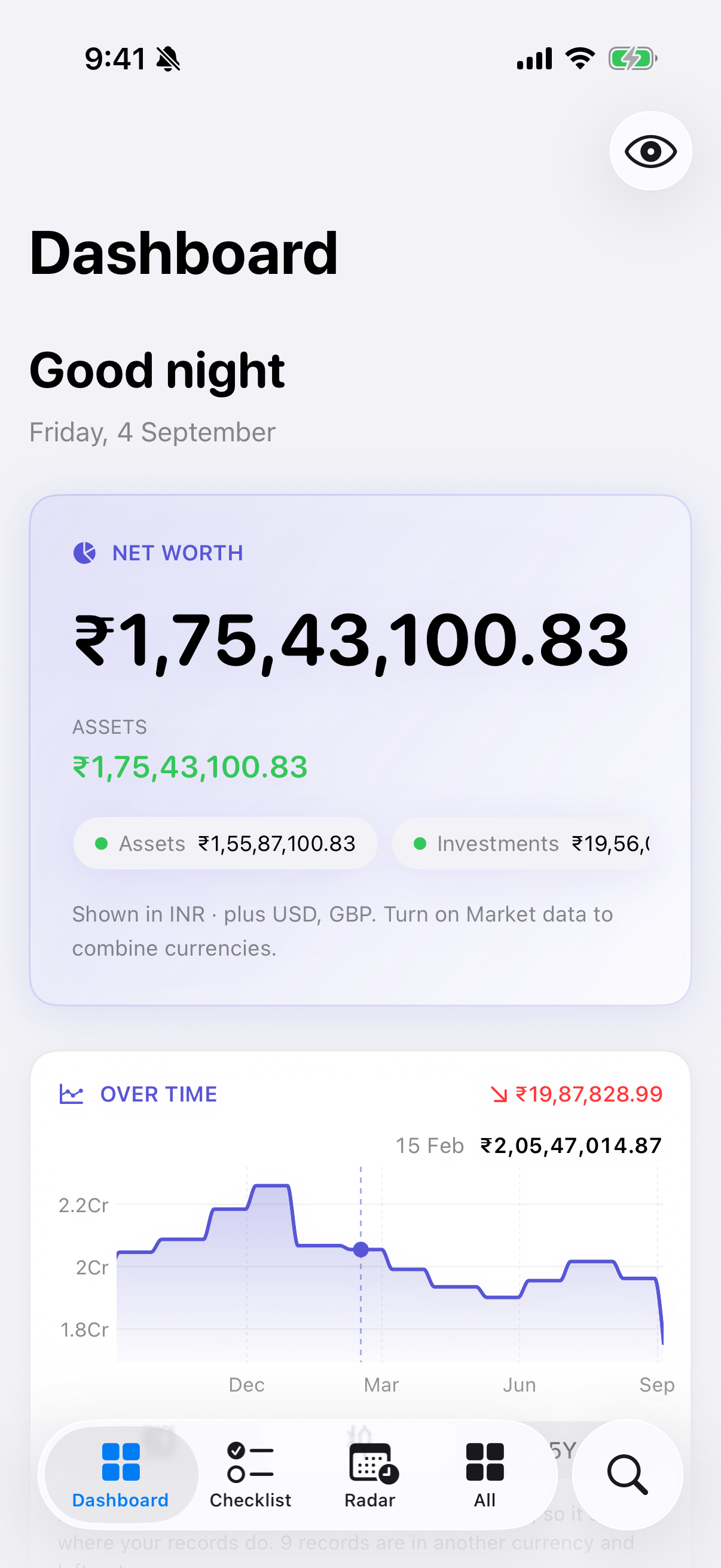
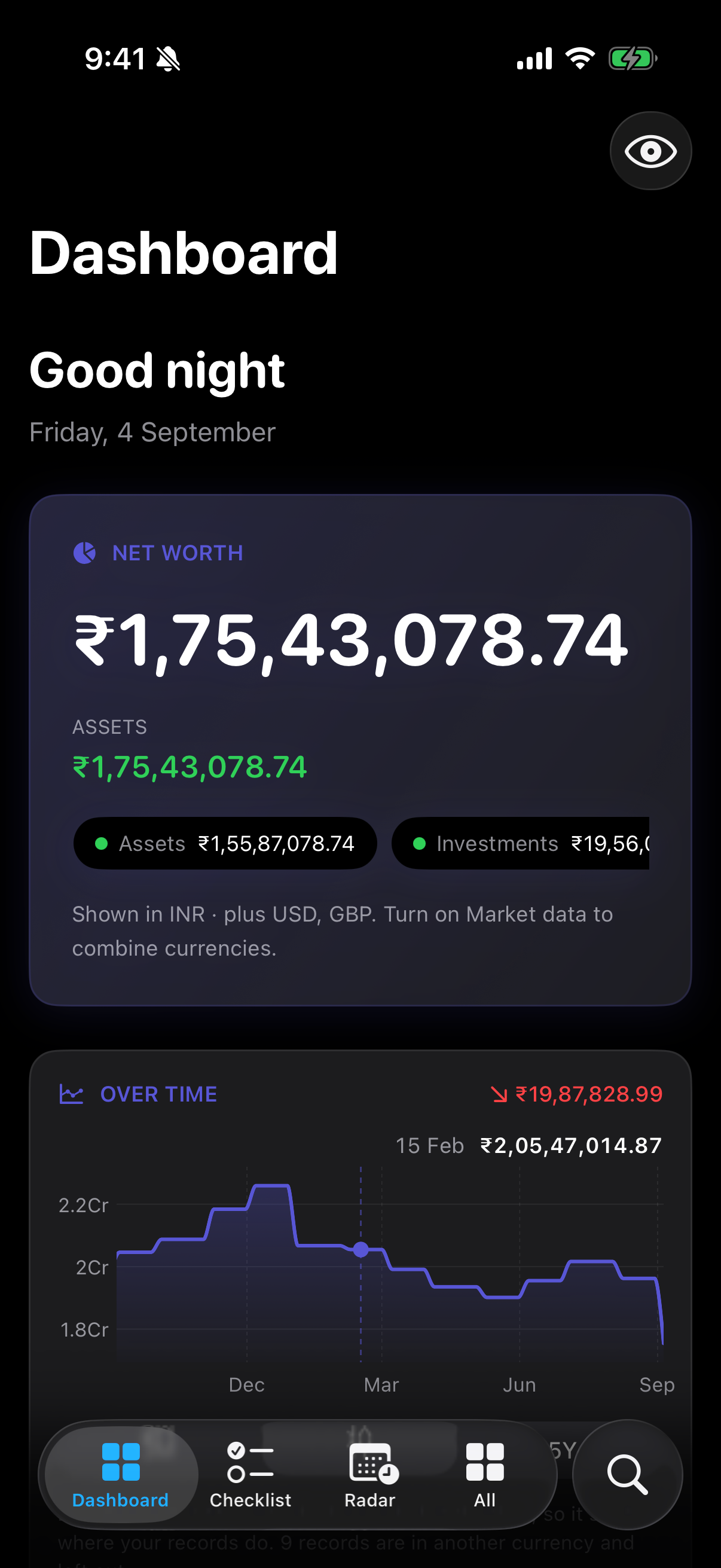
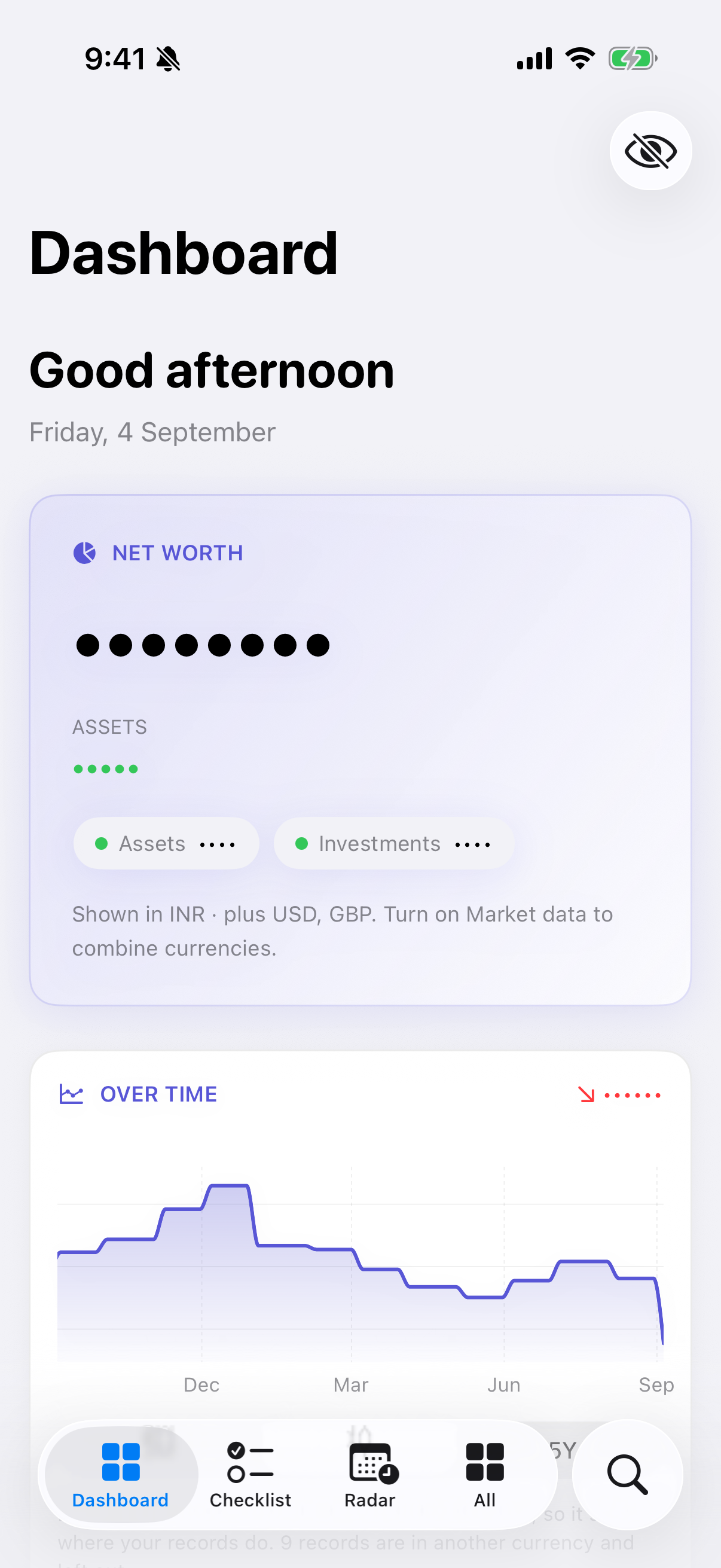
Net worth#
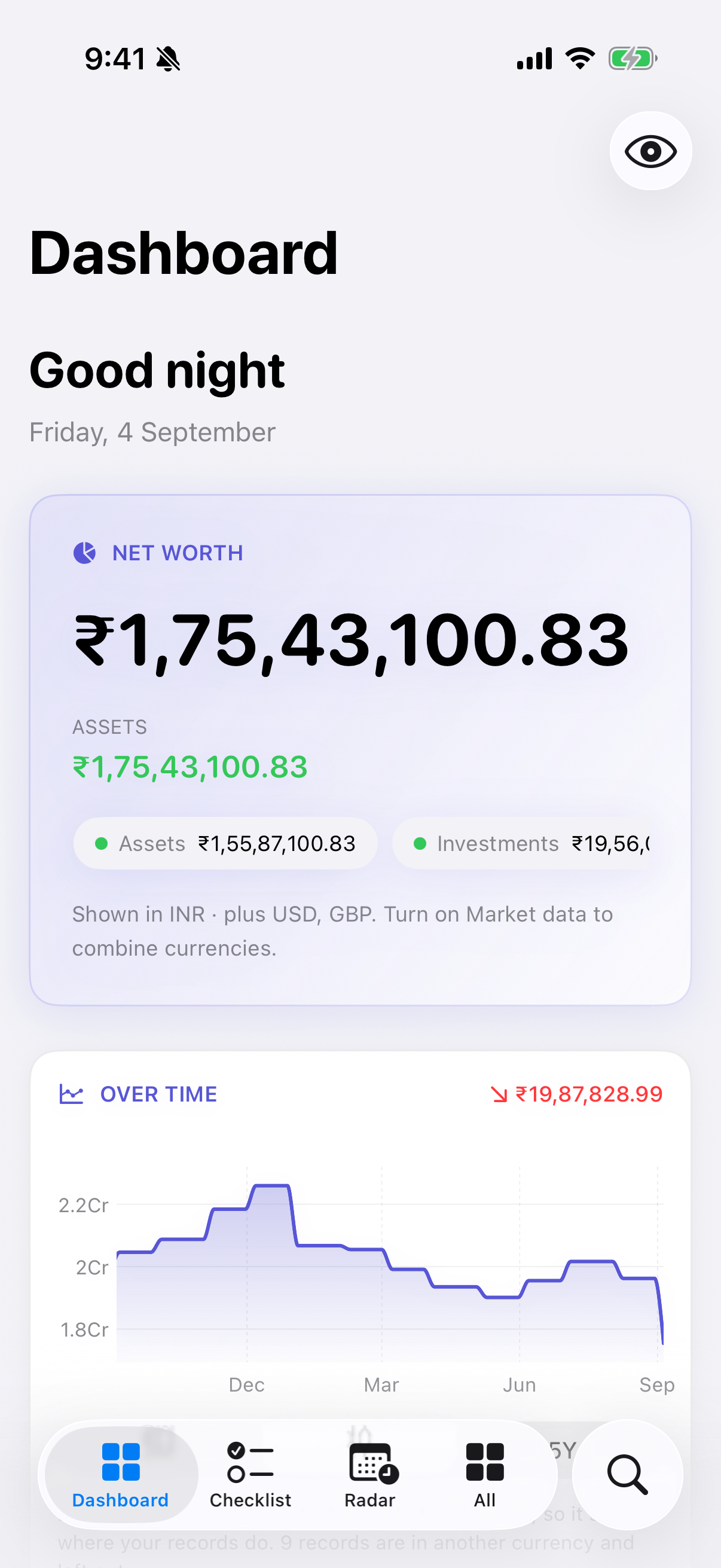
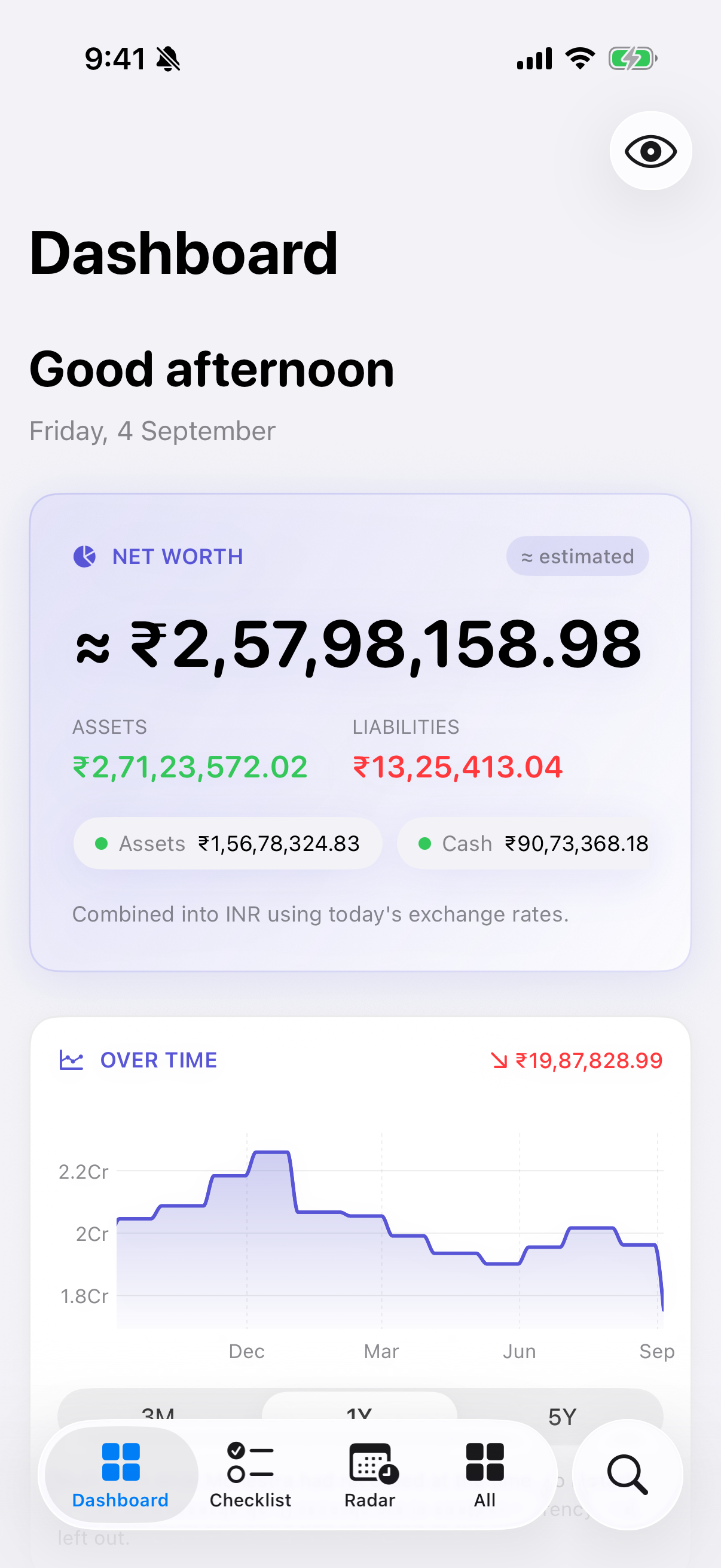
The headline figure is assets minus liabilities, composed from every module that contributes one: Accounts, Investments and Assets. Goals, Compensation, Staff, Radar and Travel deliberately contribute nothing — a savings goal is a target laid over money already counted somewhere else, and counting it again would inflate the total.
Under the figure, a breakdown by contributing module, and a line telling you what the total could not include:
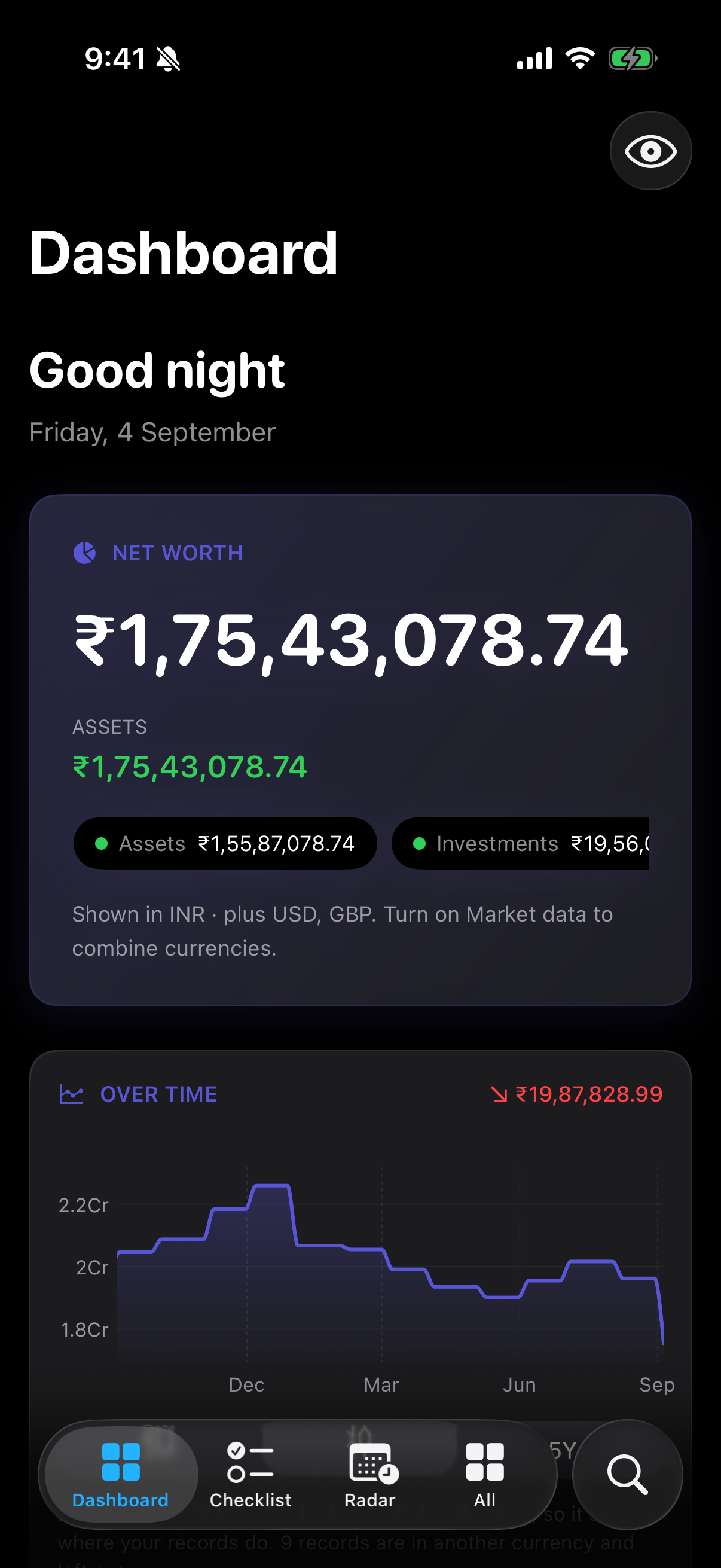
Shown in INR · plus USD, GBP. Turn on Market data to combine currencies.
This is the single most important caption on the screen. Monestra will not convert currencies until you turn on Market data, so until you do, records in other currencies are listed separately rather than folded into one figure. It says so rather than quietly showing you a smaller number.
Over time#
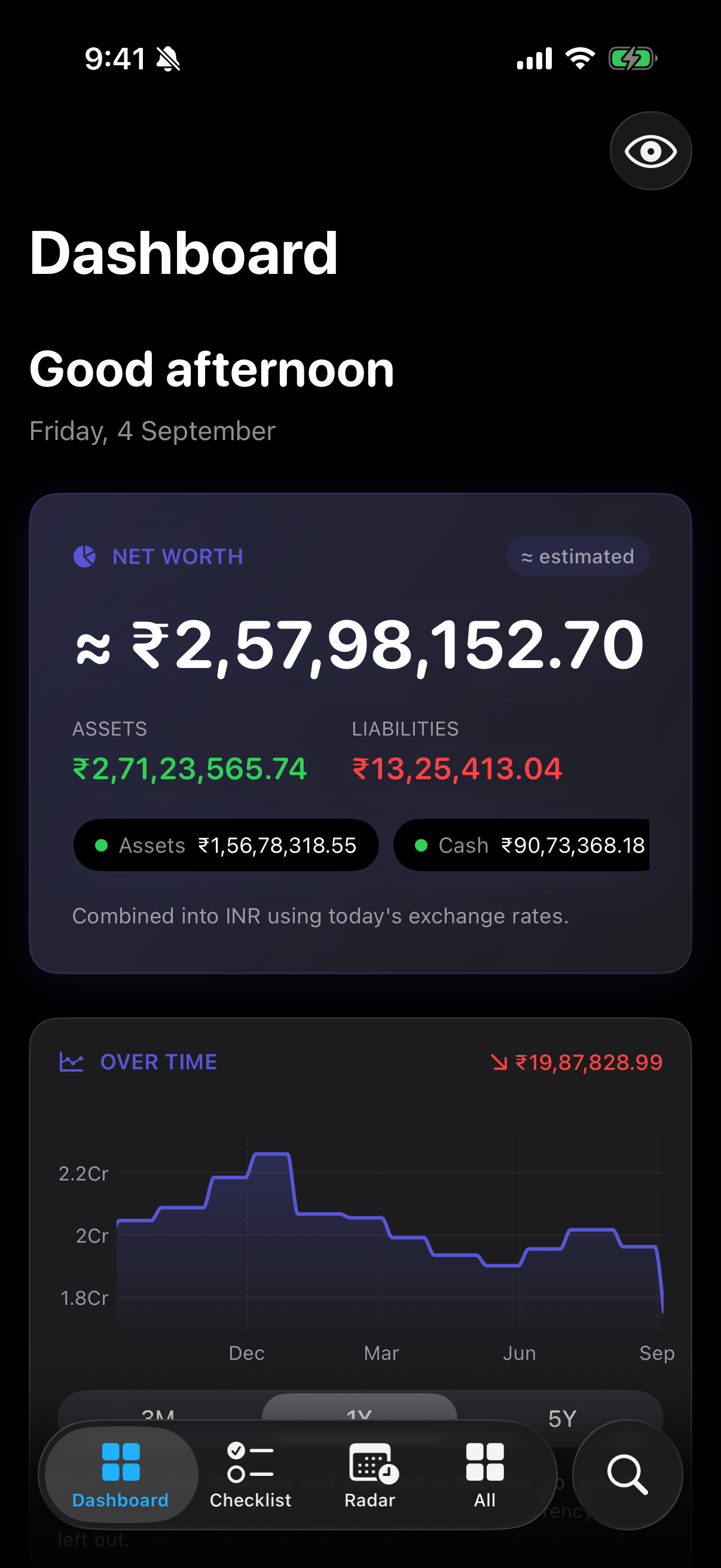
Below net worth is a line of where it has been. This chart is composed on demand, never stored: Monestra recomposes it from the underlying records every time you look. That is what lets a correction to the past actually correct the past — fix a balance you mis-typed in June and the June point moves, along with every total that reads it.
Two rules govern what you see:
- The last known value carries forward. A balance you recorded on 31 March is the app's estimate for 15 April. Monestra never draws a straight line between two points, because that would invent daily movement that never happened.
- Before the first point there is no value, not zero. A holding you started tracking in June does not appear as a zero line back to January.
Tiles#
One tile per enabled module, each carrying the single number that module thinks matters — monthly cost for Subscriptions, portfolio value for Investments, unpaid count for Staff. Tap one to open the module.
Tiles follow the order you set in Settings ▸ Modules, grouped by the same four sections as the sidebar.
Coming up#
A timeline of dated events from every module for roughly the next 60 days — renewals, premiums, maturities, vesting dates, service due dates. These are reminders, not projections: one row per real date on a real record.
For anything beyond that horizon, or for money that repeats, see Radar — which is built for exactly that question and states direction and certainty for each flow.
Attention#
The bottom section collects observations from each module's own analysis: a price nobody has updated in months, a policy with no nominee recorded, a concentration figure, a balance that has gone stale.
Every one of these is descriptive. Monestra will tell you that 32% of your portfolio sits in one holding; it will never tell you to do anything about it. Under every list of observations you will find the same line noting that none of it is financial advice — see What Monestra is for why that constraint is structural rather than legal cover.
Masking#
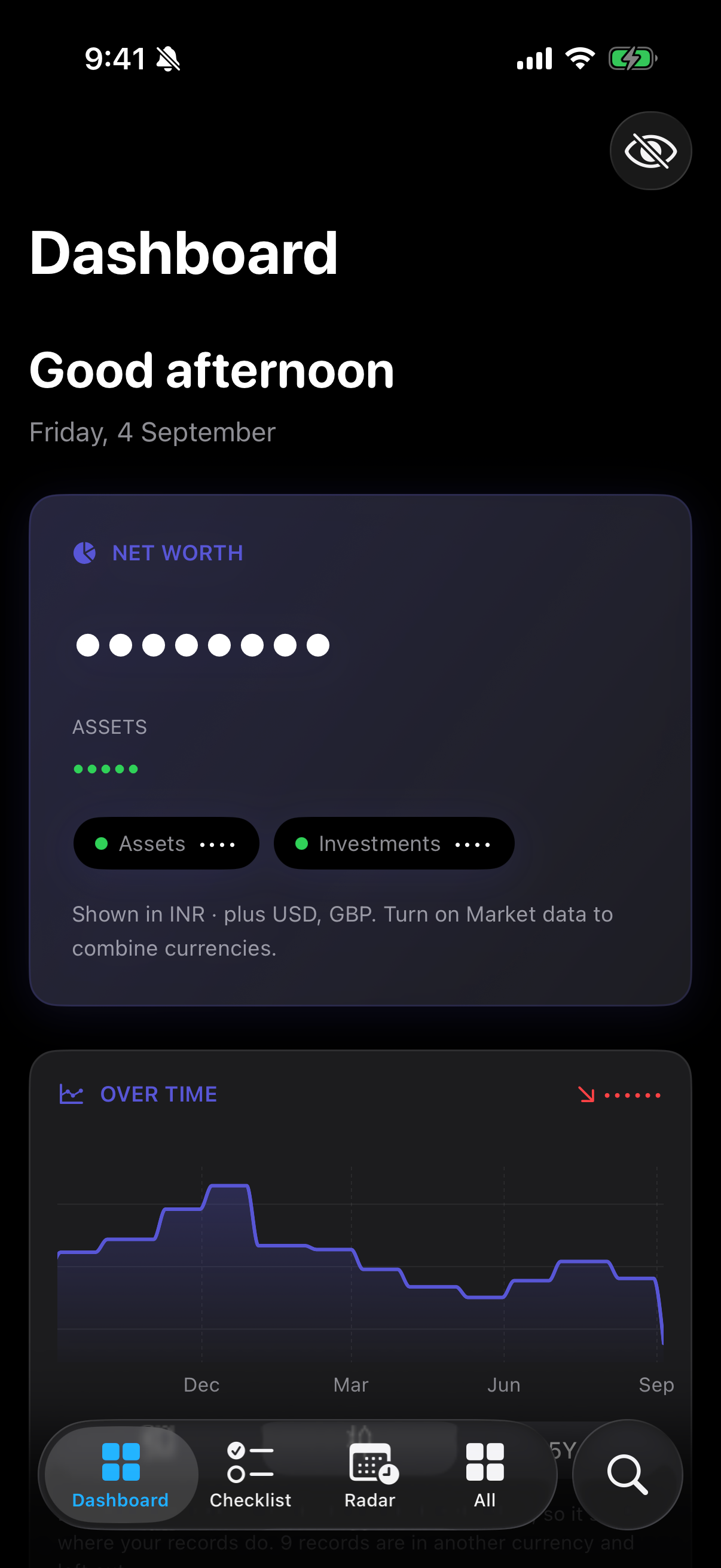
The eye button in the top corner masks every amount on screen to ••••, everywhere in the app at once.
Unmasking asks for Face ID, Touch ID or your passcode. See Lock, masking and privacy.