 Monestra
Privacy and data
Lock, masking and privacy
Two different protections that are often confused — one keeps people out of the app, the other keeps figures off the screen. Plus an honest account of what neither one does.
Monestra gives you two controls, and they solve different problems. Knowing which is which matters, because relying on the wrong one leaves a gap.
The lock#
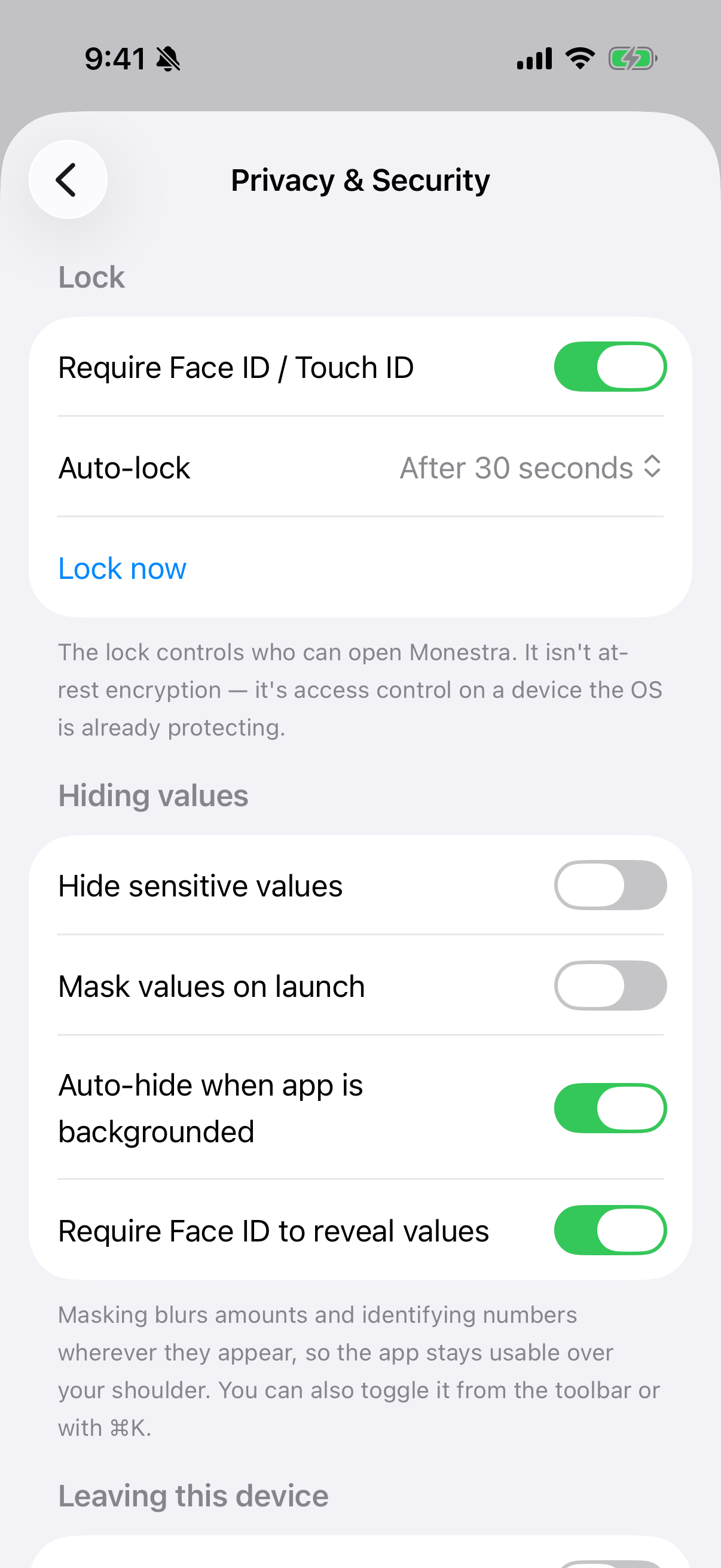
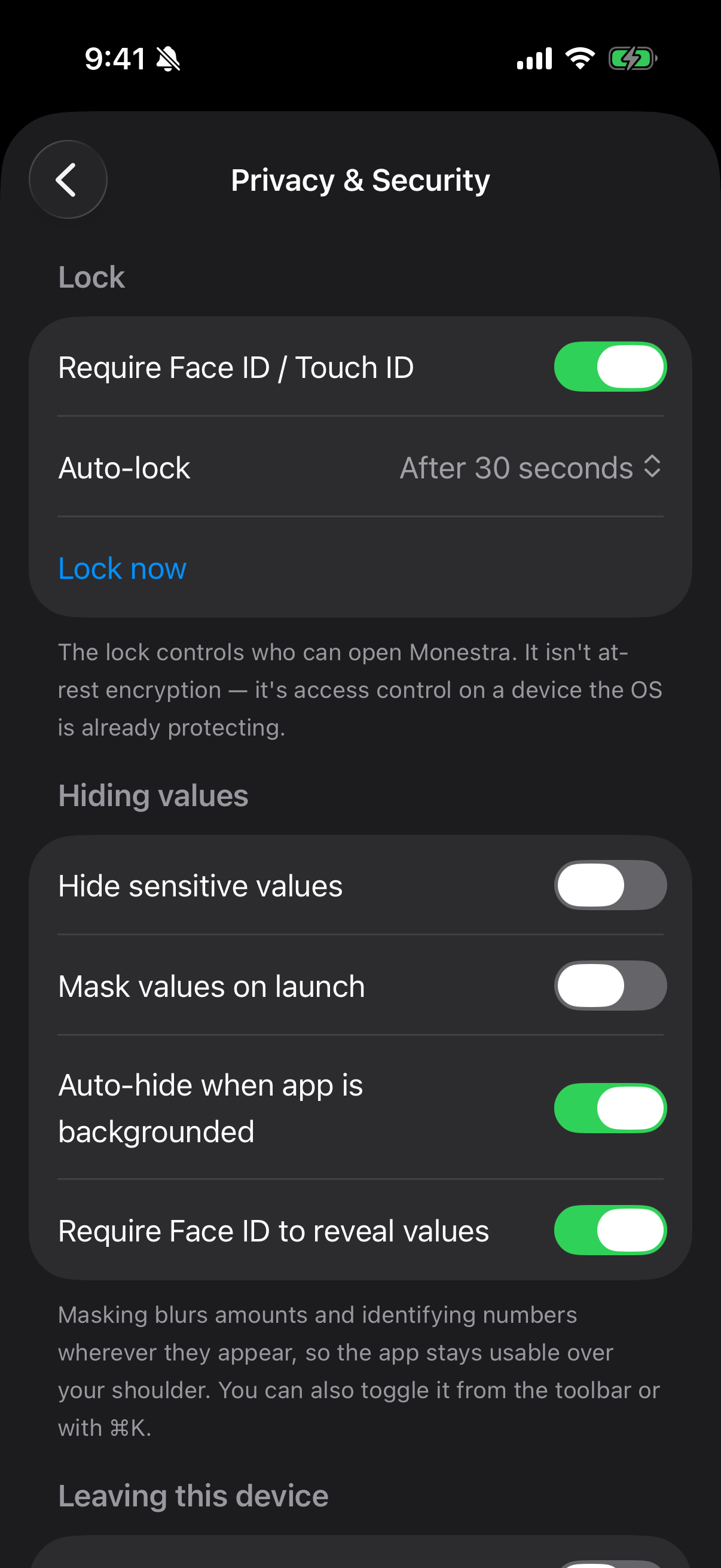
Monestra locks itself, on top of your device's own lock. It uses Face ID, Touch ID or Optic ID where available, and falls back to your device passcode where not.
It is on by default. Auto-lock decides how soon it re-engages after you leave — immediately, or after 30 seconds, 2 minutes or 5 minutes — and the app masks its own window in the app switcher so your figures never appear in a thumbnail.
Masking#
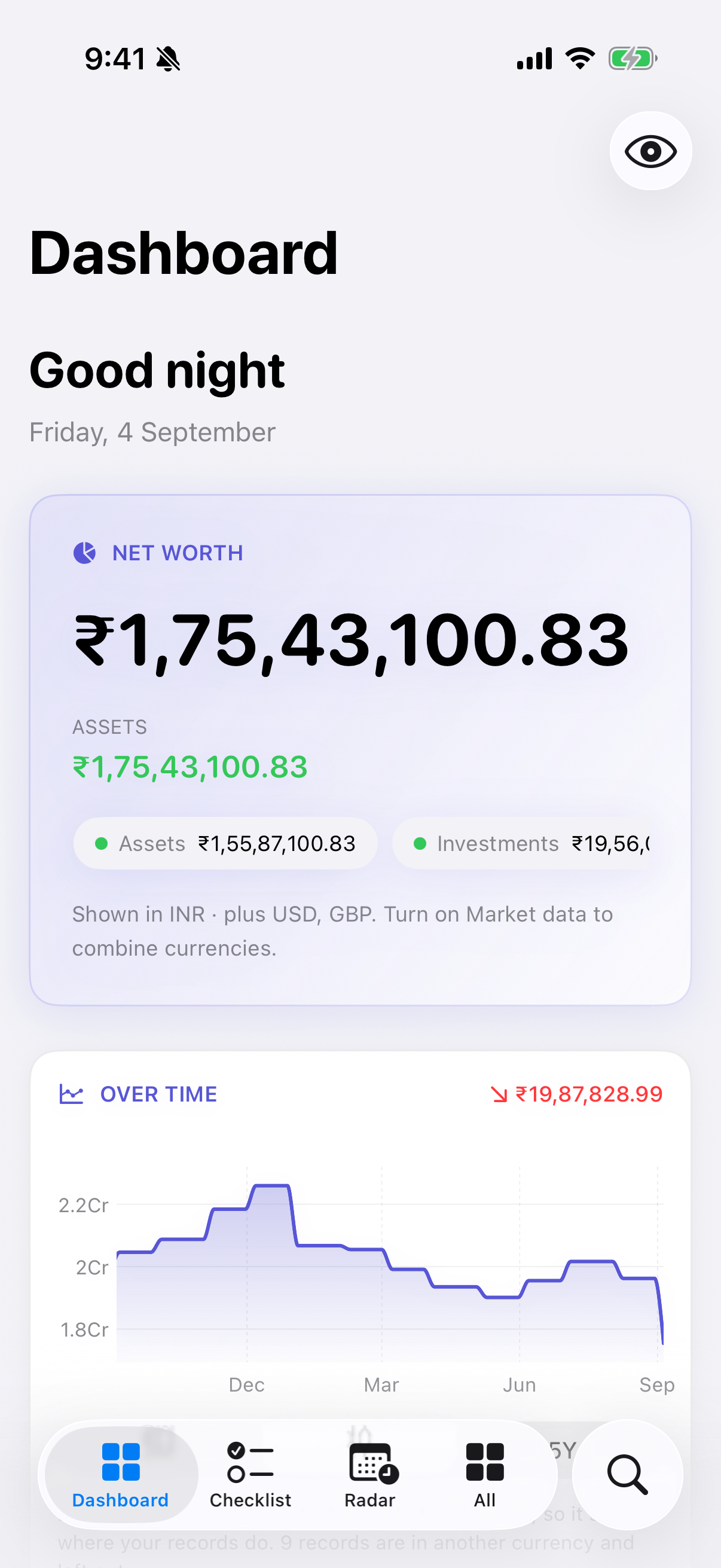
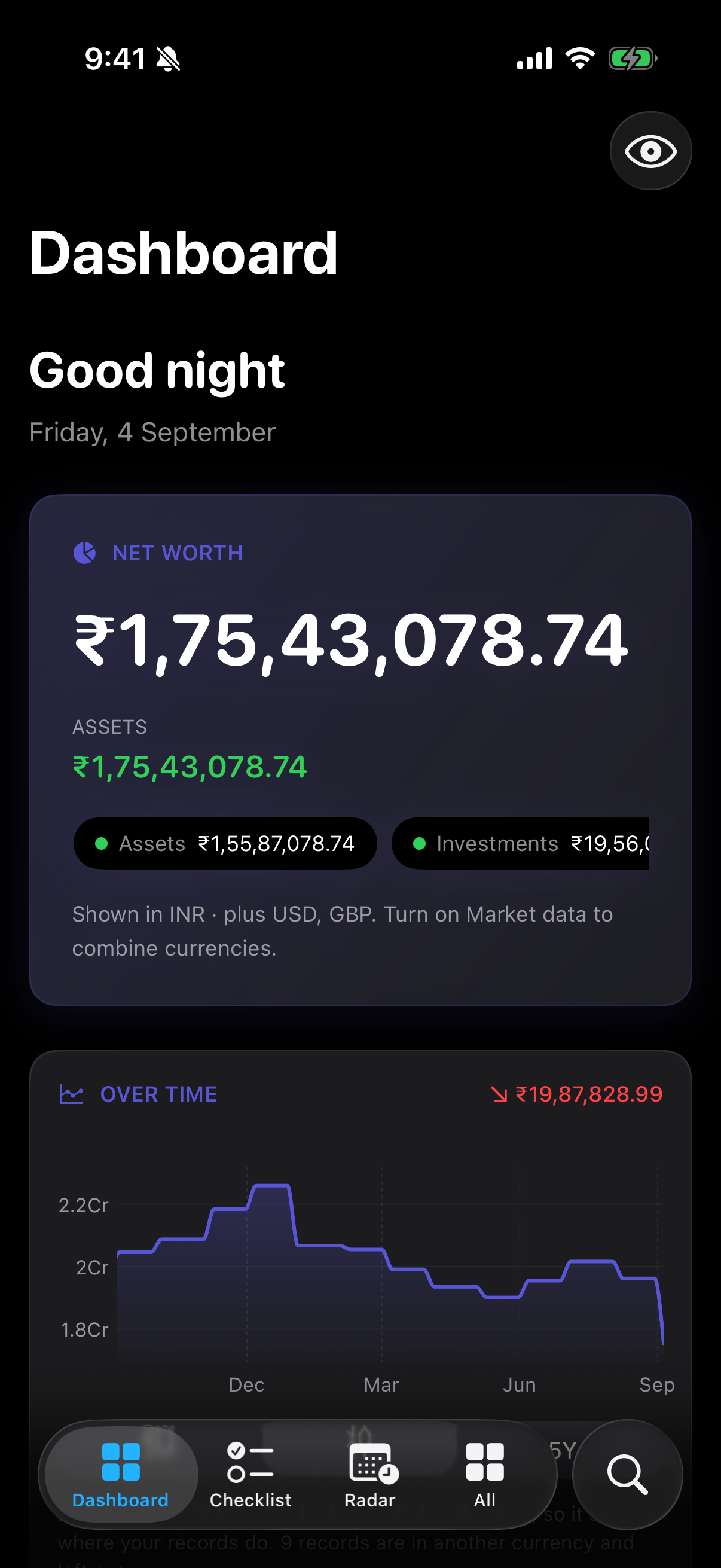
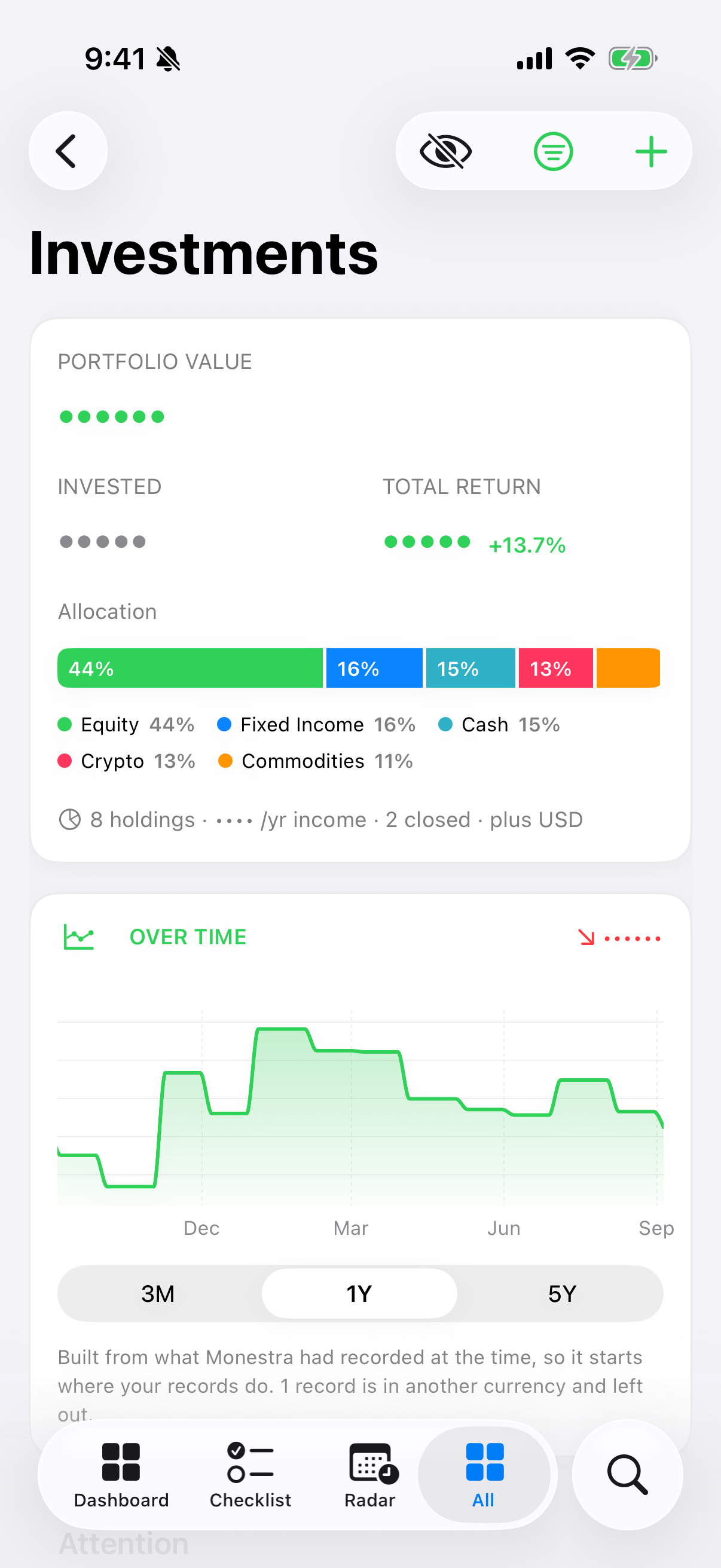
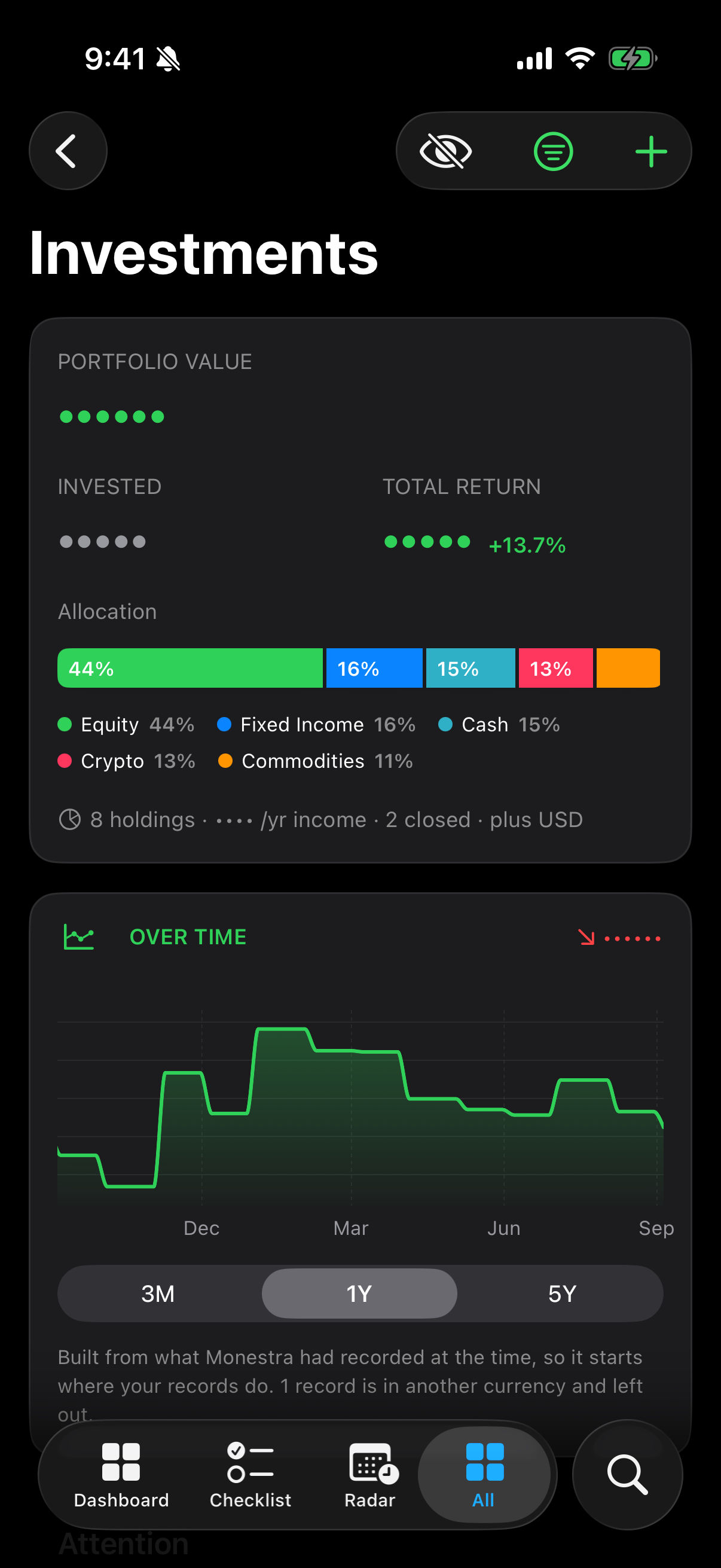
Masking replaces every amount with ••••. Tap the eye button in any module's toolbar, or use Hide values from Find.
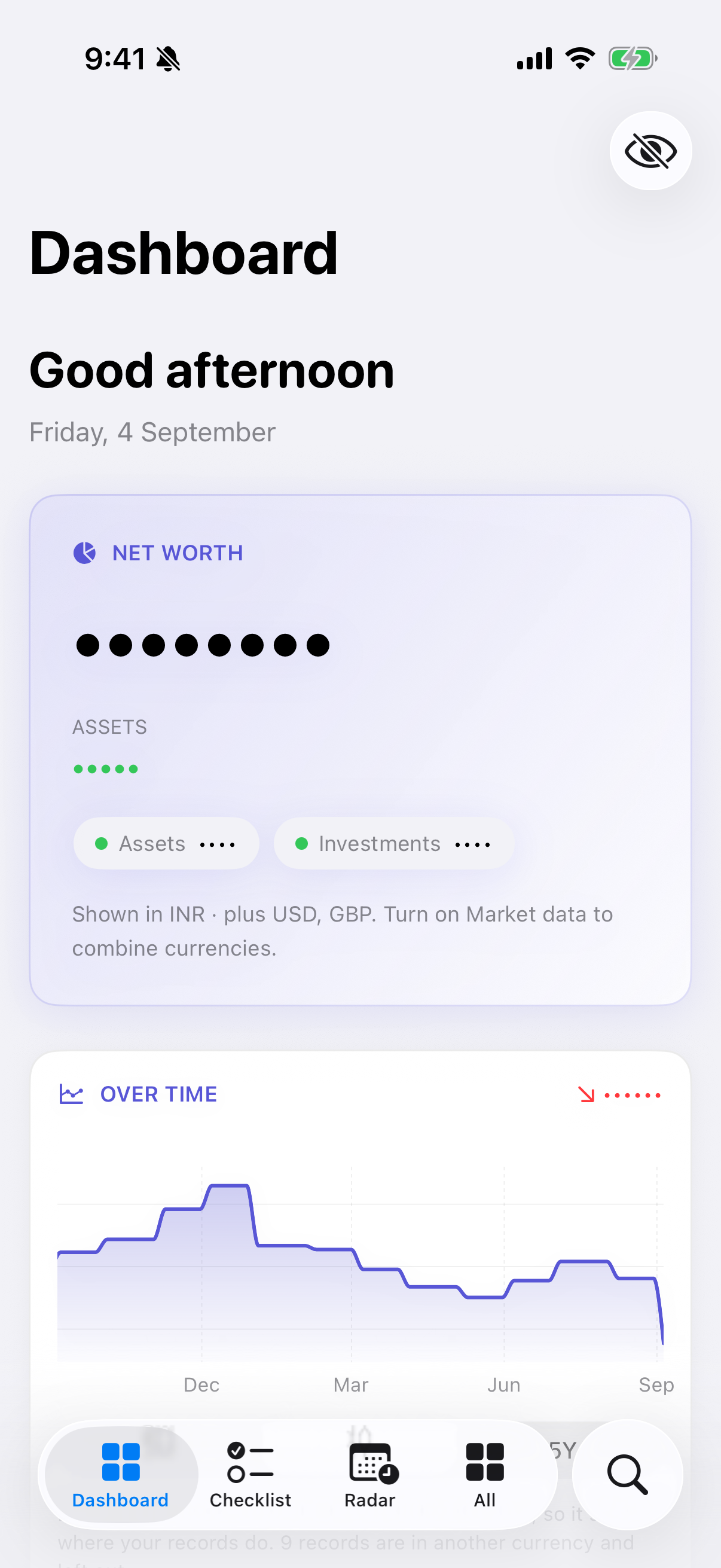
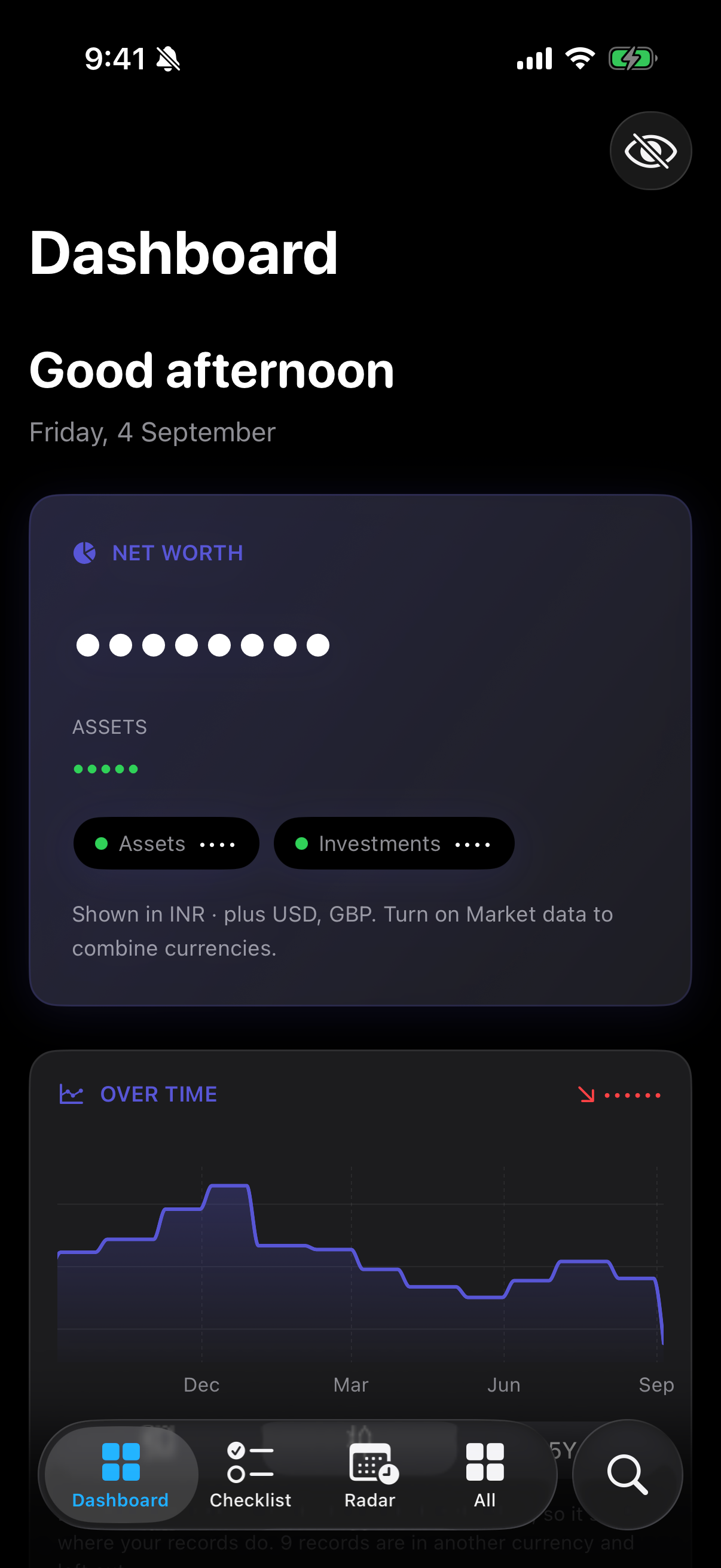
Two settings shape it:
- Mask values on launch — off by default, so Monestra opens showing your figures once you are past the lock. Turn it on if you routinely open the app in public.
- Require Face ID to reveal values — on by default. Unmasking asks for authentication.
- Auto-hide when app is backgrounded — on by default. Leaving the app re-masks it.
Masking is not cosmetic. It holds on tap-through: opening an editor from a masked screen asks for authentication too, so you cannot get at a raw figure by navigating around the mask. And it is app-wide — masking the Dashboard masks every other module at the same time.
What is encrypted, and what is not#
This is where being precise matters more than sounding reassuring.
Specific sensitive fields are encrypted individually, with a key held in your device Keychain: account numbers, policy numbers, folio and demat numbers, phone numbers, and the documents in the Assets vault. These are never indexed by search, never included in a report, and never leave the device unencrypted.
The rest of the database is not app-encrypted. Your balances and record names live in an ordinary SQLite file inside the app's container. It is protected by the operating system — file protection on iOS, and FileVault on a Mac if you have it on — but Monestra does not add a second layer of its own on top.
The network#
Monestra makes zero network connections until you turn on Market data, which ships off.
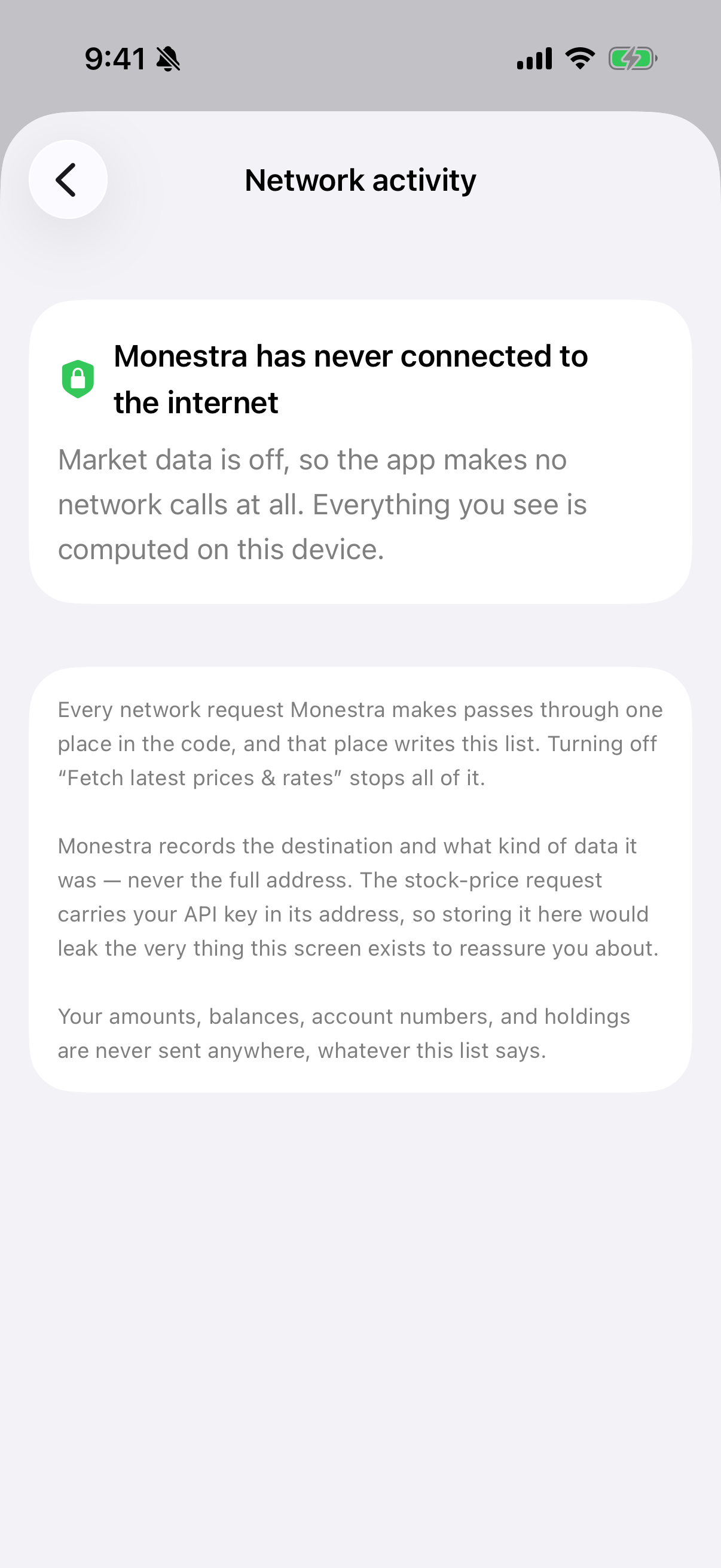
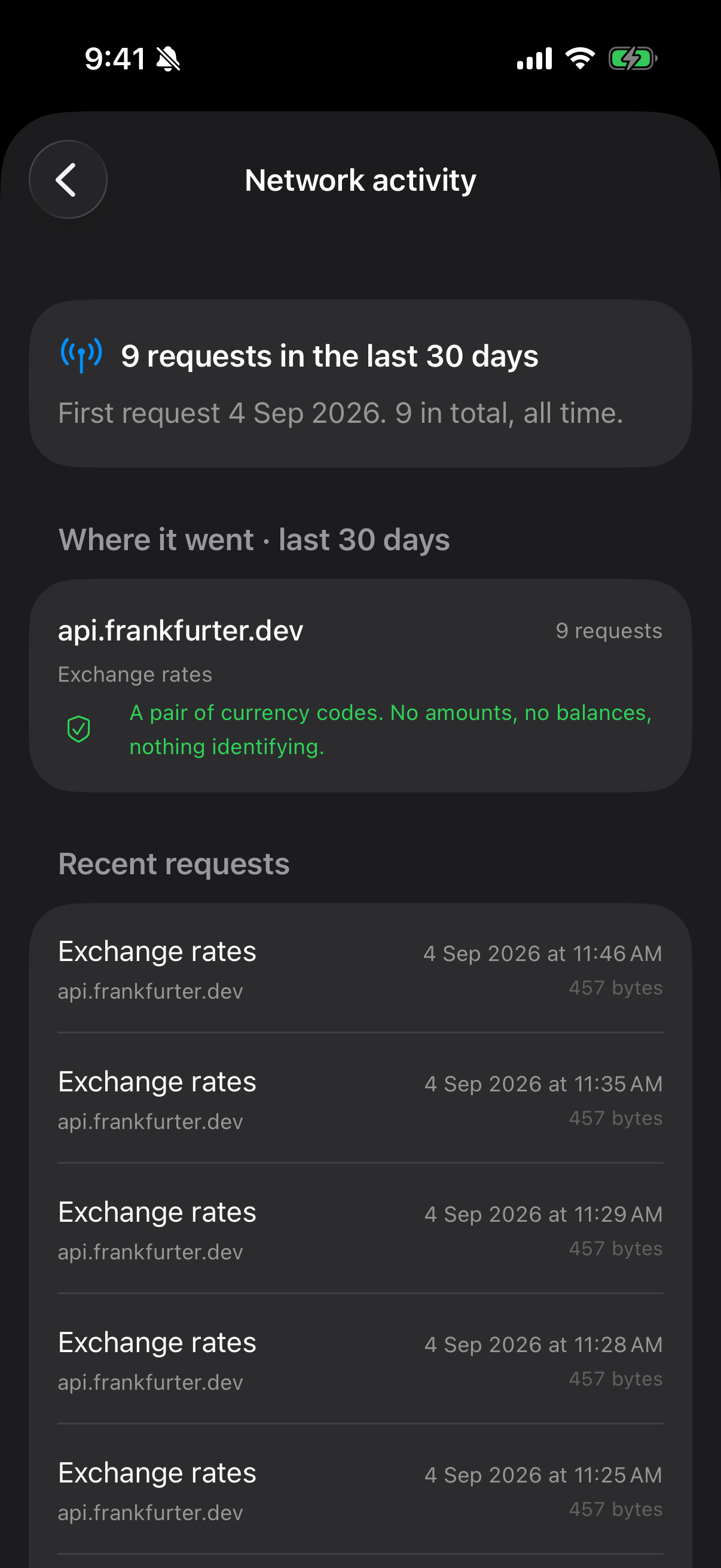
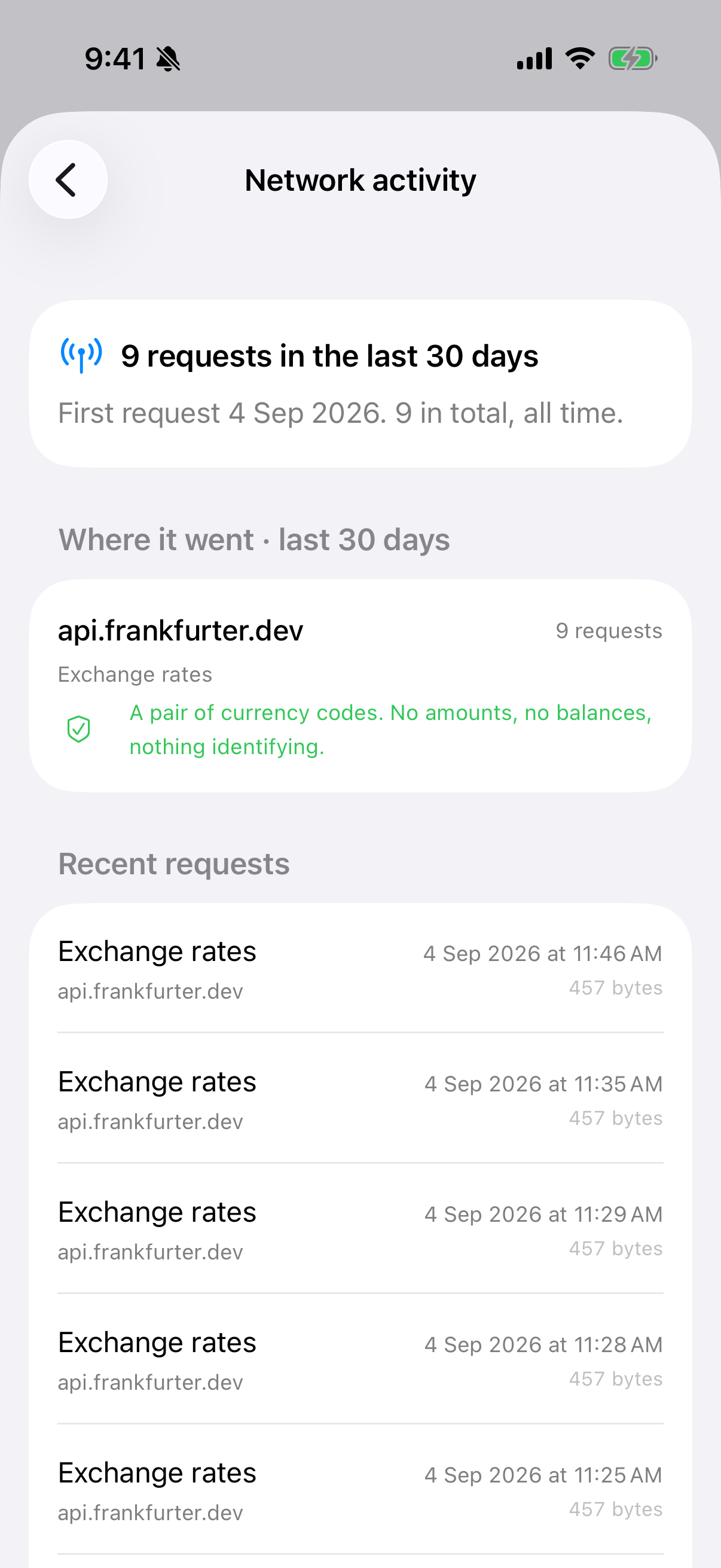
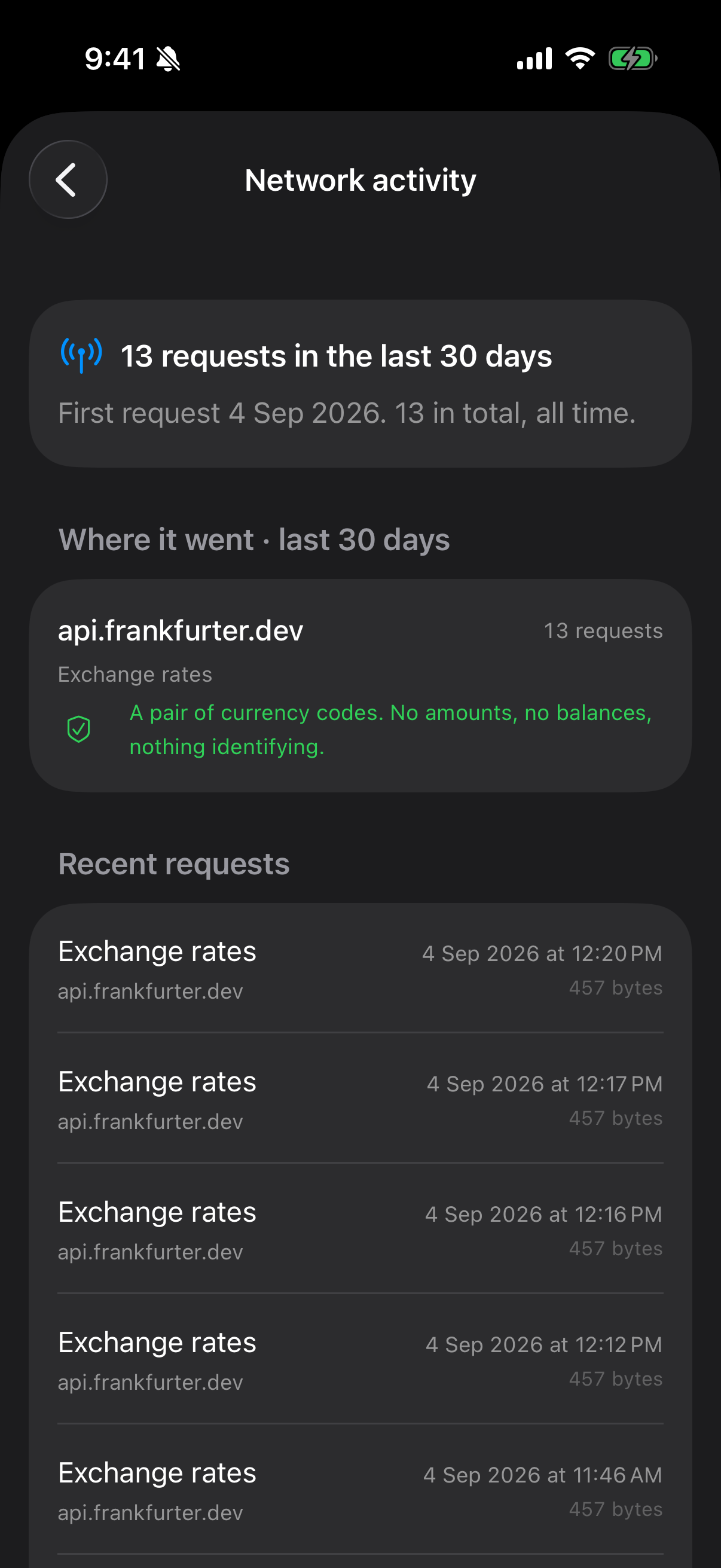
That is not a promise on a marketing page — it is enforced in the build. All network code is confined to a single file, a test fails the build if networking appears anywhere else, and every request that is made is recorded in a ledger you can read in Settings ▸ Privacy & Security ▸ Network activity.
What Monestra never collects#
No analytics. No crash reporting. No advertising identifier. No tracking of any kind. There is no Monestra account, so there is nothing to sign in to and nothing to leak.
The App Store privacy label says Data Not Collected, which is the literal truth rather than a category chosen carefully.
Locking on demand#
Lock now is available from Find — press ⌘K, type "lock". Handy when someone walks up.